The Future of Scheduling: Why Myriad Schedule Pro is a Game-Changer for Modern Radio

Radio scheduling has always been part science, part art. Getting the right song at the right moment, maintaining perfect rotation, and keeping your station sounding fresh: it's a daily balancing act that program controllers know all too well.
But the game has changed. Modern radio demands more than just slotting tracks into hourly clocks. You need intelligence. Flexibility. The ability to manage your station from anywhere in the world.
That's exactly why we built Myriad Schedule Pro.
A Radio Scheduler Built for the Modern Broadcast Environment
Myriad Schedule Pro isn't just an upgrade: it's a complete reimagining of what a radio scheduler can do.
For over 25 years, Broadcast Radio has been developing scheduling tools trusted by stations across the globe. Myriad Schedule Pro represents the culmination of that experience, packed into a platform that's powerful enough for major broadcast networks yet intuitive enough for community stations.
The headline? You're no longer locked into a single ecosystem.
Standalone Scheduling: Freedom to Choose Your Playout System
Here's the reality of modern radio: not everyone runs the same radio automation software. Some stations have invested heavily in systems they're not ready to abandon. Others need to integrate scheduling across multiple platforms for different properties.
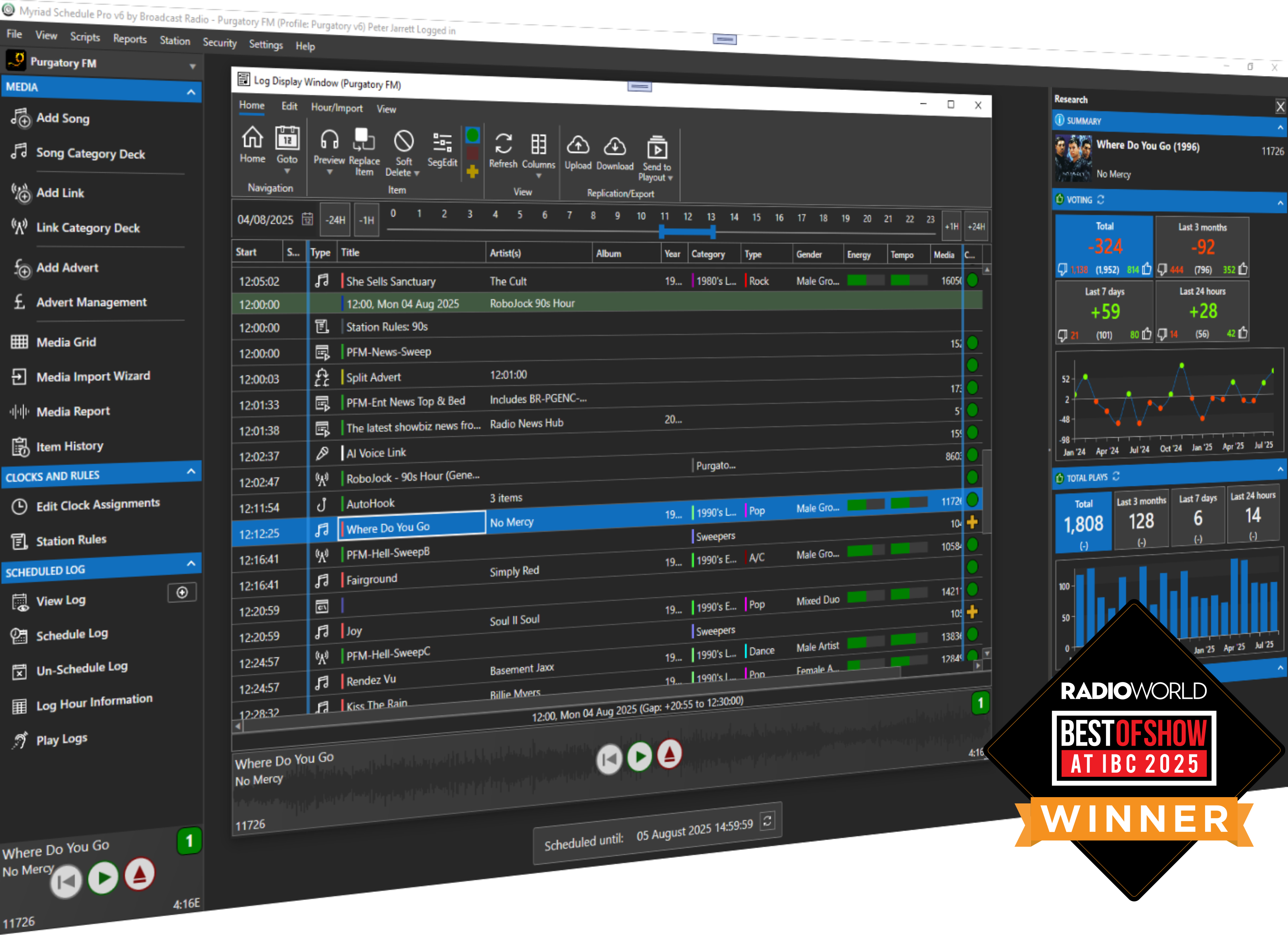
Myriad Schedule Pro now operates as a completely standalone scheduling solution.
While it remains the perfect partner for Myriad Playout, it can now be configured to schedule for third-party systems including:
- RCS Zetta
- WideOrbit
- Enco DAD
- PlayoutOne
- PlayIt Live
- Station Playlist
- Plus more being added all the time!
This changes everything. You get enterprise-grade scheduling and analysis regardless of which playout system sits in your rack. No compromises. No workarounds.
Whether you're running a full Myriad ecosystem or using different radio automation across your stations, Myriad Schedule Pro slots right in.
Desktop, Cloud, or Hybrid: Your Workflow, Your Rules
Every station operates differently. Some program controllers prefer the tactile familiarity of desktop software. Others need cloud-native tools to manage stations across multiple time zones. Many want the best of both worlds.
Myriad Schedule Pro delivers all three options:
- Traditional Windows Desktop: Install locally and run the full-featured application on your studio machines
- Native Cloud Solution: Access everything through a browser with no local installation required
- Hybrid Deployment: Combine local and cloud components to match your specific infrastructure
This flexibility means you're never forced into a deployment model that doesn't fit your operation. Scale up, scale down, or mix and match as your needs evolve.
Remote Management with Myriad Anywhere
The days of being chained to a studio workstation are over.
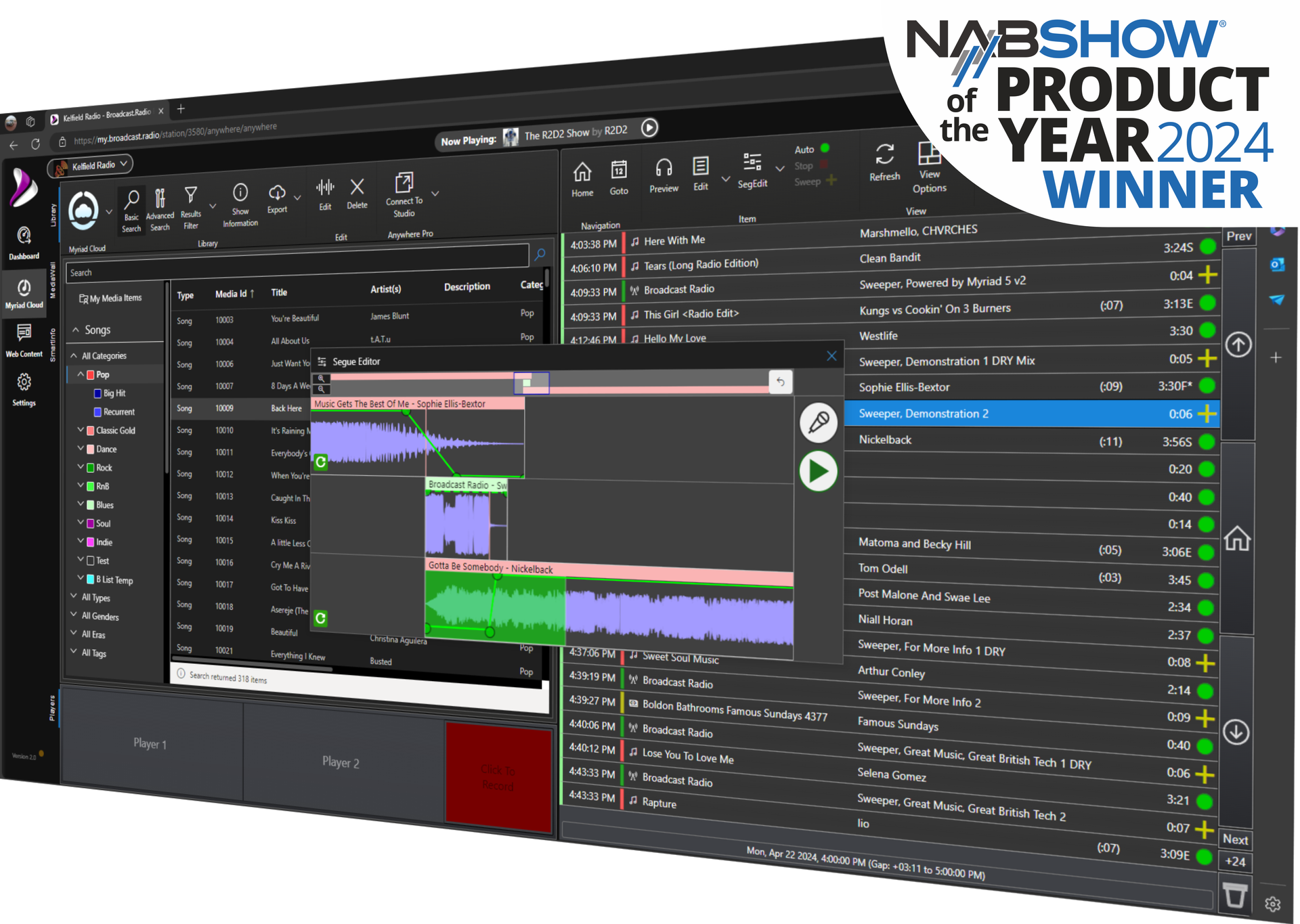
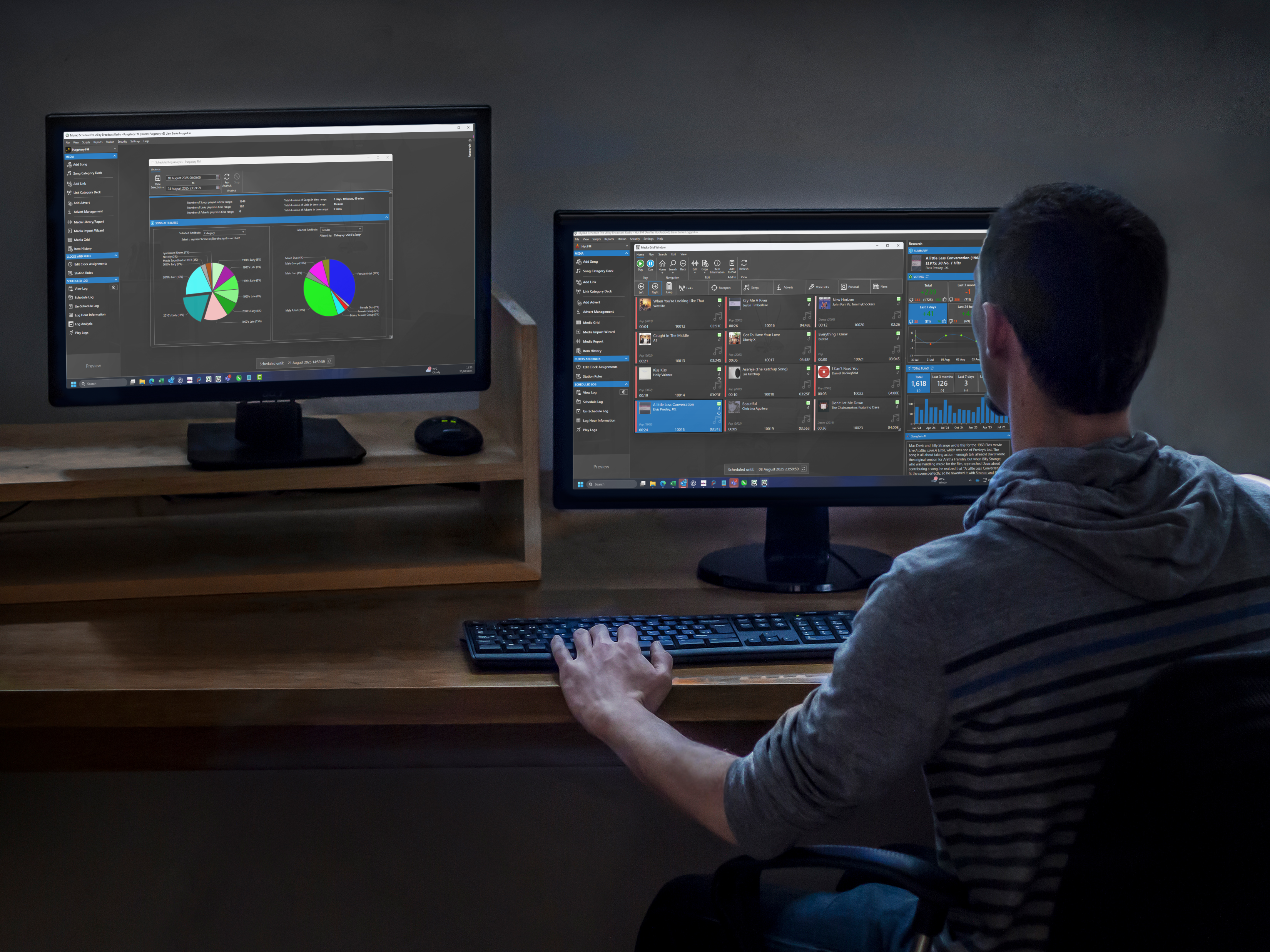
Myriad Anywhere extends Myriad Schedule Pro's capabilities to any modern web browser. Program controllers and content managers can control every aspect of station scheduling remotely: whether they're at home, on the road, or working from a different continent.
Need to make a last-minute schedule change before a major event? Done from your laptop. Want to review tomorrow's log while commuting? Pull it up on your tablet. Managing stations across different regions? Switch between them instantly from a single interface.
This isn't a watered-down mobile version. It's the full scheduling experience, accessible from anywhere with an internet connection.
Automation That Actually Works: Introducing Future Moves
Let's talk about one of the most powerful features in Myriad Schedule Pro: Future Moves.
Every music director knows the pain of manually managing song lifecycles. A track hits your playlist as a hot new release. Two weeks later, it needs to move from heavy rotation to medium. After a few months, it slides into recurrent. Eventually, it becomes a gold track.
Traditionally, this meant constant manual intervention. Spreadsheets. Reminders. Hoping you didn't forget to demote that track that's been burning out your listeners.
Future Moves changes the game completely.
You can now program a song's entire journey through your rotation categories in advance:
- Move from 'A-List' to 'B-List' after two weeks
- Rotate into 'Recurrent' after 50 spins
- Shift to 'Gold' after six months
- Remove from active rotation after a year
Set it once. Forget it. The system handles everything automatically.
This "set and forget" approach doesn't just save time: it ensures consistent rotation management across your entire library. No more songs slipping through the cracks. No more listener fatigue from overplayed tracks.
Data-Driven Decisions: The Research and Analysis Pane
Good scheduling isn't just about following rules. It's about understanding what works.
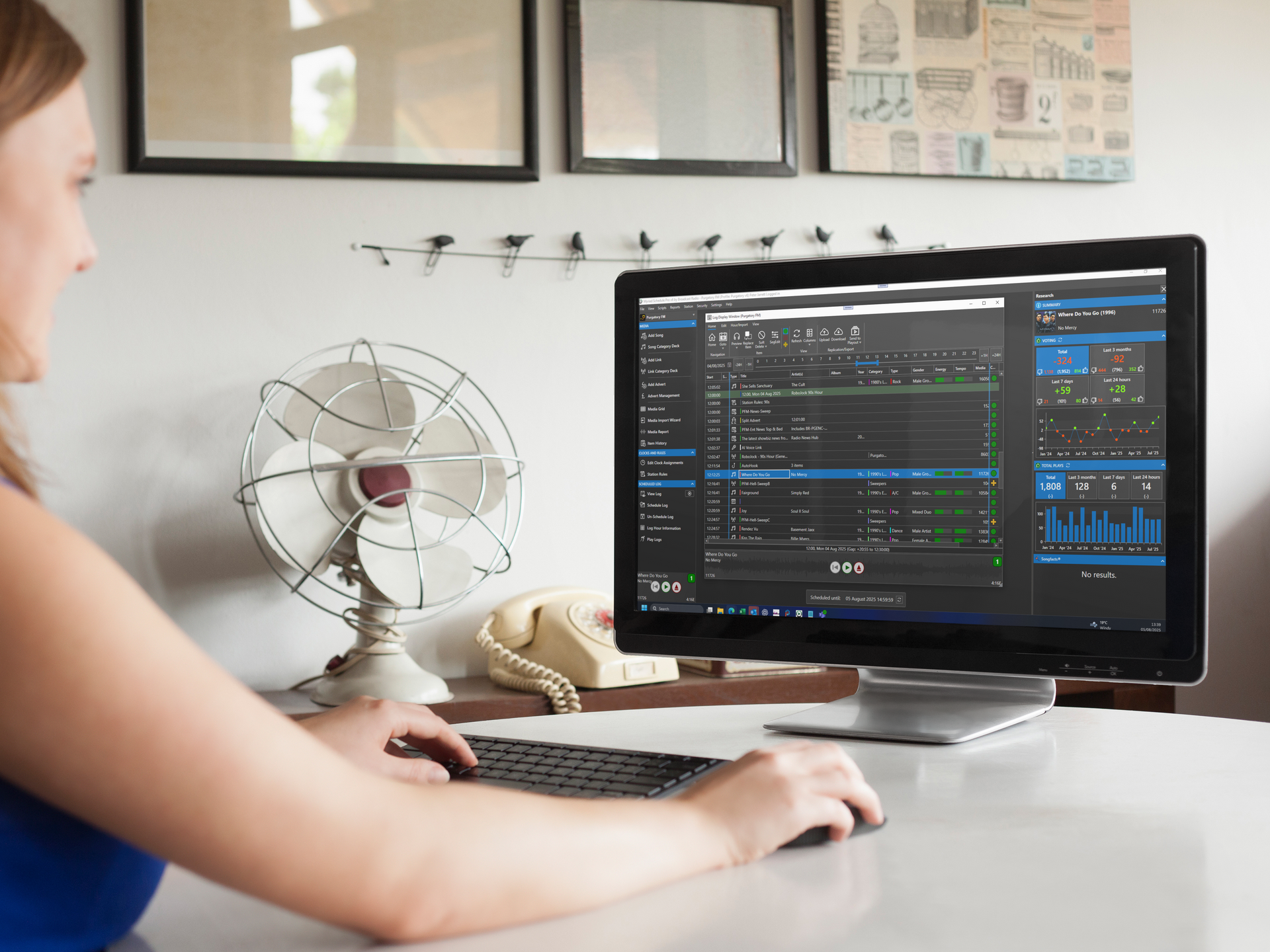
Myriad Schedule Pro introduces a brand new Research and Analysis Pane: a live-updating window that gives you deep-dive history for every track in your library.
Key features include:
- Play History: See exactly when and how often each track has aired
- Listener Voting Data: Integration with the Broadcast.Radio web player and mobile apps shows real audience preferences
- Songfacts™ Integration: Access background information, trivia, and context for thousands of songs
- Performance Trends: Visualize how tracks are performing over time
This isn't just data for data's sake. It's actionable intelligence that helps you make smarter programming decisions. When you can see that a particular track consistently drives engagement, or that another has been declining in listener response, you can adjust your strategy accordingly.

Built for Scale: Single Station to Multi-Station Networks
Whether you're programming a single community station or managing a network of brands across multiple markets, Myriad Schedule Pro adapts to your scale.
The platform offers:
- Unified Interface: One consistent experience regardless of how many stations you manage
- Instant Station Switching: Move between properties without logging in and out
- Cross-Brand Management: Compare logs side-by-side across different stations
- Advanced Log Management: Professional-grade views optimized for multi-station scheduling
For group operators, this scalability is critical. You need tools that grow with you: not software that becomes a bottleneck as your portfolio expands.
More Intelligence Under the Hood
Beyond the headline features, Myriad Schedule Pro includes a suite of tools designed to make your life easier:
- Media Packets: Group multiple versions of a song or high-volume artists together for perfect rotation without cluttering your category decks
- Context-Aware Links: Set jingles and links to only follow songs with specific attributes (imagine a "90s" jingle that only ever plays before 90s tracks)
- 100+ User-Definable Rules: Control song separation, artist rotation, album balance, tempo, flow, and more: all customizable per category
- Goal-Driven Scheduling: Set song and link category goals for each clock hour while maintaining natural variation
- Log Review System: Identify rule violations with context-sensitive recommendations
These aren't just nice-to-haves. They're the details that separate good radio from great radio.
Making the Switch
If you're currently using Myriad Schedule Plus, here's good news: you'll receive an immediate upgrade to Myriad Schedule Pro at no additional cost.
For stations using other scheduling solutions, Myriad Schedule Pro is available immediately: either as a standalone license or as part of the wider Myriad Cloud and Playout & Automation ecosystems.
The future of radio scheduling isn't about doing more work. It's about smarter automation, better data, and the flexibility to run your station however you see fit.
Myriad Schedule Pro delivers exactly that.
Ready to see what Myriad Schedule Pro can do for your station? Learn more here or reach out to our team at hello@broadcastradio.com.