How to Choose the Best Radio Broadcast Software (Compared)
Choosing the right radio broadcast software is the most critical decision you will make for your station’s infrastructure. The software you select dictates your workflow, your reliability on-air, and your ability to scale as your audience grows.
Modern broadcasting has moved far beyond simple media players. Today, you require a system that handles complex metadata, integrates seamlessly with cloud resources, and provides intelligence-driven scheduling to keep your content fresh. Whether you are running a professional commercial station, a community project, or an educational radio environment, your software must be a silent partner that never fails.
The Foundation of Reliability
Reliability is the non-negotiable cornerstone of professional broadcasting. When your software crashes, your station goes silent, leading to lost revenue and listener churn.
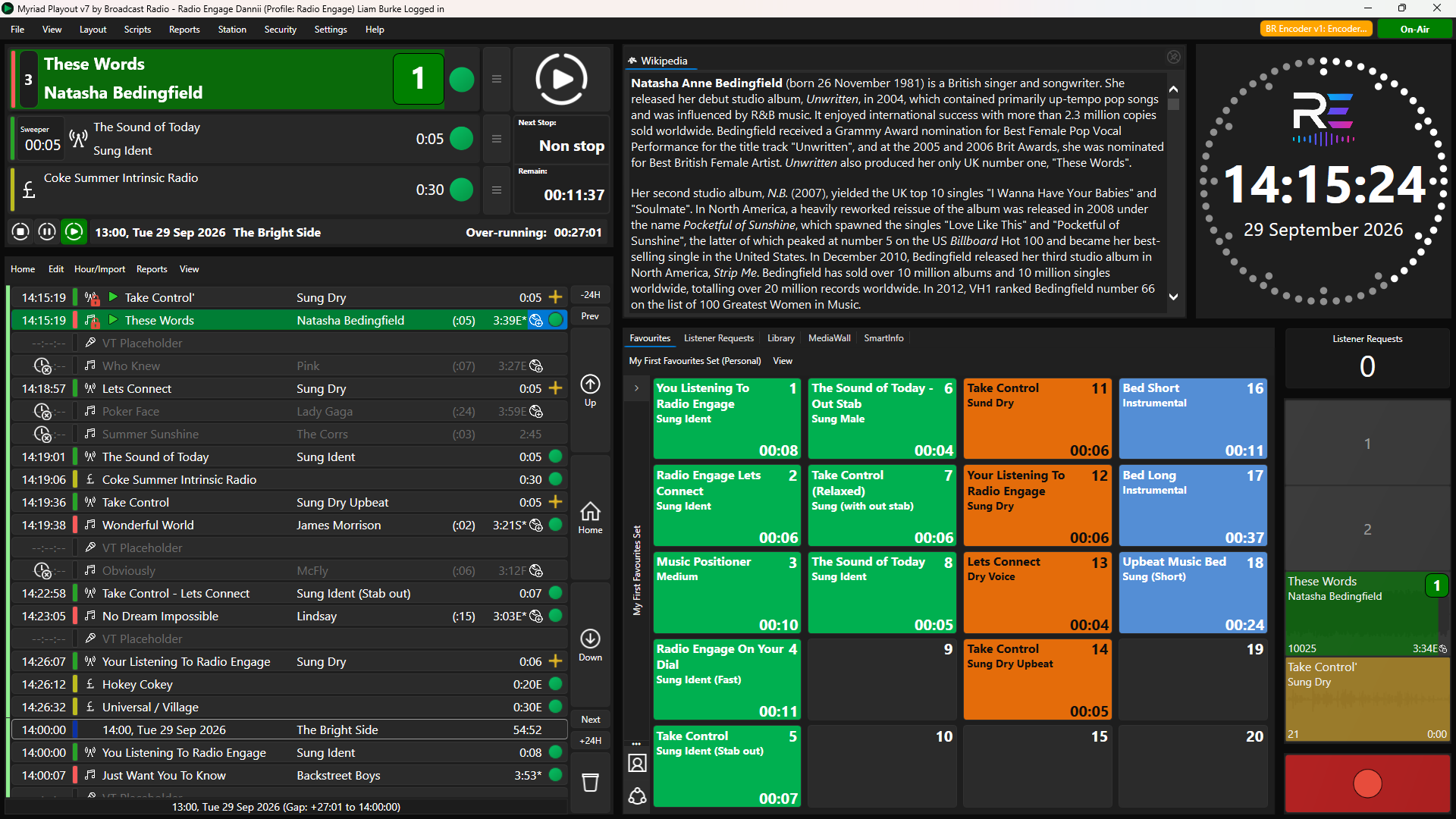
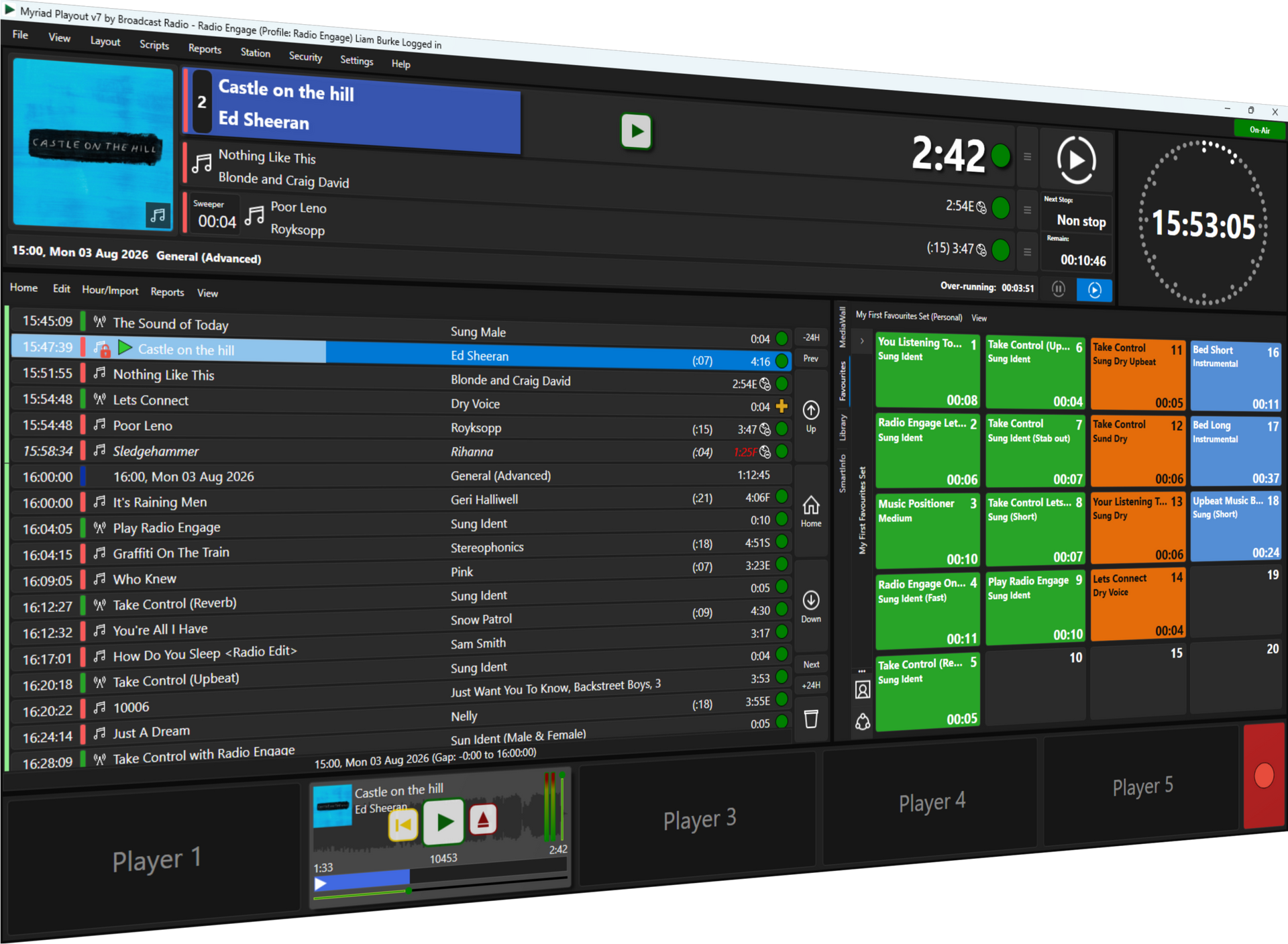
Professional-grade solutions like Myriad Playout & Automation are engineered specifically for 24/7/365 operation. Unlike consumer-level media players or entry-level "freeware," professional automation systems are built to handle the rigors of continuous playback while simultaneously managing background tasks like file ingestion and database maintenance.
Core Reliability Features
- SQL Database Backend: Ensures robust data management and rapid search capabilities even with massive libraries.
- Hardware Abstraction: Allows the software to communicate effectively with various broadcast mixers and sound cards.
- Automated Silence Detection: Features that automatically trigger emergency content if a live feed or external source fails.
- Redundant Architecture: The ability to sync multiple workstations so a backup can take over instantly.

Cloud-Native vs. Cloud-Hosted
The industry is currently undergoing a massive shift toward cloud technology. However, there is a significant difference between "cloud-hosted" (running old software on a remote server) and "cloud-native" platforms.
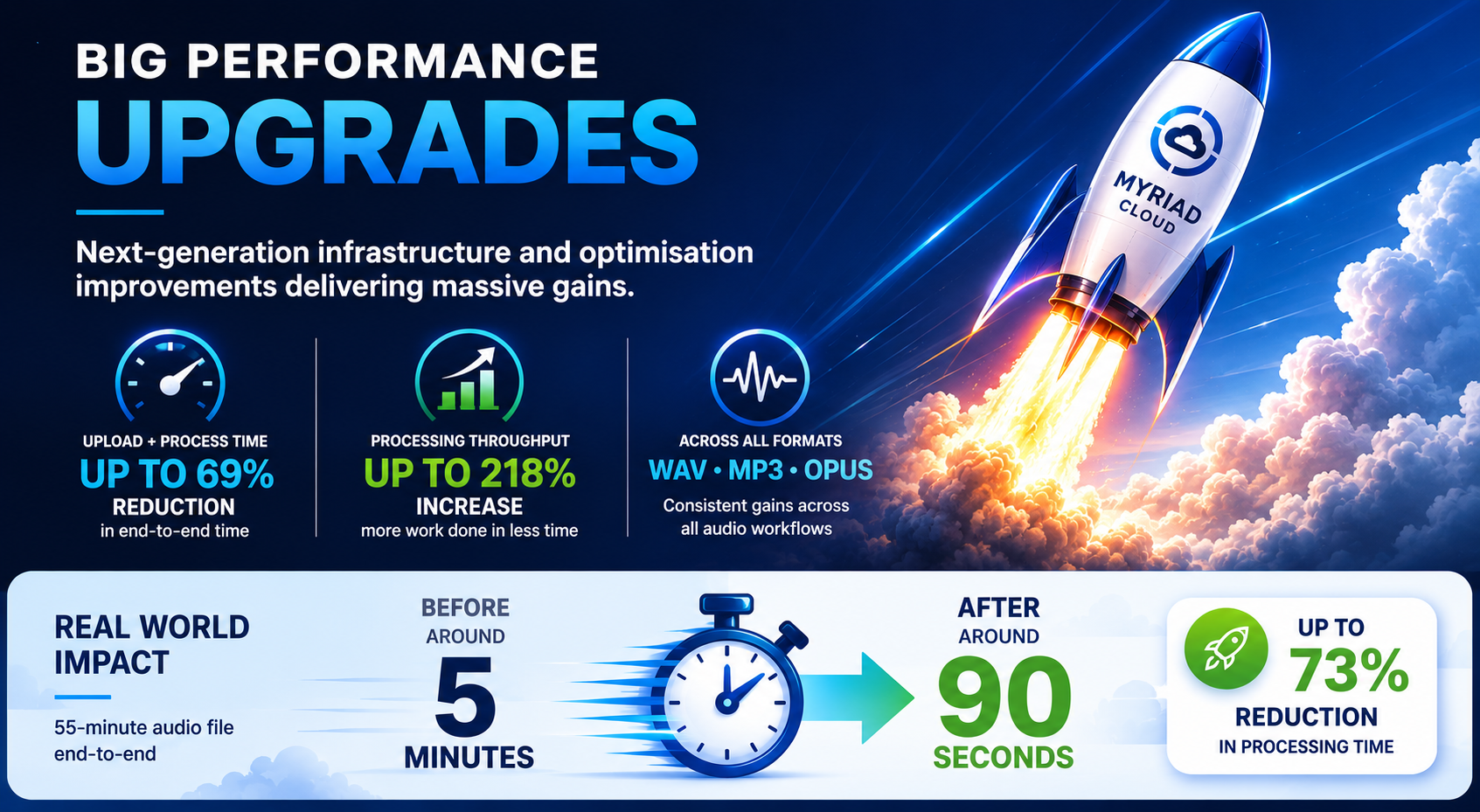
Cloud-native solutions, such as Myriad Cloud, are built from the ground up to operate in a virtualized environment. This approach removes the need for physical on-site servers, reduces electricity costs, and eliminates the risk of local hardware failure. It provides a level of flexibility that traditional setups simply cannot match.
Why Cloud-Native Matters
- Zero Hardware Footprint: Launch a full professional station without buying a single server.
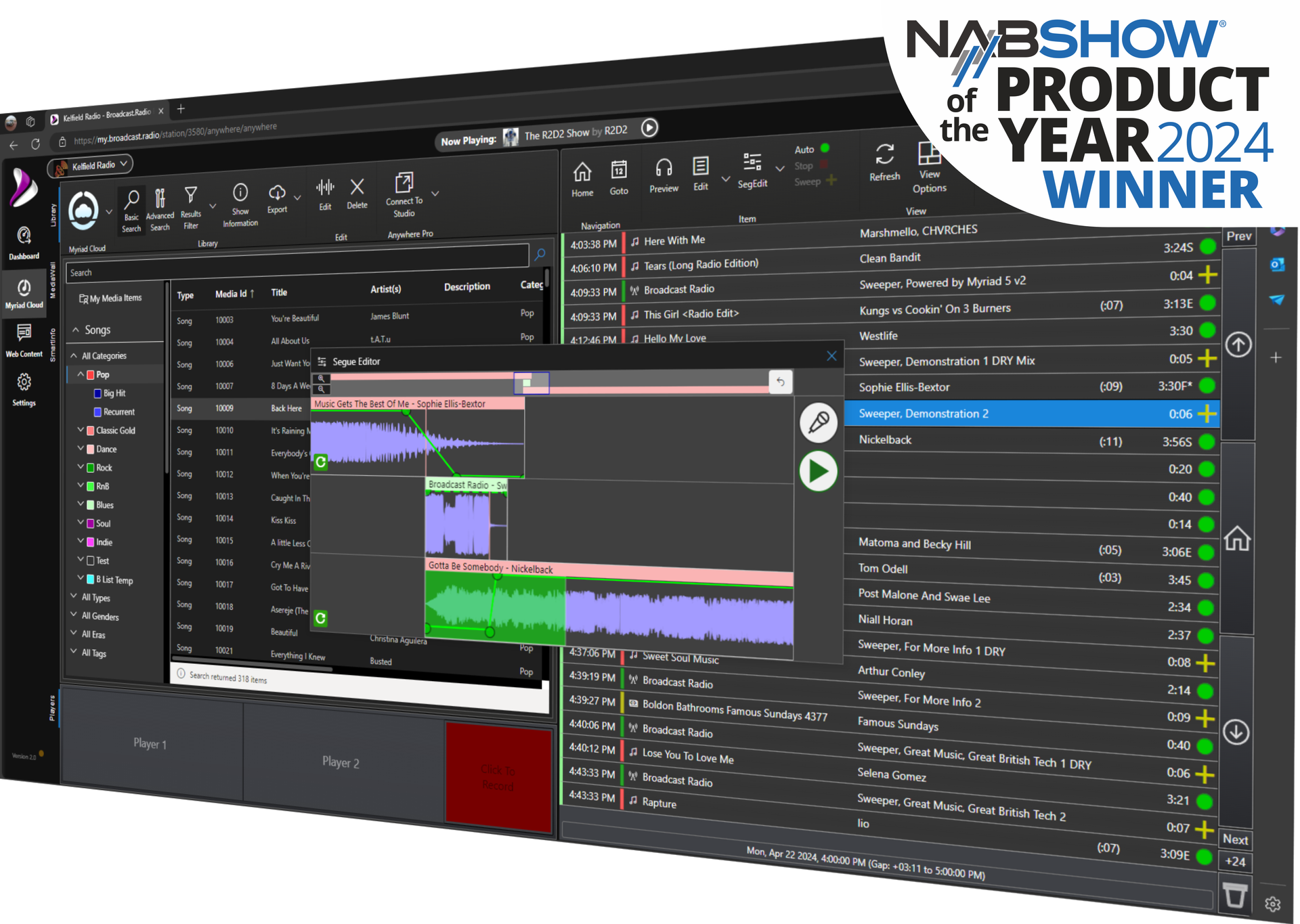
- Global Accessibility: Manage your station from any web browser using tools like Myriad Anywhere.
- Instant Scalability: Add more channels or storage capacity in minutes rather than weeks.
- Automatic Updates: Benefit from the latest features and security patches without manual intervention.
For stations that still require a physical studio presence, a hybrid approach often works best. You can use Myriad Playout & Automation in the studio while utilizing cloud-based tools for remote voice tracking and remote control support.

The Role of Advanced Scheduling
Efficiency in modern radio is driven by automation intelligence. You should not be spending hours manually placing every song and sweep in a log.
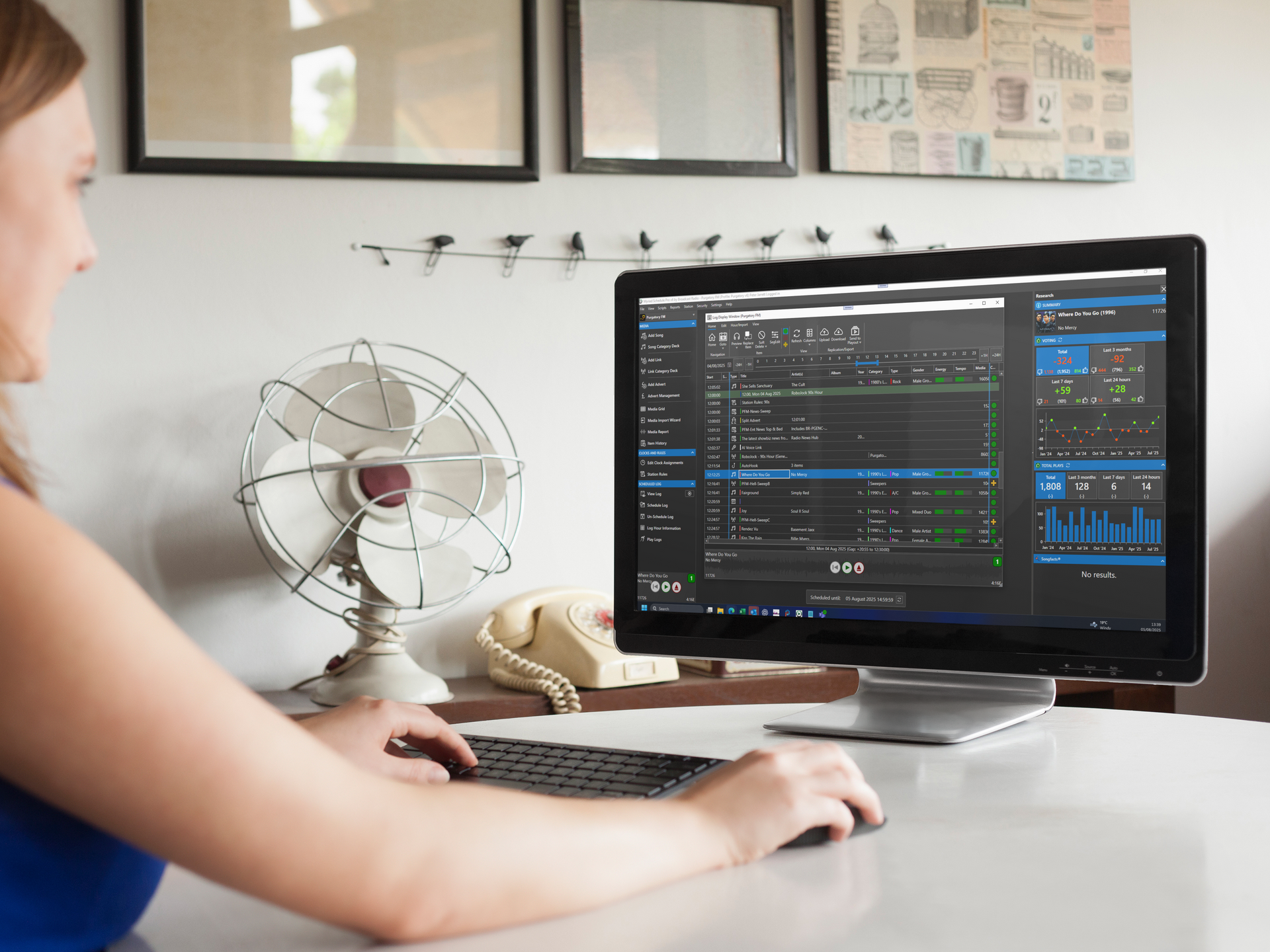
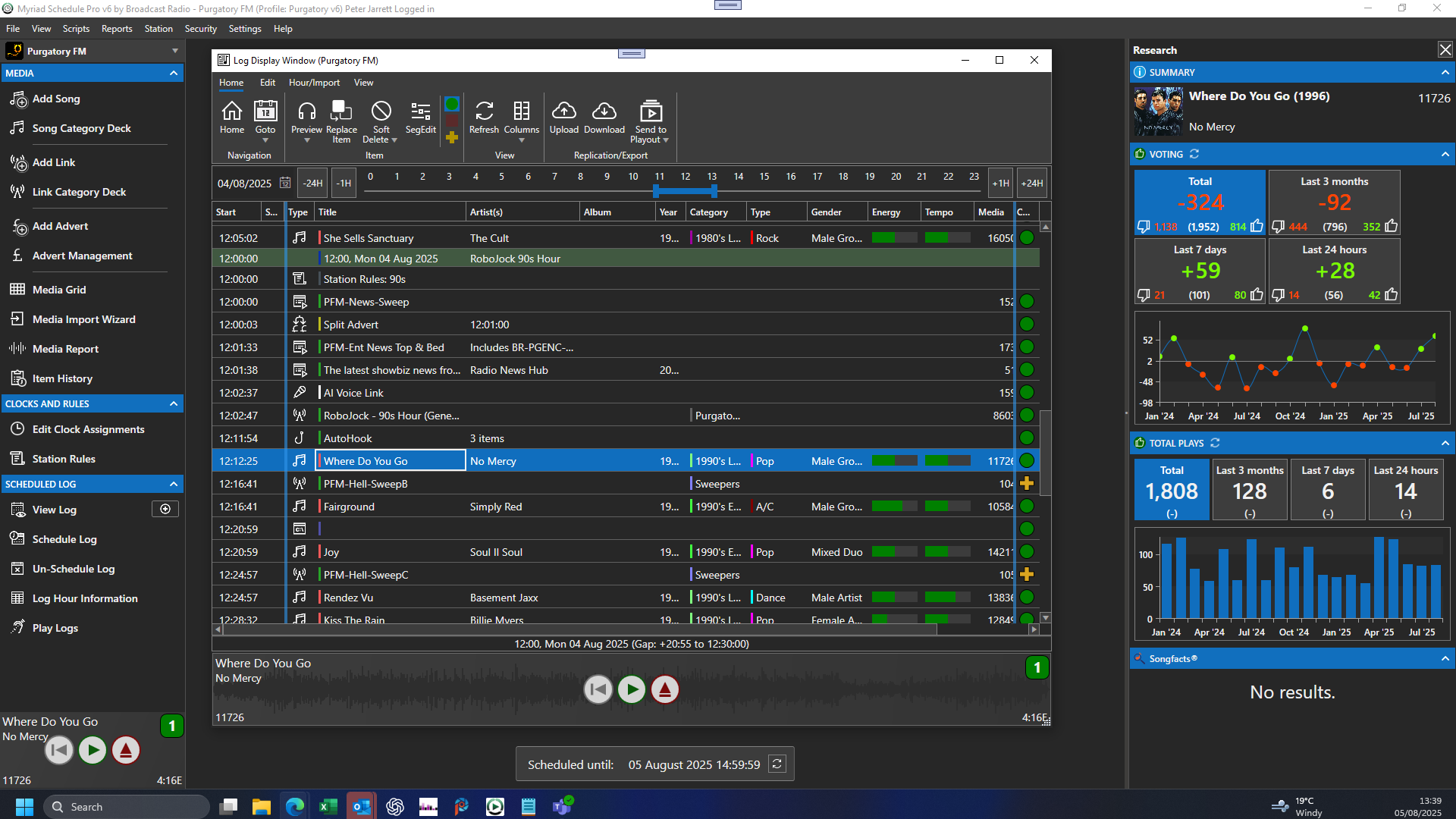
Advanced scheduling software, such as Myriad Schedule Pro, uses sophisticated algorithms to ensure your music flow is perfect every time. This goes beyond simple rotation; it involves deep logic regarding artist separation, tempo flow, and energy levels.
Smart Radio Capabilities
- Smart Log Generation: Automatically creates balanced playlists based on your specific station clocks.
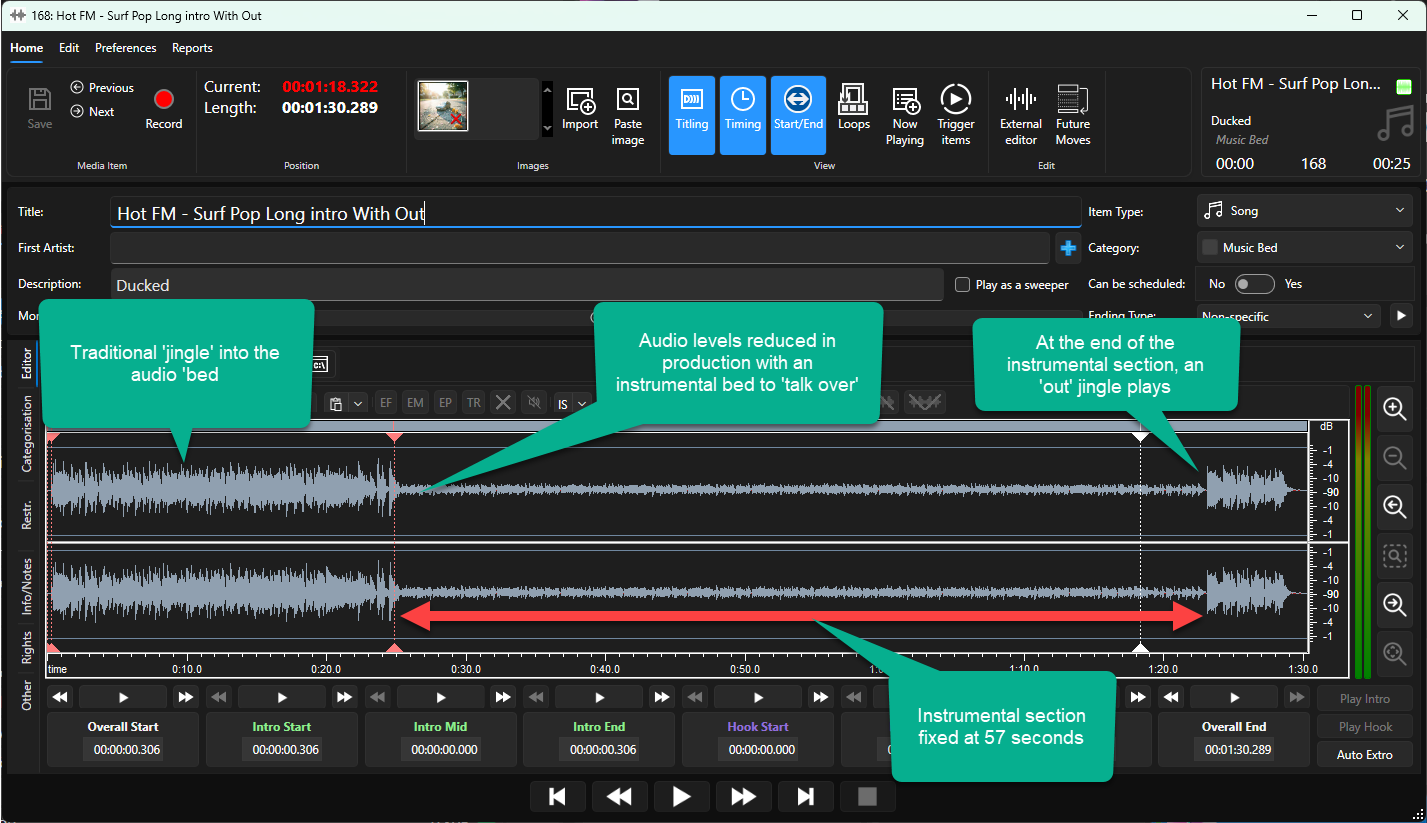
- Dynamic Transitions: Automated tools that calculate the perfect crossfade point between tracks based on audio density.
- Voice Track Enhancement: Tools that allow you to maximize your talent pool, no matter where they are in the world.
- Automated Content Sourcing & Creation: Systems that can pull in news, weather, and social media updates without human input. AI Voice Links make your station sound live 24/07/365.
By leveraging these features, your team can focus on creating high-quality content rather than performing repetitive administrative tasks.
Comparing the Top Software Tiers
When comparing software, it is helpful to categorize options based on their intended use and feature set.
1. Entry-Level/Open Source
Options like RadioDJ or Mixxx are popular for hobbyists. While they offer basic playback, they often lack the deep integration and commercial-grade support required for professional environments. They are suitable for testing the waters but often become a bottleneck as a station grows.
2. Traditional Professional Playout
Systems in this category are designed for high-end studio use. They offer excellent reliability but can sometimes be rigid when it comes to remote working or cloud integration.
3. The Modern Standard: Myriad Playout & Automation
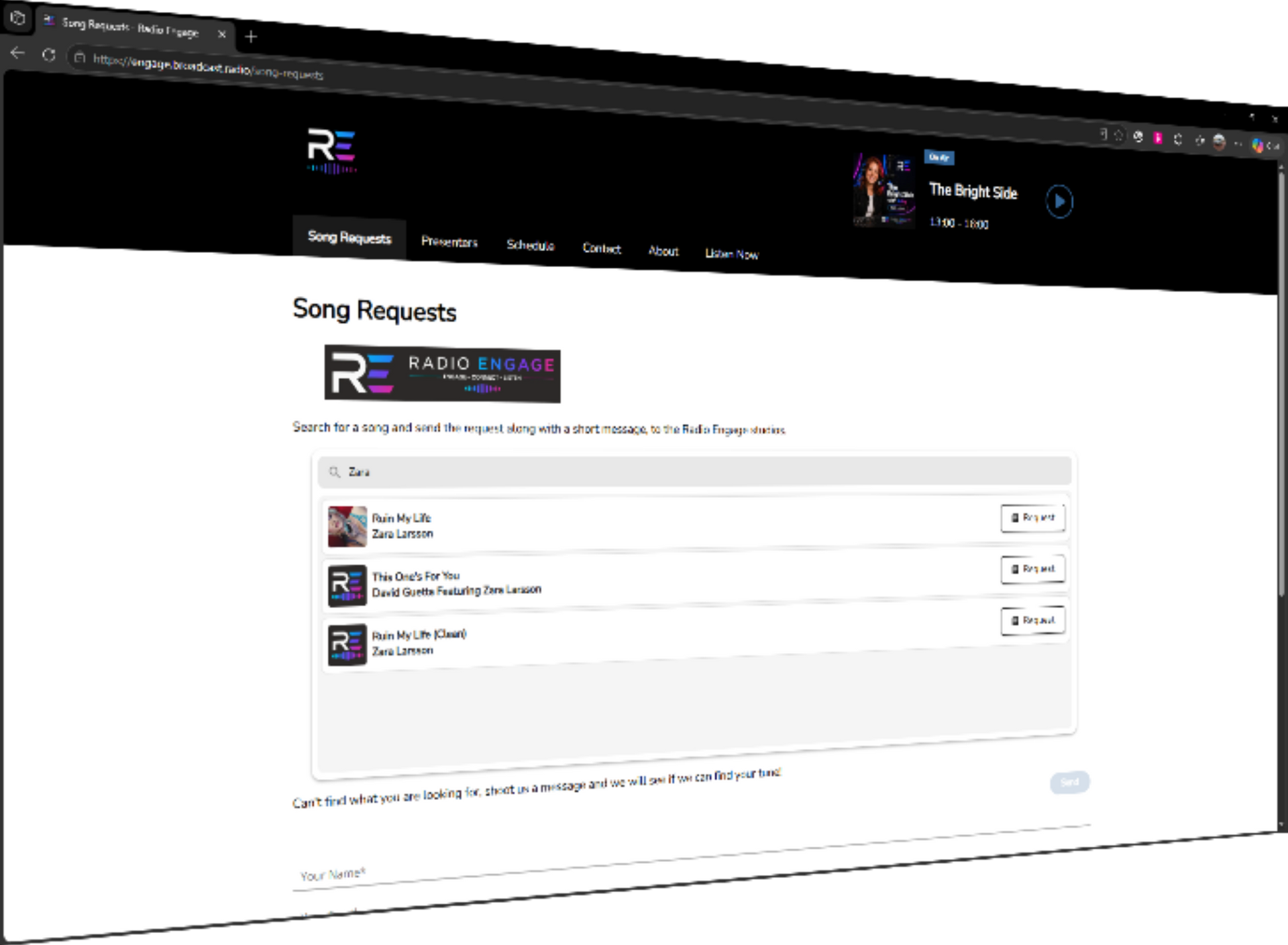
This represents the top tier of scalability and ease of use. It bridges the gap between traditional hardware reliability and modern digital flexibility. It supports advanced mobile radio apps integration and provides detailed broadcasting statistics to help you understand your performance.
Support and the "Human" Factor
Software is only as good as the support team standing behind it. In the high-pressure world of live broadcasting, you cannot afford to wait days for a forum response when your station is off-air.
When choosing software, evaluate the vendor’s support infrastructure. Do they offer dedicated technical support? Is there a comprehensive knowledge base? A professional partner like Broadcast Radio provides not just the code, but the expertise to ensure your station succeeds.
Support Essentials
- Direct Access: The ability to speak with engineers who understand the broadcast environment.
- Training Resources: Video tutorials and documentation to get your staff up to speed quickly.
- Regular Updates: A roadmap of consistent improvements based on user feedback.
- Community Forums: A place to share ideas with other professional broadcasters.

Key Feature Checklist for Your Search
As you evaluate your options, use this checklist to ensure the software meets professional standards:
- Multi Format Support: Import audio from any format and from any source.
- Integrated Log Management: Seamless transitions between music and advertisements.
- Multi-User Permissions: Control who can edit the library or change the on-air log.
- Remote Voice Tracking: Allow presenters to record segments from anywhere in the world.
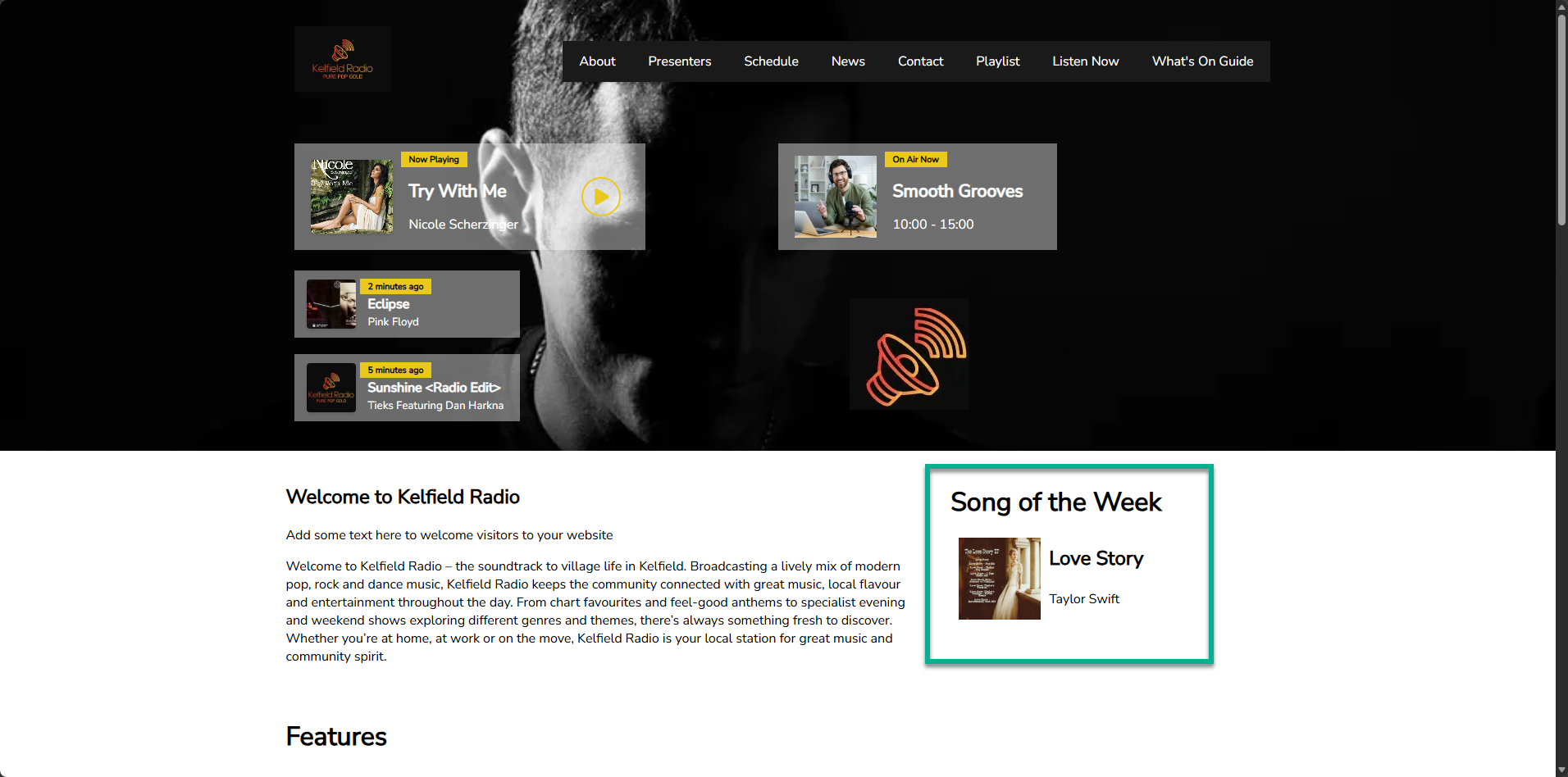
- Metadata Export: Send track information to your website, mobile apps, and DAB multiplexes.
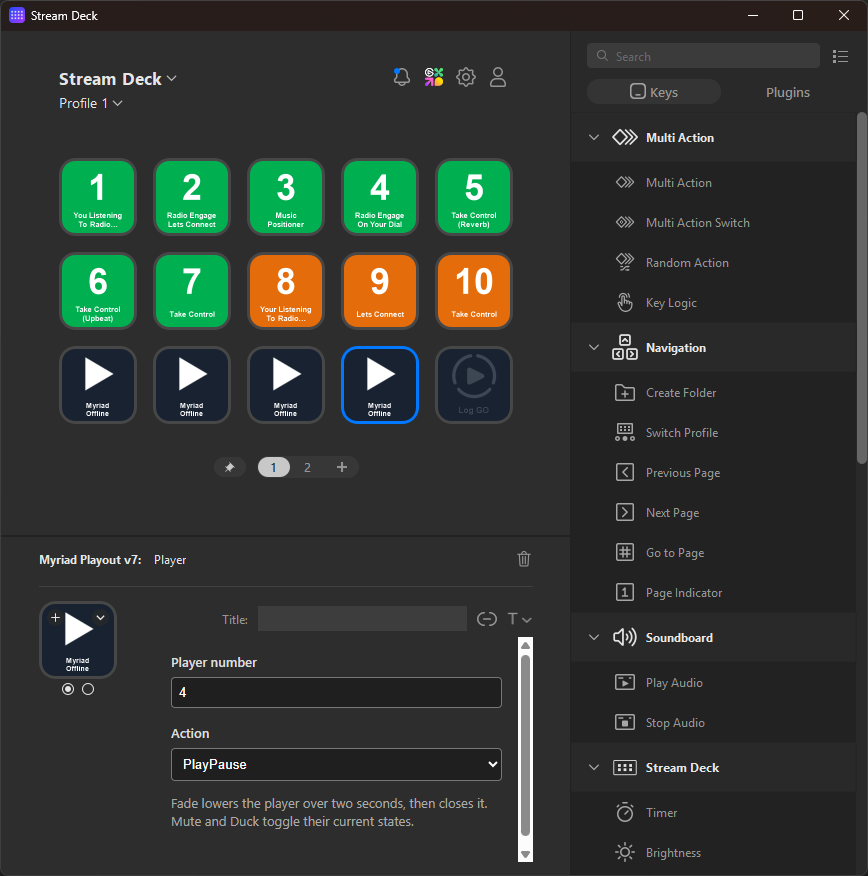
- Hardware Integration: Native support for AoIP protocols and digital consoles like the Forum Lite.
Scalability and Future-Proofing
Your software choice should be an investment, not a temporary fix. A system that works for a single web stream today should be capable of powering a multi-station network tomorrow.
The Myriad ecosystem is designed for this exact trajectory. You can start with a single instance of Myriad Playout & Automation and eventually expand into a full corporate communication network or a multi-market broadcast group. By choosing a platform that prioritizes both cloud-native capabilities and local studio power, you ensure that your station is ready for whatever the future of radio holds.
Selecting the best radio broadcast software is about finding the balance between powerful features and intuitive operation. It should empower your presenters to sound their best while giving your technical team the peace of mind that the system will stay online.
If you are ready to see how the right software can transform your station, learn more about our solutions or explore our latest reviews from broadcasters worldwide.