Make Myriad Your Own with Dynamic Layouts in Myriad 7
Make Myriad Your Own with Dynamic Layouts in Myriad 7
No two radio stations work in exactly the same way. Even within the same station, what a breakfast presenter needs on screen can be very different from the information needed by a producer, newsreader or presenter hosting a listener request show.
That is where Dynamic Layouts in Myriad 7 come in.
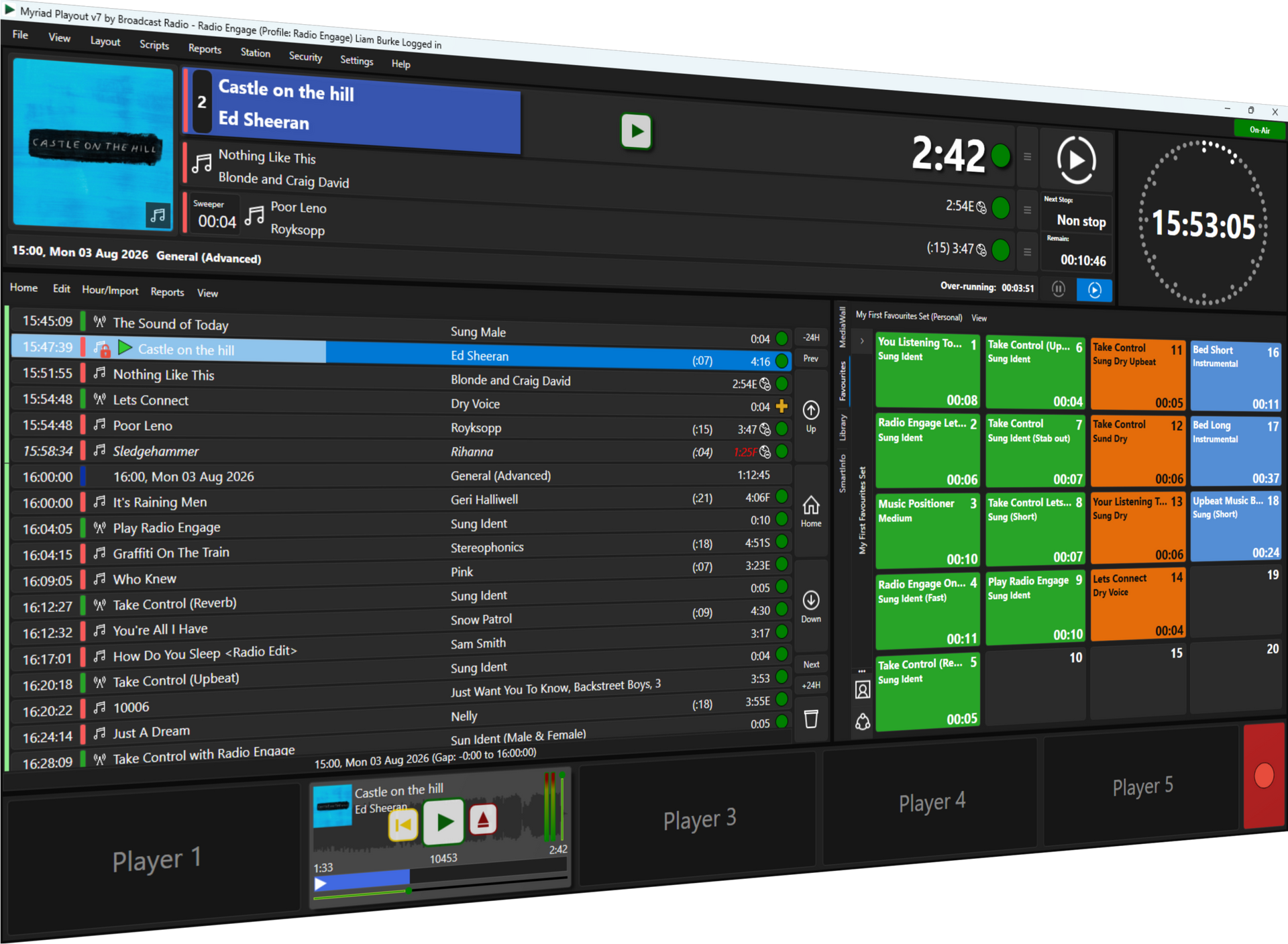
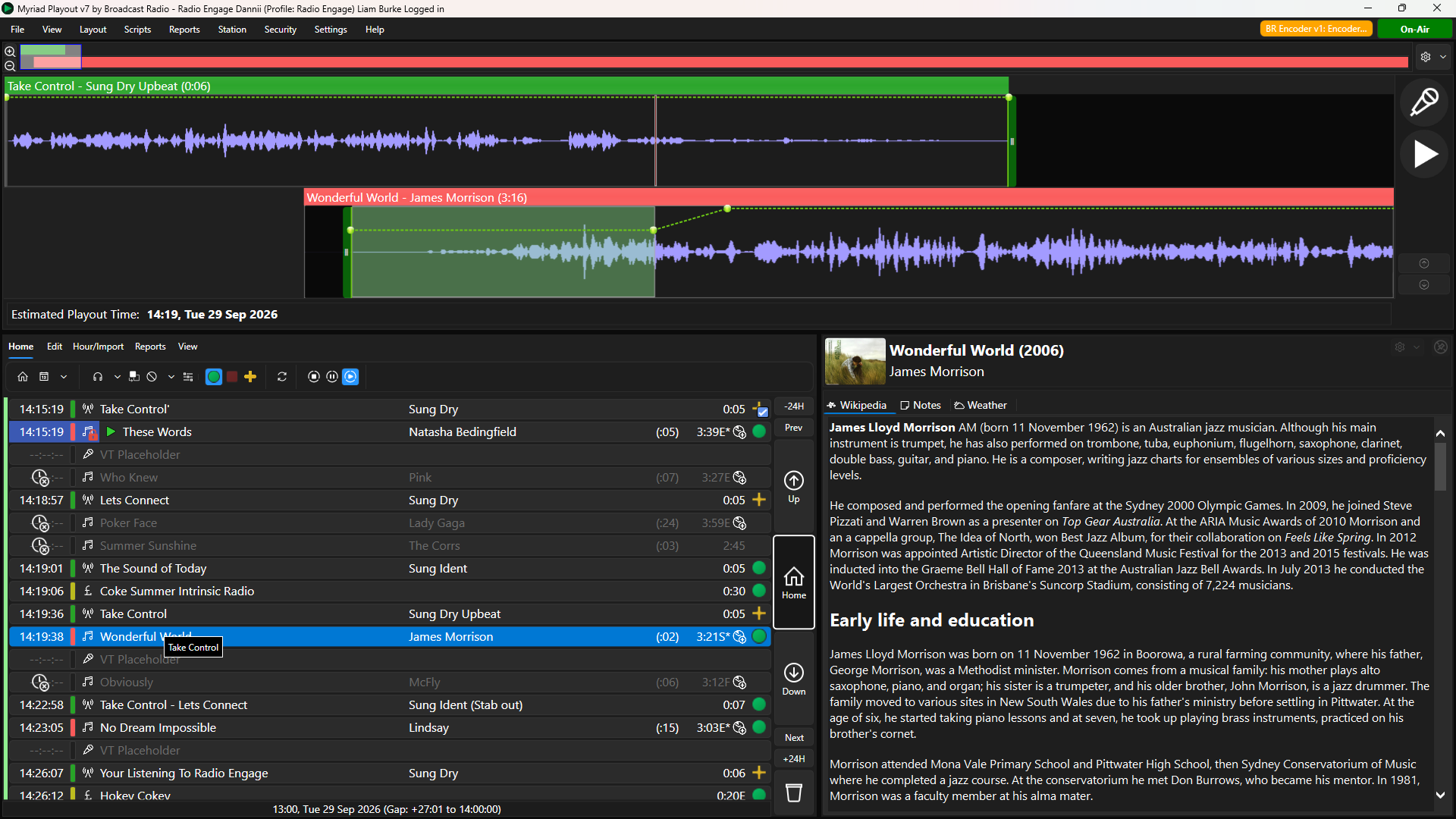
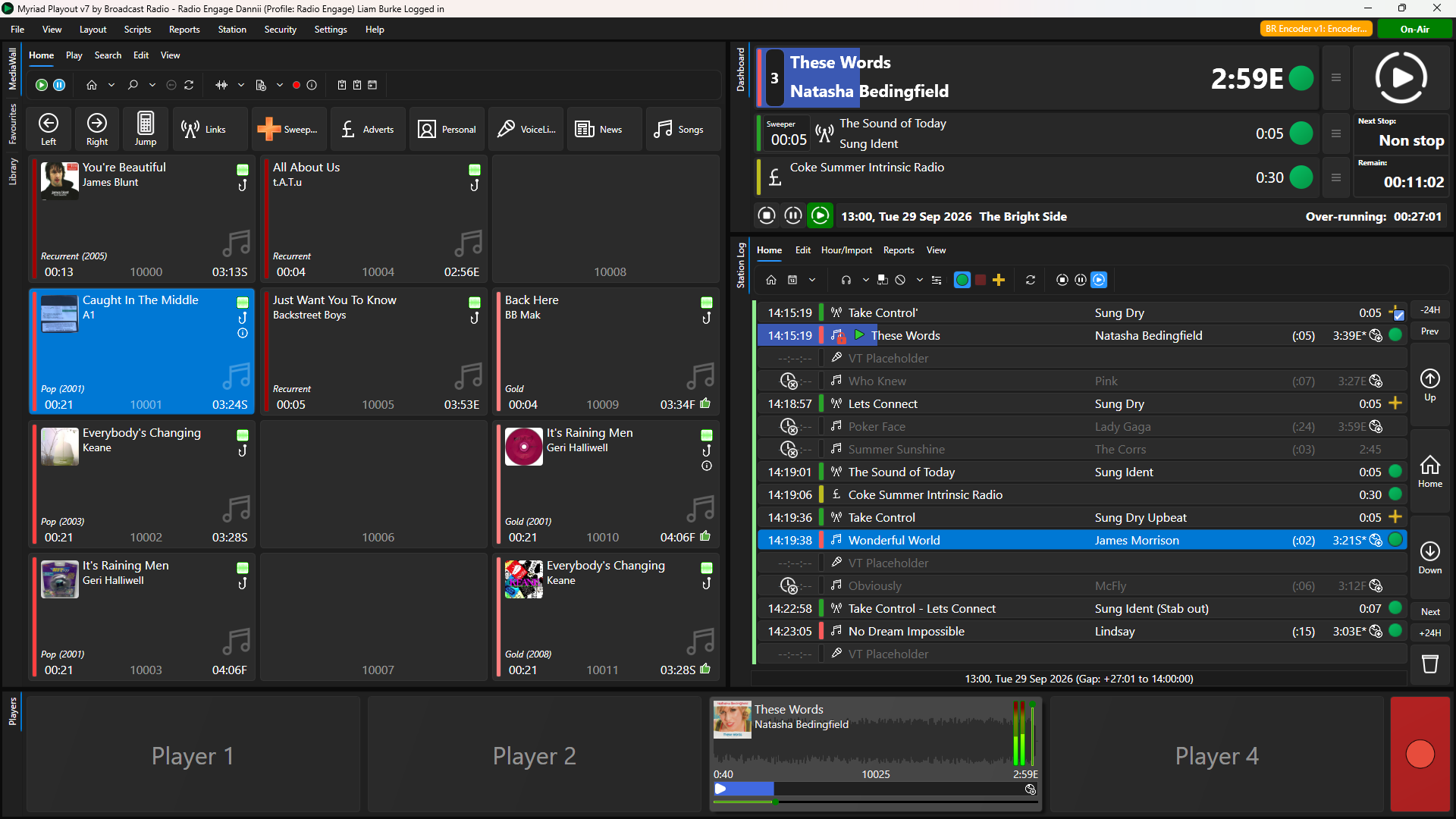
Dynamic Layouts allow you to customise the Myriad Playout workspace, deciding what information and tools are displayed, where they appear and how much screen space they are given. You can create multiple layouts for different workflows and switch between them whenever you need.
Build a workspace around your station
At the heart of Dynamic Layouts is a flexible grid-based Layout Editor.
A Layout can cover one or more screens, with each screen divided into a configurable grid. Containers are then positioned and sized across that grid, allowing you to decide exactly how the available screen space is used.
Inside those Containers are the individual Myriad Tiles that provide the tools and information you need.
There are two main types of Container:
- Framed Containers display a single Tile.
- Tabbed Containers can contain several Tiles, with the user switching between them using tabs.
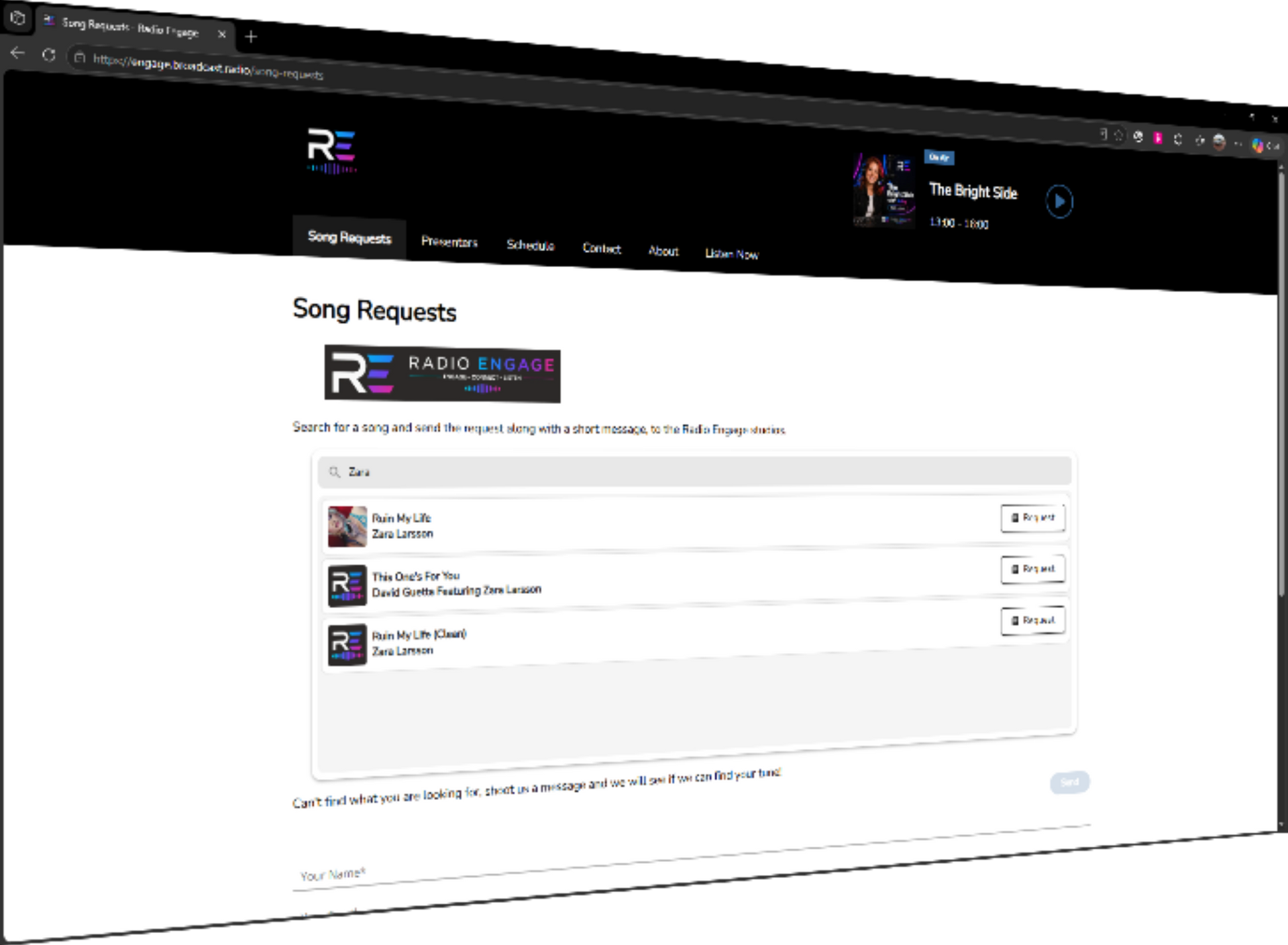
This means you don't necessarily need to squeeze everything onto the screen at once. For example, the same area of the screen could provide tabs for Favourites, Listener Requests, the Media Library, Media Wall and SmartInfo, keeping all of them readily accessible without cluttering the main workspace.
Choose what matters to you
Myriad 7 includes a wide range of Tiles that can be incorporated into a Dynamic Layout.
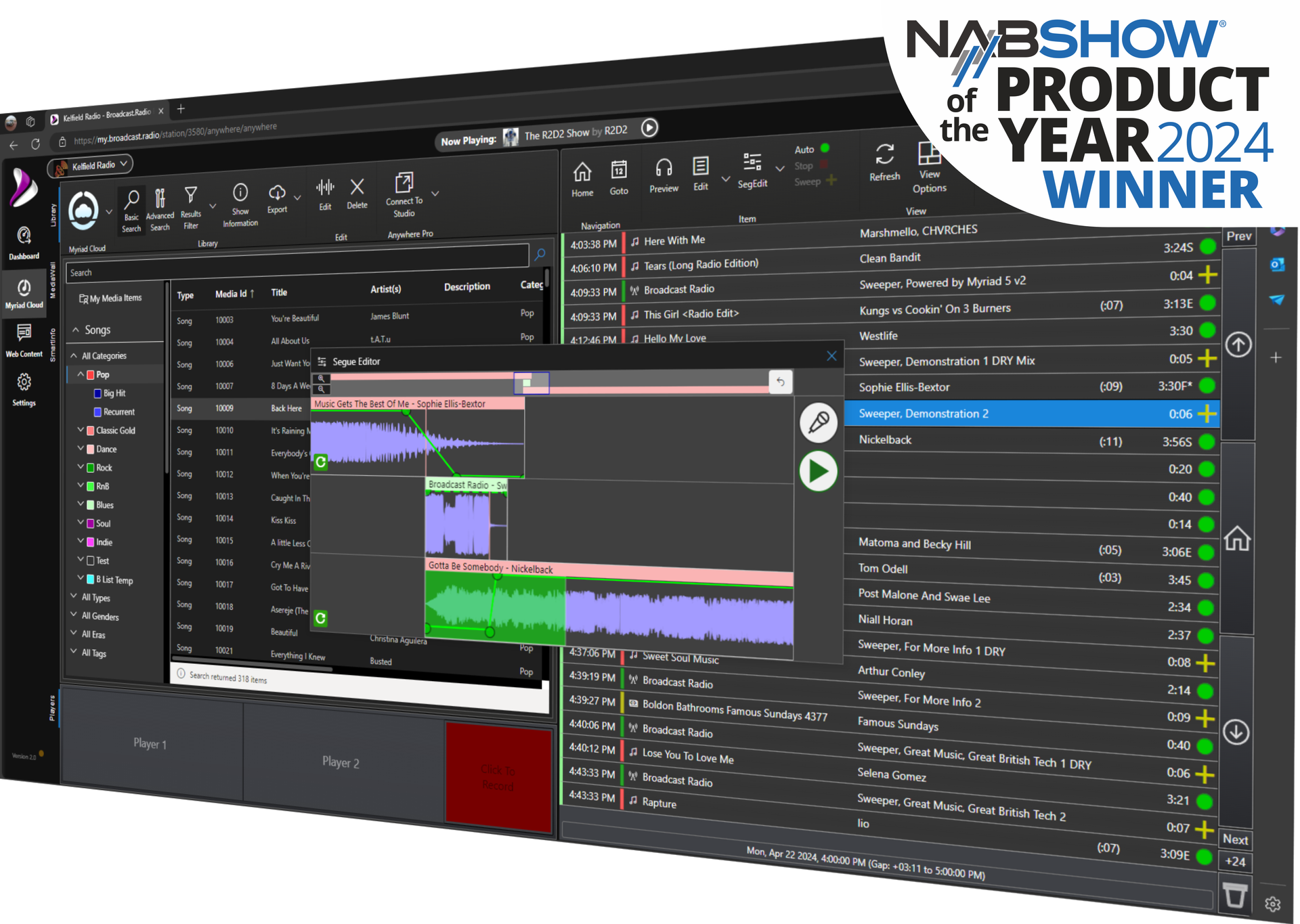
These include familiar parts of Myriad such as the Dashboard, Log, Media Wall, Media Library, Media Players, Favourites, Segue Editor and SmartInfo, alongside more specialised options including Listener Requests, Listener Request Count, Audio Monitor, Clock, Now Playing, Quick Recorder, Mini Media Players, Split Manager and many more.
Many Tiles also include their own properties, giving you additional control over how they behave or what they display.
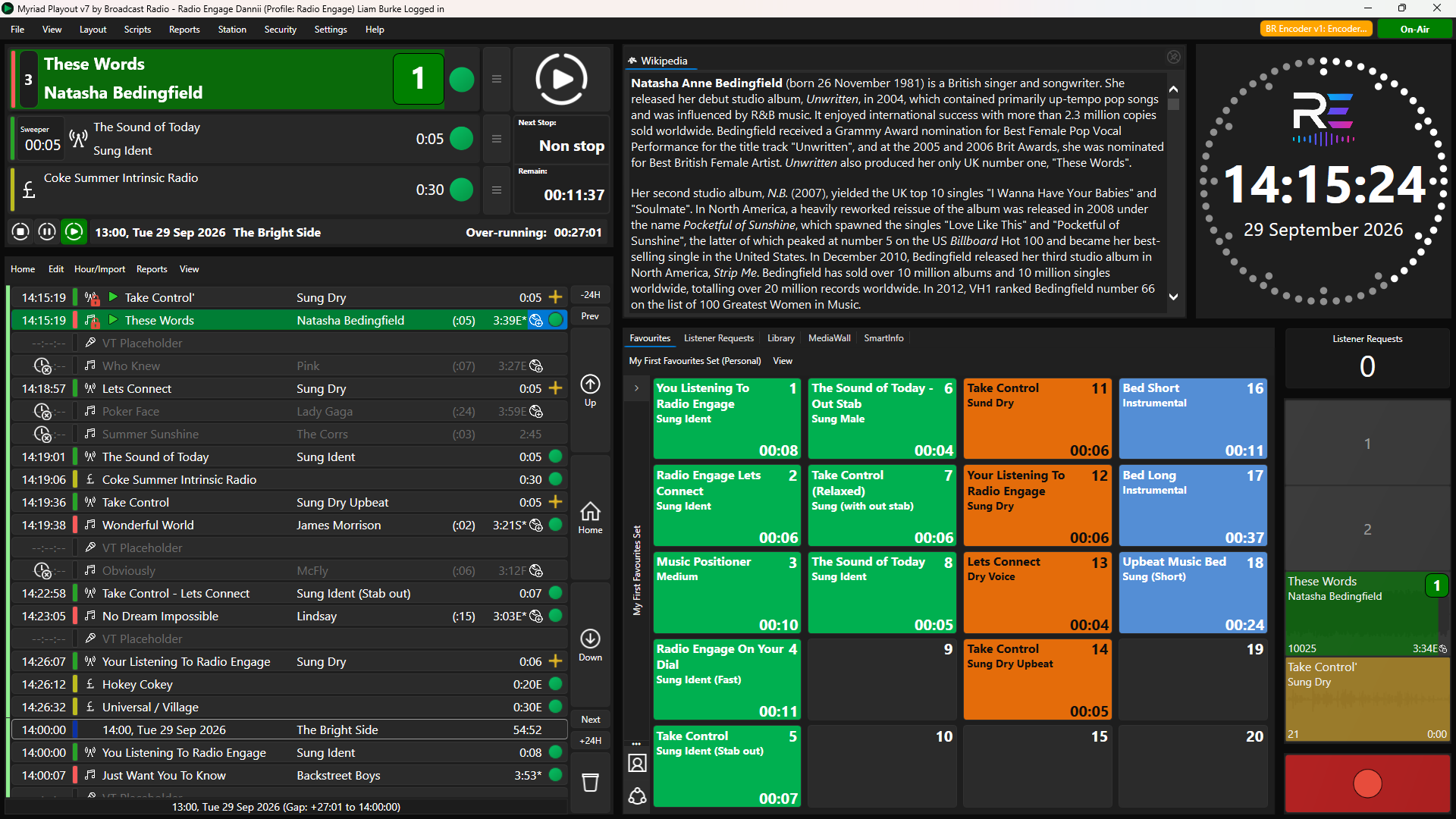
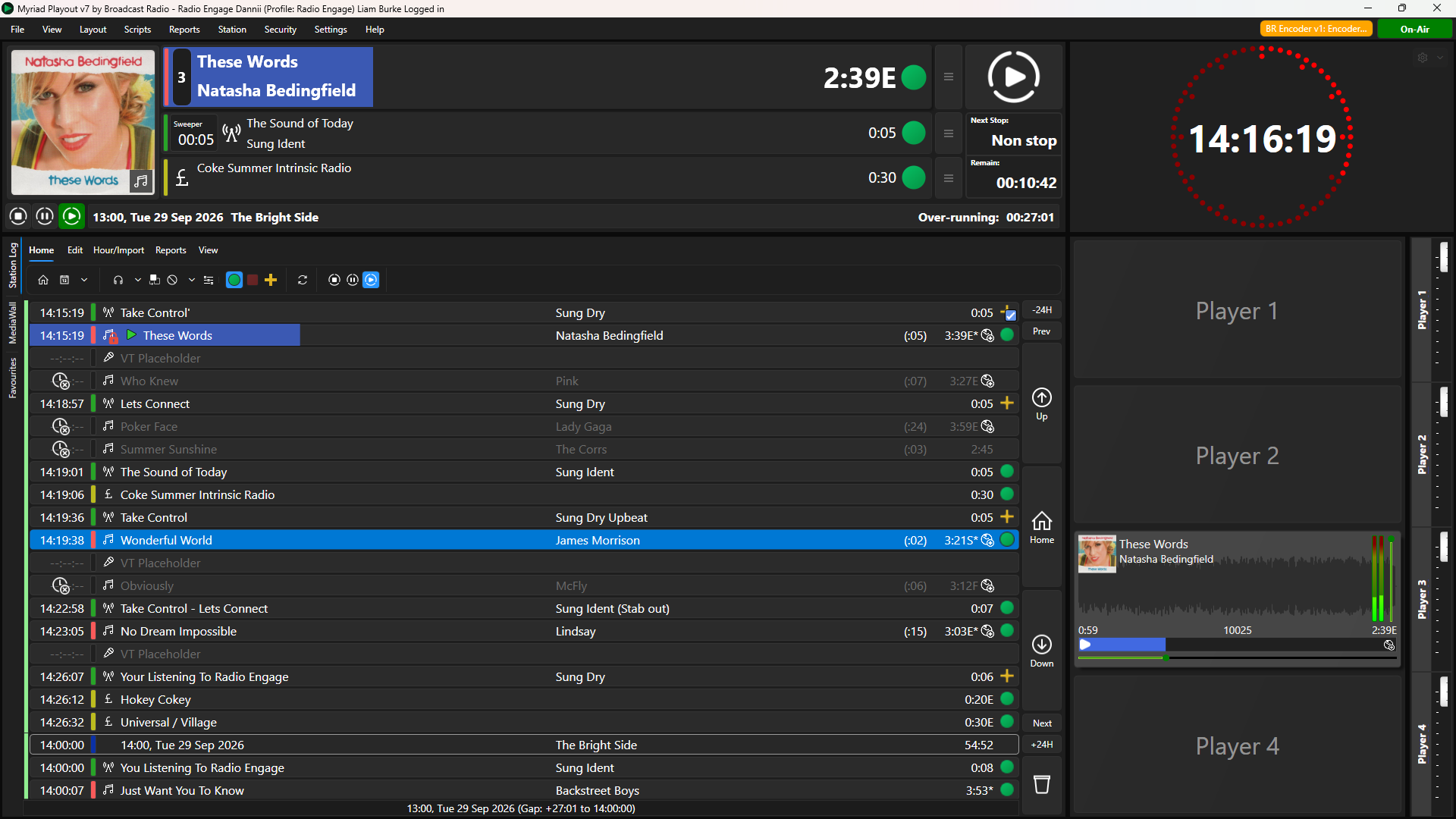
The Clock Tile, for example, can be configured in several different styles and can include the date and station logo. SmartInfo can be configured to concentrate on specific information, while Mini Media Players can be arranged horizontally or vertically and configured to show the players, recorder or both.
So a Dynamic Layout isn't simply about rearranging Myriad – it can be tailored to show the information that is most useful for a particular role or workflow.
Different layouts for different jobs
Because you can create and save multiple Dynamic Layouts, you don't have to find one arrangement that works for everybody.
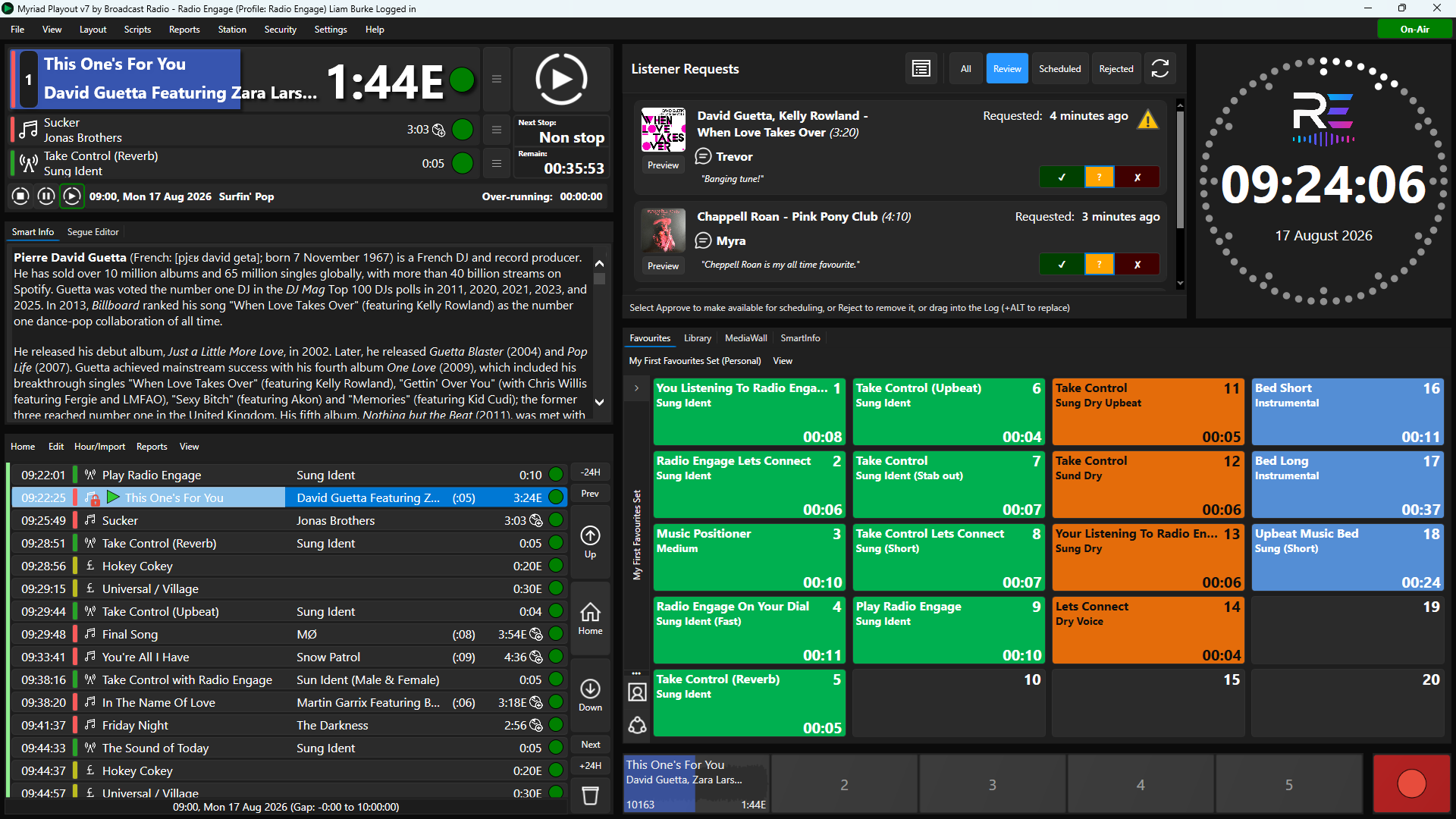
You could create a streamlined layout for presenters that concentrates on the Dashboard, Log and Media Wall, while a request-driven programme could have Listener Requests and the Request Count much more prominently displayed.
A production layout could provide easier access to media tools, recording and the Segue Editor, while another layout could be designed specifically to make the best use of a multi-screen studio workstation.
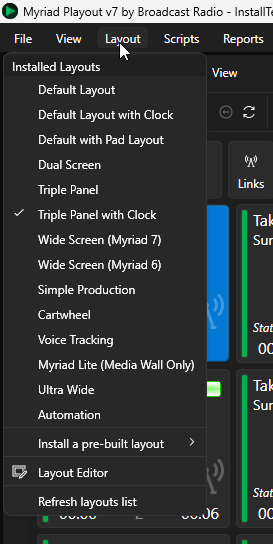
Once layouts have been created, switching between them is simple. Select Layouts from the Myriad menu and choose the Dynamic Layout you want to use. Myriad will load the selected workspace ready for use.
More flexibility in Myriad 7
The updated Dynamic Layout Editor in Myriad 7 provides much greater control over how your workspace is constructed.
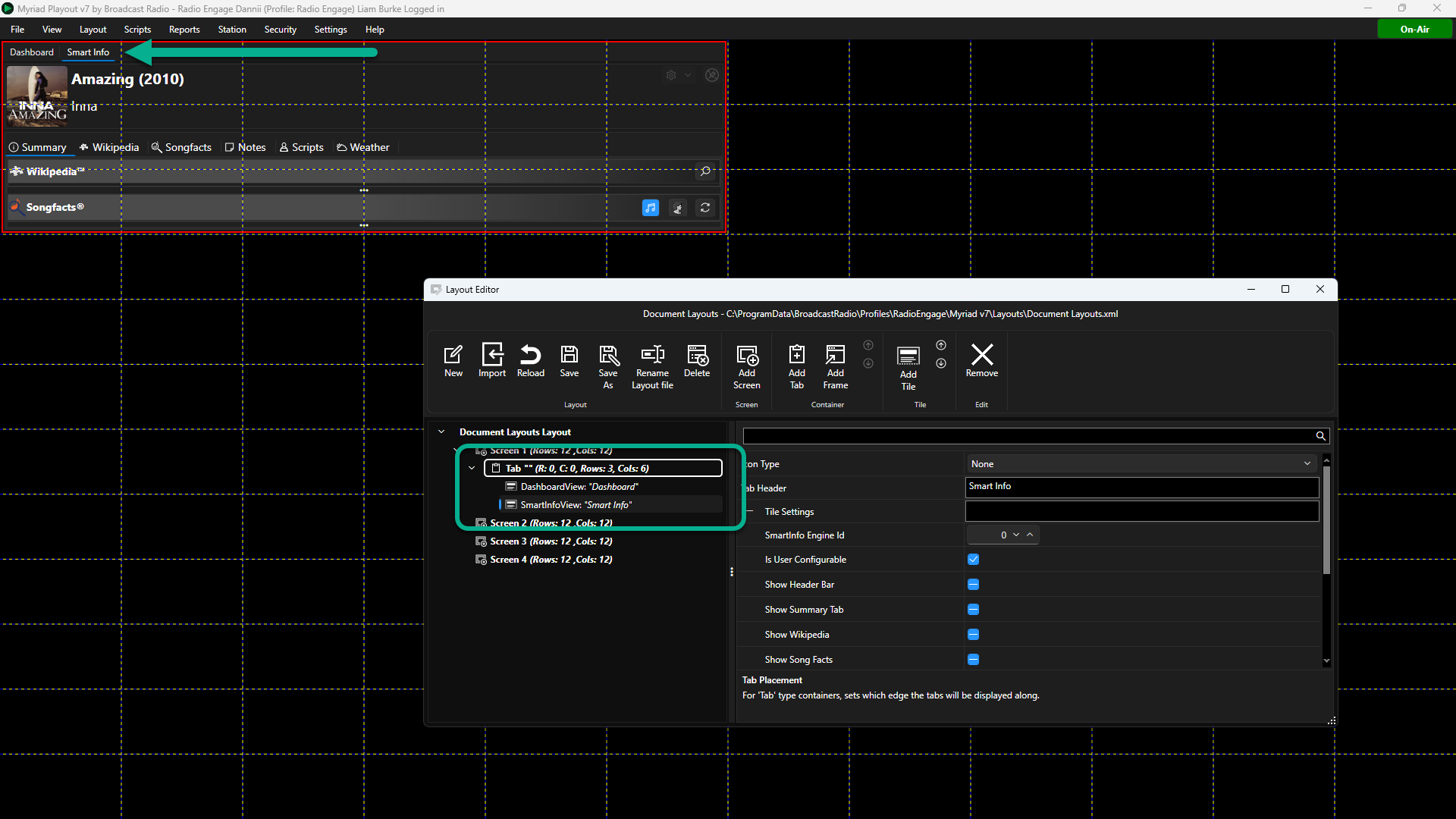
Layouts follow a simple hierarchy of Screens → Containers → Tiles, while the editor provides a visual grid preview so you can see changes to the size and position of Containers as you work.
Tabbed Containers also provide a useful way to make more tools available without sacrificing valuable screen space. Tabs can be positioned at the top, bottom, left or right of a Container, and the Tiles within them can be reordered to suit your workflow.
You can start with a completely blank Layout and build exactly what you want, or use an existing Layout as the basis for your own design.
Your Myriad, your way
A studio screen needs to present a lot of information, but more information isn't always better. The important thing is having the right information in the right place at the right time.
Dynamic Layouts give stations the freedom to build Myriad around their own operating style rather than having to adapt their workflow around a fixed user interface.
Whether that means giving Listener Requests pride of place during an evening request show, creating a clean and simple workspace for occasional presenters, or spreading a comprehensive set of tools across several studio monitors, Myriad 7 gives you the flexibility to create a workspace that works for you.
Find out more
For a detailed walkthrough of creating your own Layout, see our Using the Dynamic Layout Editor in Myriad 7 help article.
You can also explore the Layout Editor Container & Tile Property Reference for details of the Tiles and configuration options available, or see Switching Between Dynamic Layouts for a quick guide to changing layouts in Myriad 7.