How to Start an Internet Radio Station With Zero Equipment (2026 Guide)
![[HERO] How to Start an Internet Radio Station With Zero Equipment (2026 Guide)](https://cdn.marblism.com/zmbCBExvnfR.webp)
You want to start a radio station. But you don't have a studio. You don't have racks of radio station equipment. You don't have thousands of pounds to spend on radio broadcasting equipment.
Good news: in 2026, you don't need any of that.
The old barriers to entry: expensive hardware, dedicated studio space, complex technical setups: have been completely dismantled by cloud technology. Today, launching a professional internet radio station requires nothing more than a computer, an internet connection, and the right radio software.
This guide walks you through exactly how to start a radio station from scratch, with zero physical equipment, using tools that professional broadcasters trust every day.
The Old Way vs. The New Way
Traditional radio station equipment lists used to read like a shopping spree for a small business loan. Mixing desks, playout computers, audio processors, streaming encoders, backup systems: the costs added up fast.
The internet radio station set up of 2026 looks completely different.
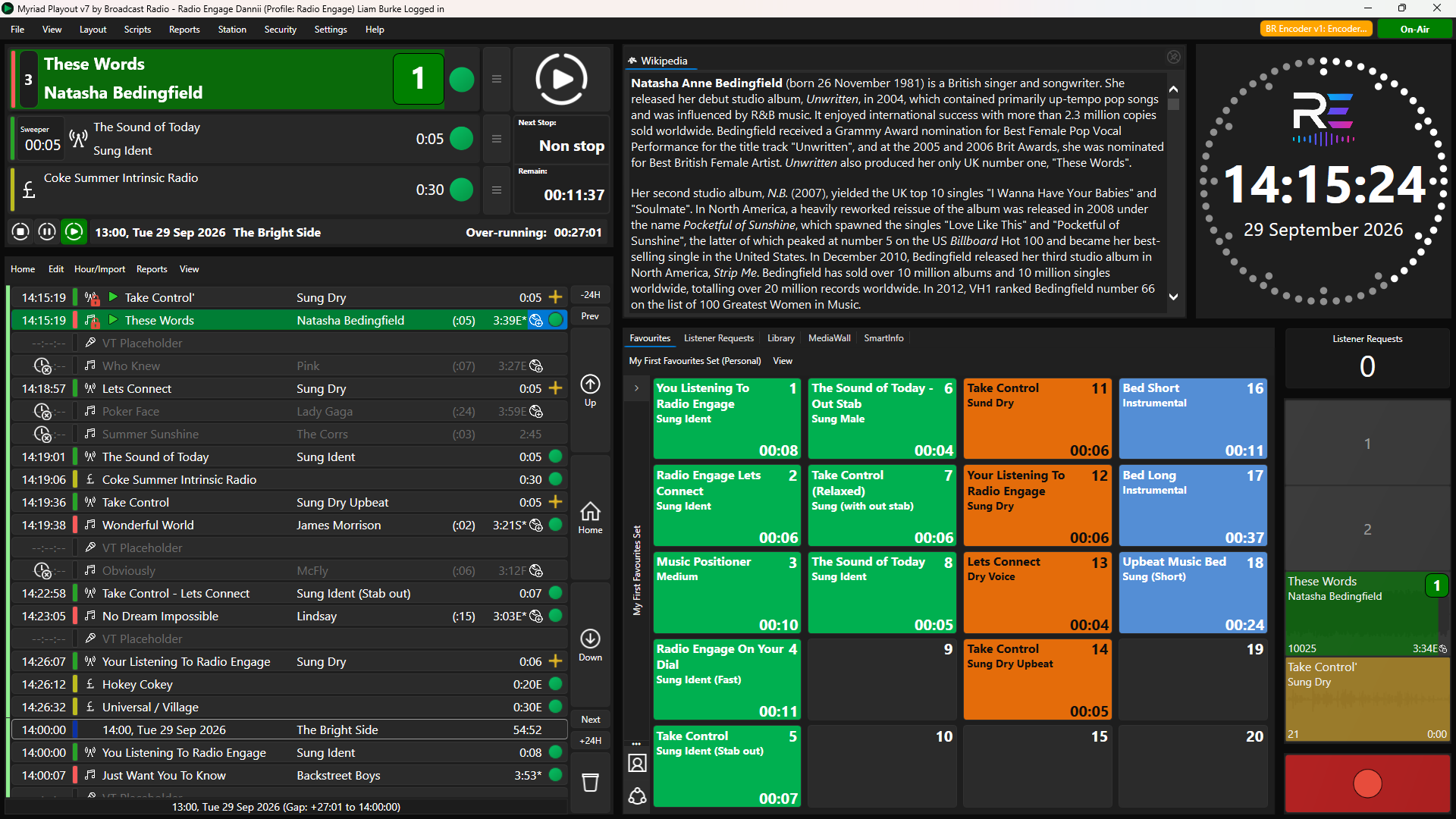
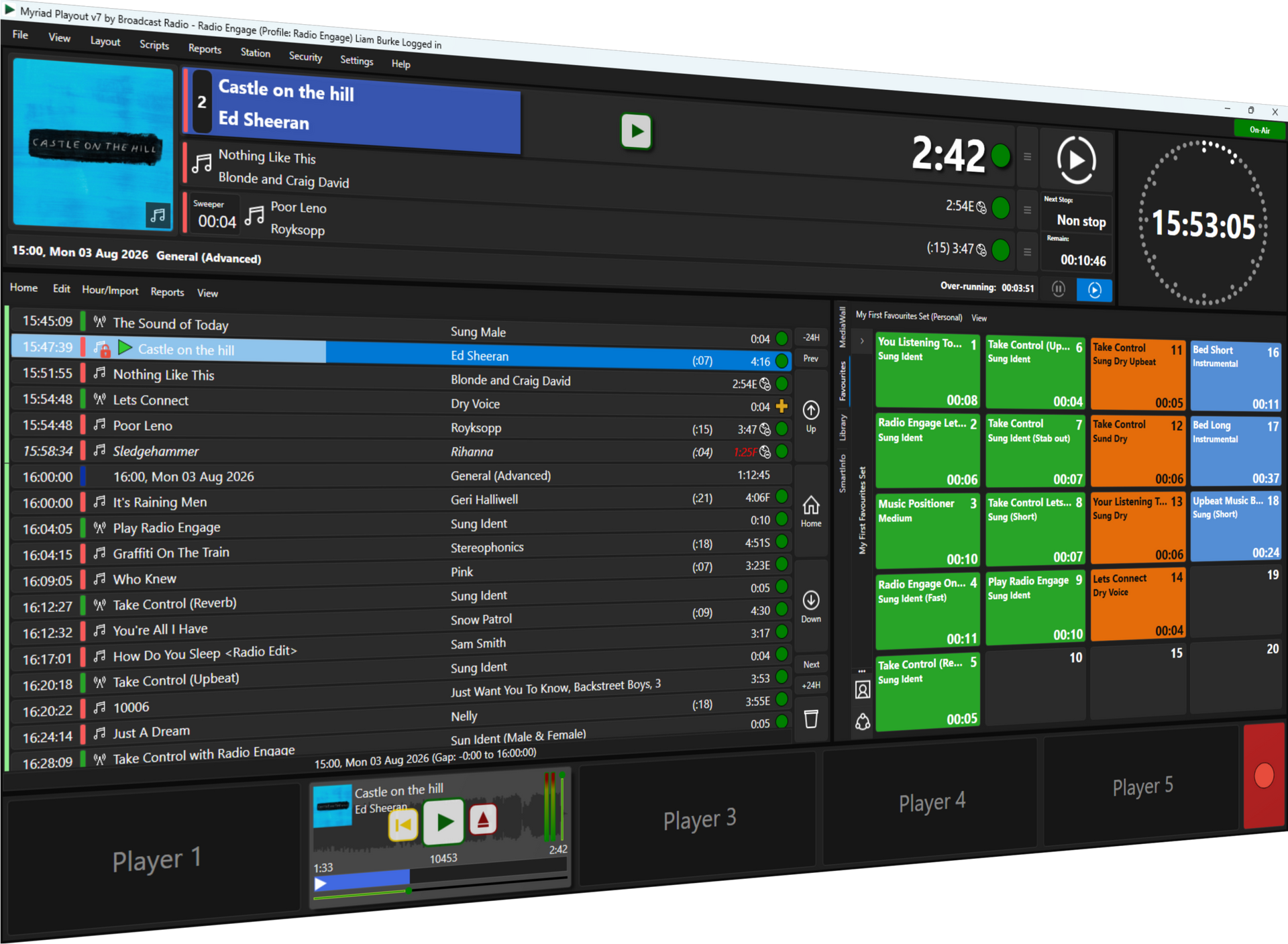
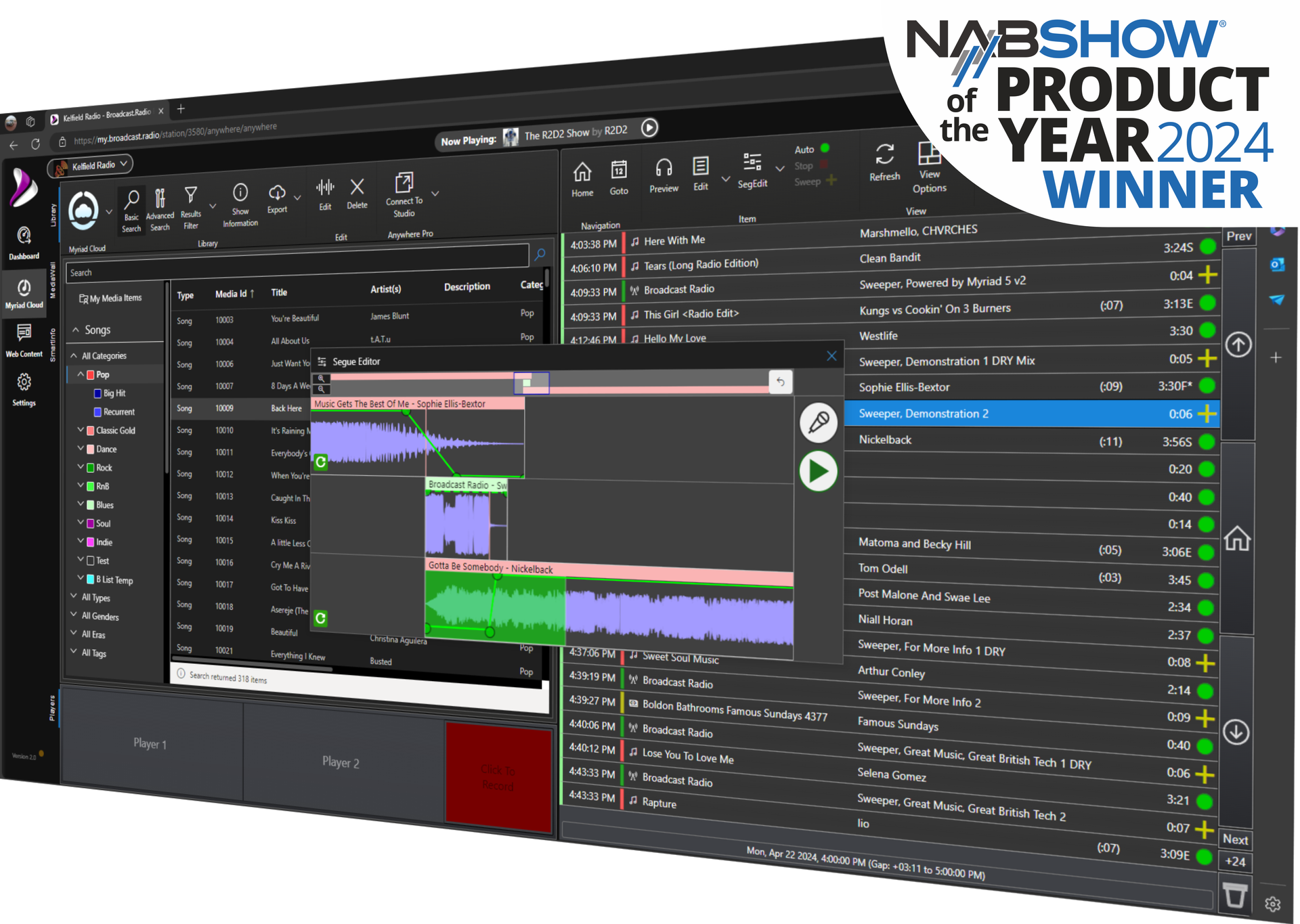
Cloud-native radio broadcast software has eliminated the need for on-premise hardware entirely. Your radio studio now exists in your browser. Your automation runs on enterprise-grade servers. Your content reaches listeners worldwide without you ever touching a single piece of radio broadcasting equipment.
What You Actually Need to Get Started
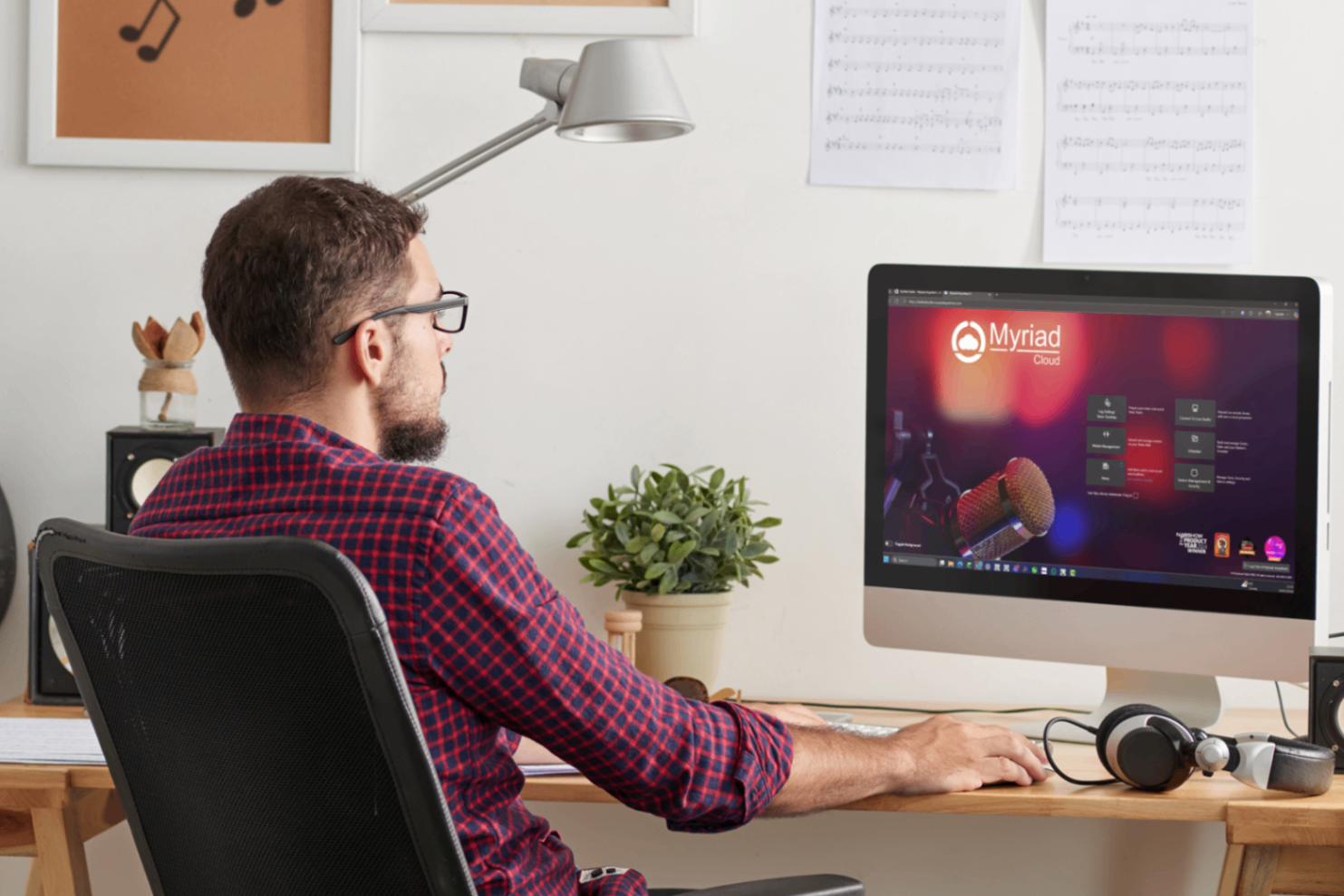
Let's be clear about the genuine minimum requirements. You need:
- A computer or laptop (nothing high-end)
- A reliable internet connection
- A cloud-based radio automation software account
That's the complete list. No microphones required to launch. No mixers. No soundproofing. No dedicated space.
If you want to add live presenting later, a decent USB microphone will set you back less than £50. But to get your station on air, broadcasting 24/7 with professional-quality output? Just the three items above.
Enter Myriad Cloud: Your Complete Radio Station in the Cloud
Myriad Cloud represents the most significant shift in radio broadcasting software since the move from vinyl to digital.
Winner of the RedTech Best In Show award at the 2025 IBC show, Myriad Cloud is 100% Azure cloud-native. That means your entire radio station: playout, scheduling, voice tracking, logging, streaming: runs on Microsoft's enterprise infrastructure without a single piece of hardware in your home or office.
What Myriad Cloud delivers:
- Full radio automation software in your browser
- 24/7 automated playout without local computers running
- Enterprise-grade reliability and redundancy
- Automatic updates and maintenance
- Scalable resources as your station grows
The platform handles everything a traditional radio studio does, but without the capital expenditure, maintenance headaches, or technical expertise traditionally required.
Step-by-Step: Launching Your Station
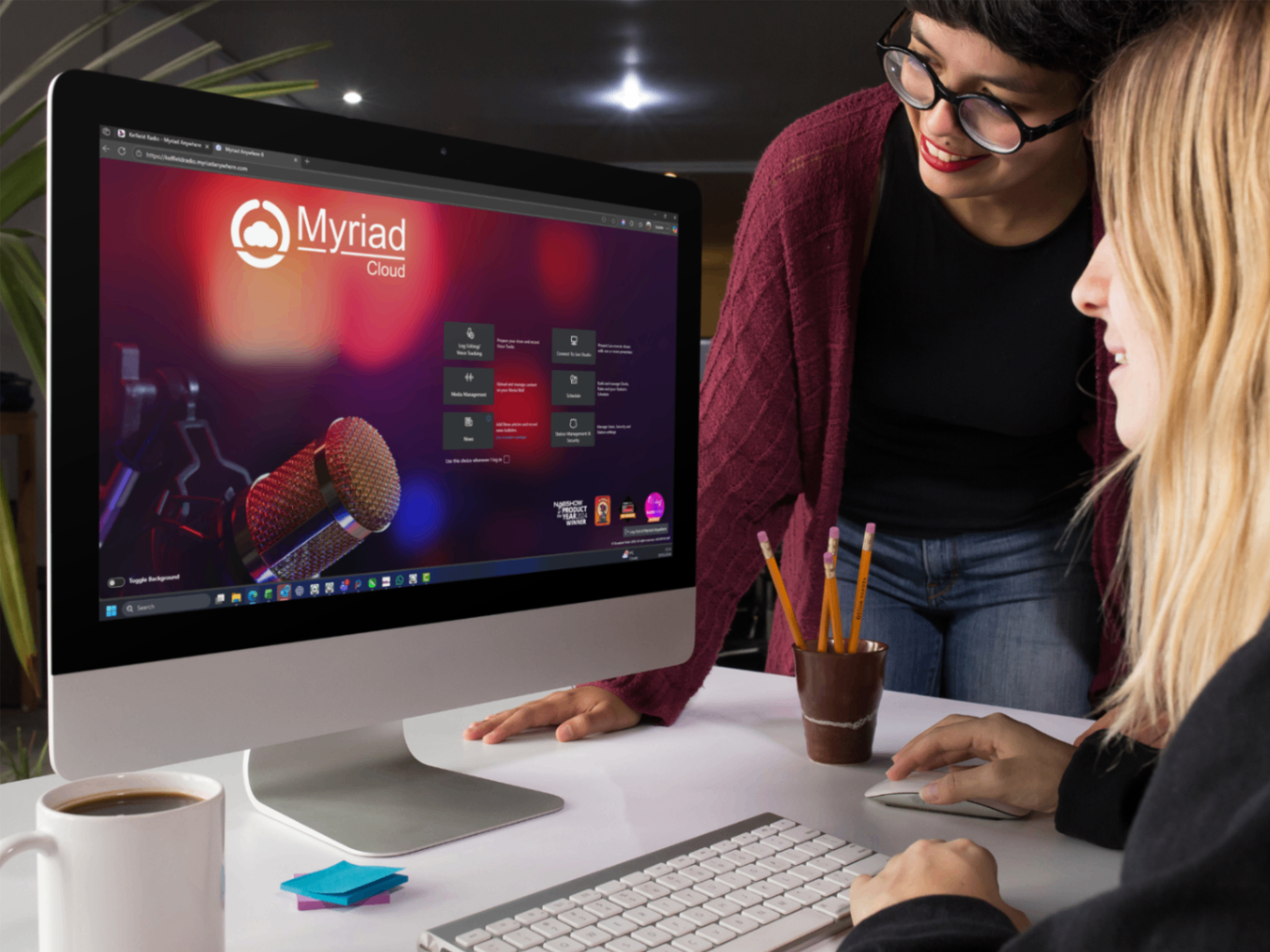
Here's the practical roadmap for getting your internet radio station on air.
Step 1: Plan Your Format
Before touching any radio software, decide what your station sounds like. Music-focused? Talk and discussion? A mix? Define your target audience and the content that serves them.
Step 2: Gather Your Content
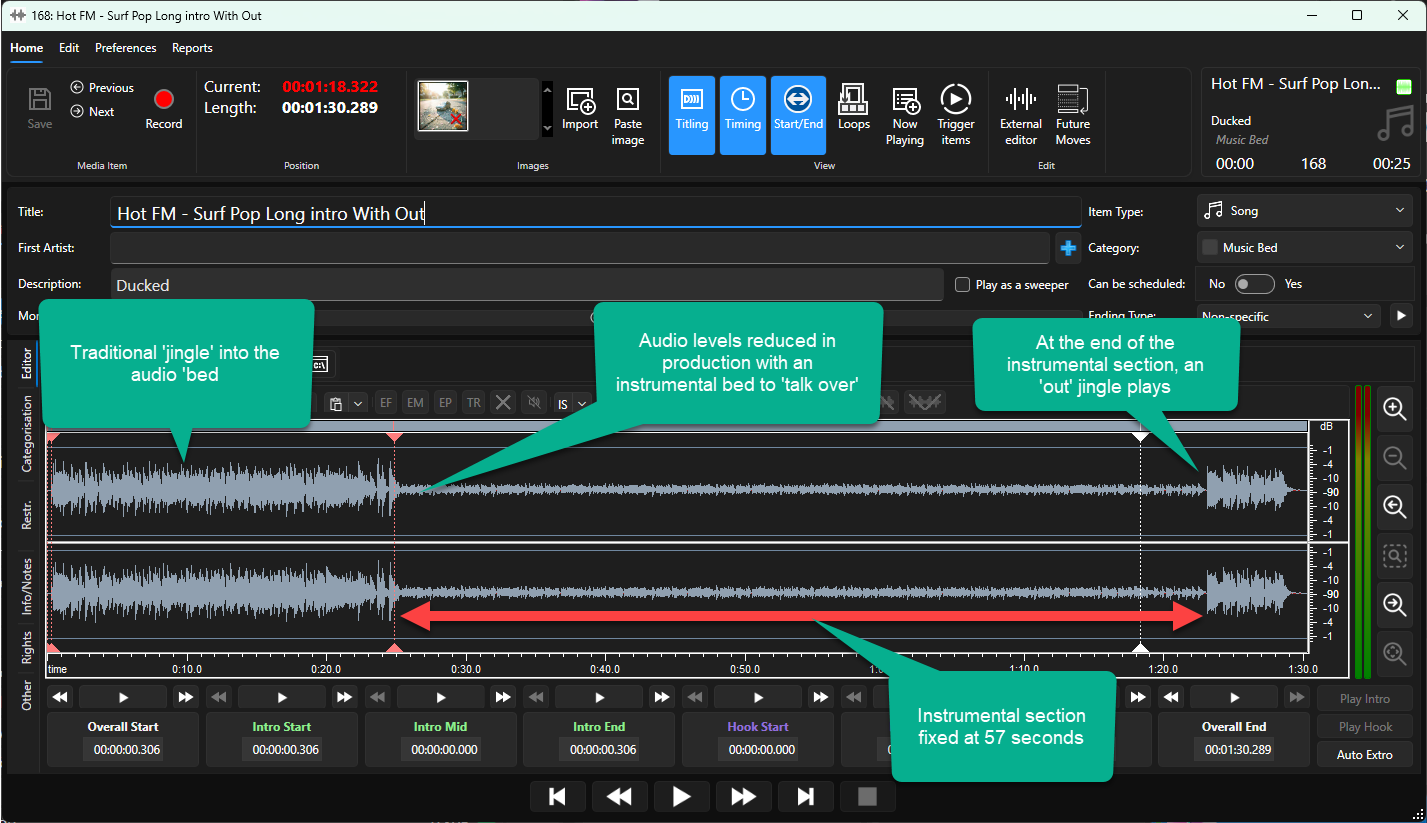
Upload your music library, jingles, imaging, and any pre-recorded content. Myriad Cloud accepts standard audio formats and organises everything in a searchable database.
Step 3: Build Your Schedule
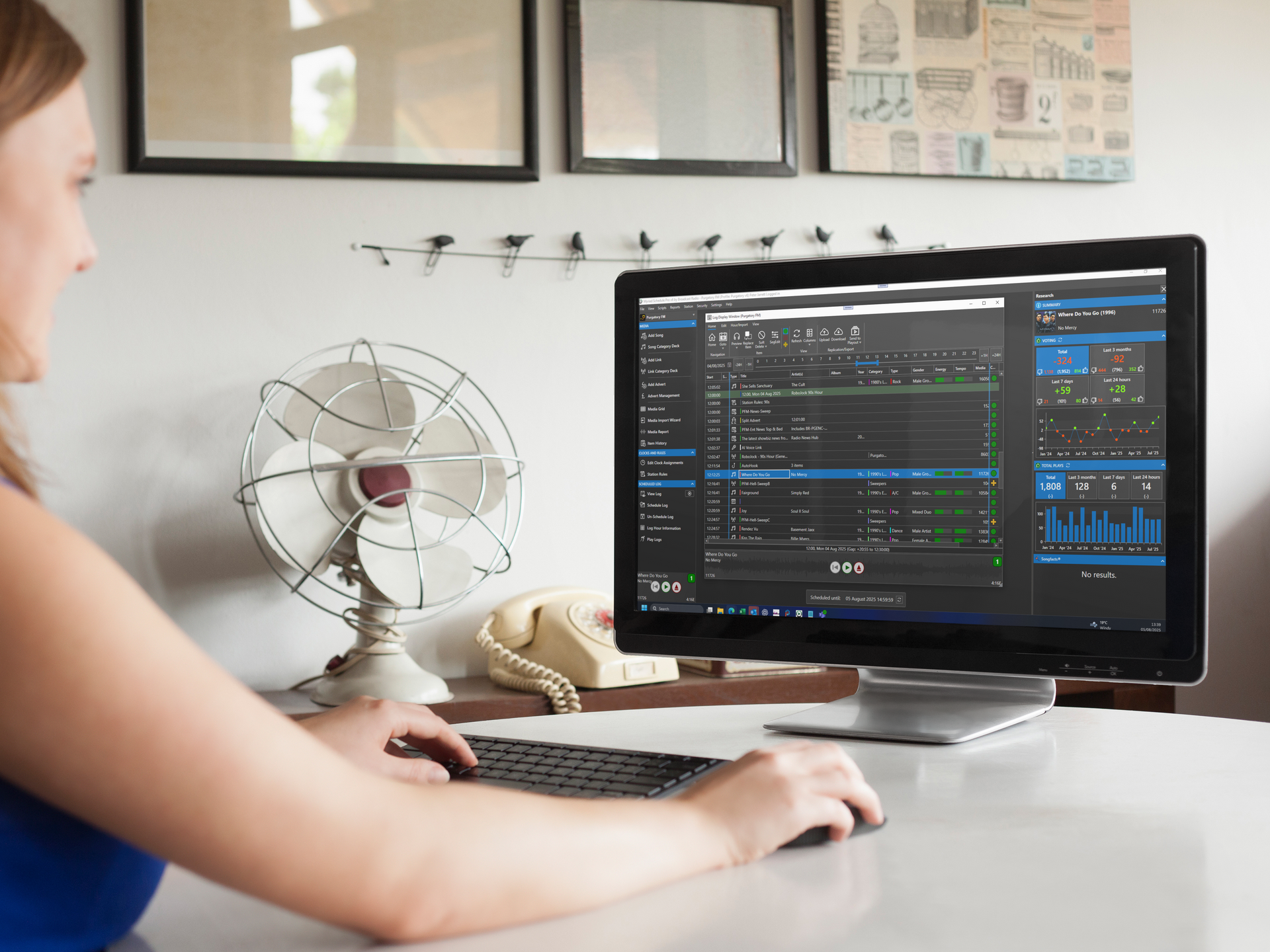
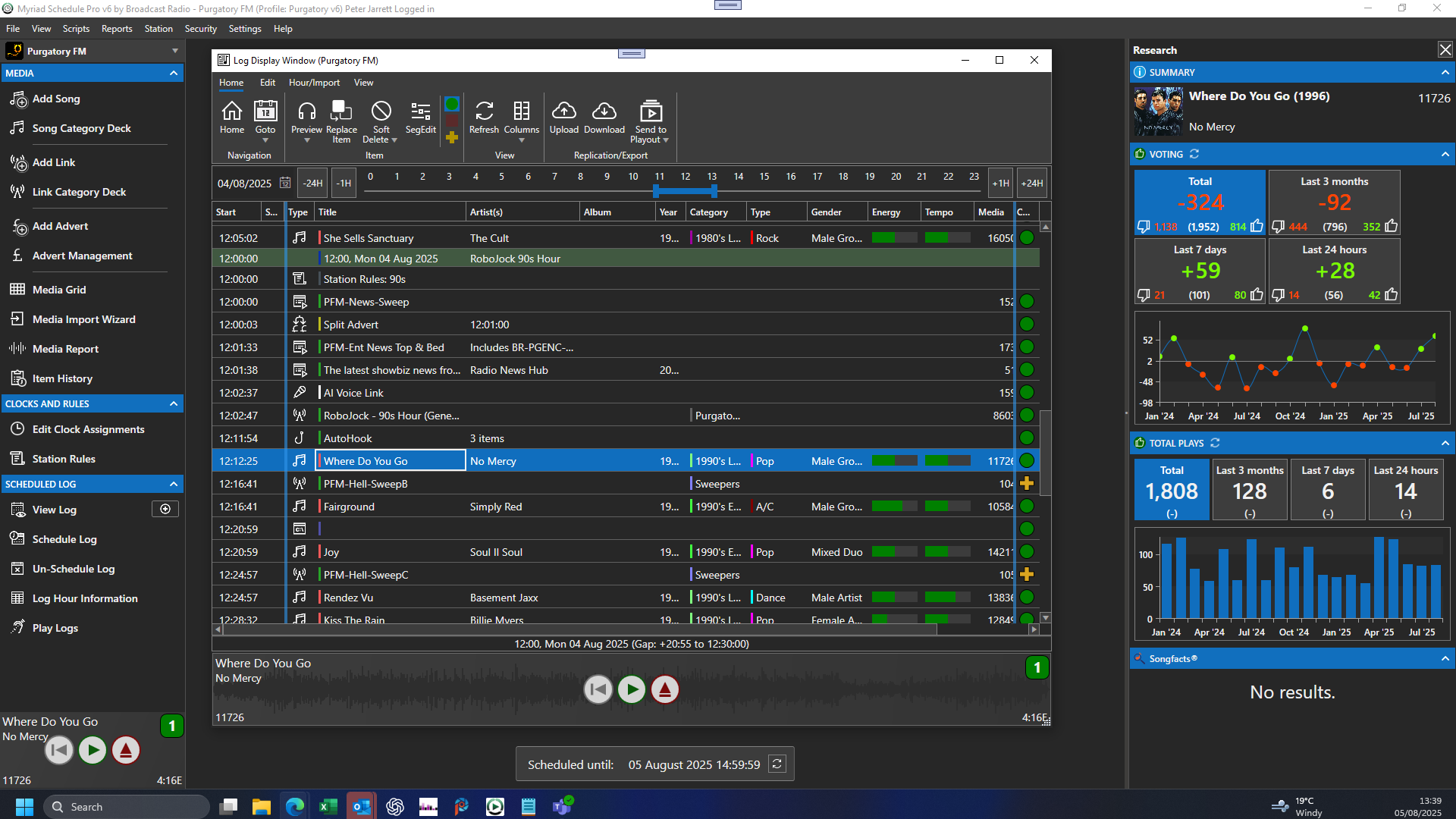
This is where your station comes to life. Using a professional radio scheduler like Myriad Schedule Pro, you create clock templates that define your station's hourly structure.
Scheduling features include:
- Music rotation rules and dayparting
- Commercial break placement
- Jingle and imaging scheduling
- Category-based content management
- Automated playlist generation
A well-built schedule means your station sounds polished and intentional, not like a random shuffle playlist.
Step 4: Add Voice Content
Here's where 2026 technology really shines. Myriad Cloud includes AI-generated voice links that create natural-sounding presenter links between songs. Your station sounds live and hosted, even when running fully automated.
Want to add your own voice? Voice tracking lets you record custom links from anywhere, slotting them into your schedule as if you were presenting live.
Step 5: Connect Your Stream
Myriad Cloud includes a customisable web player and streaming so you can embed the stream on your existing website so that your listeners can connect to your station straight away.
Some Myriad Cloud packages (Ultimate) include mobile apps (iOS, Android & Carplay), radio website CMS and smart speaker skills (Alexa) to further enhance your station. You can also add them as an optional add-on if your package doesn't include them!
Already have mobile apps and a website, no problem!
Finally, you can output your station to 3rd party streaming providers running popular platforms like Icecast & Shoutcast.
Step 6: Go Live
Hit the button. Your station is broadcasting.
Myriad Anywhere: Your Studio From Any Browser
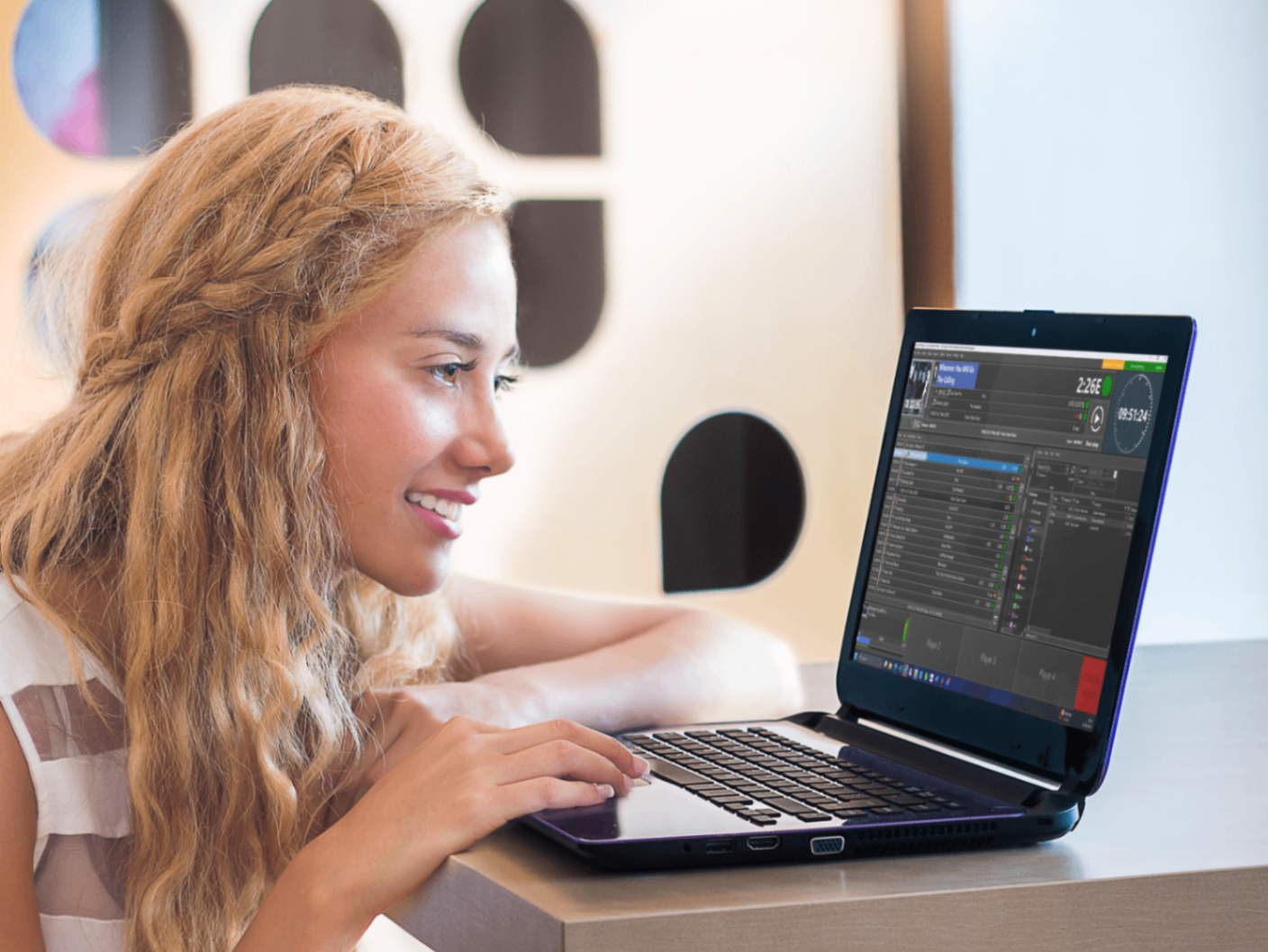
The companion to Myriad Cloud is Myriad Anywhere: a browser-based interface that gives you full control of your station from any device, anywhere in the world.
Myriad Anywhere capabilities:
- Live playout control from any browser
- Voice tracking and recording
- Schedule adjustments on the fly
- Content upload and management
- Real-time monitoring
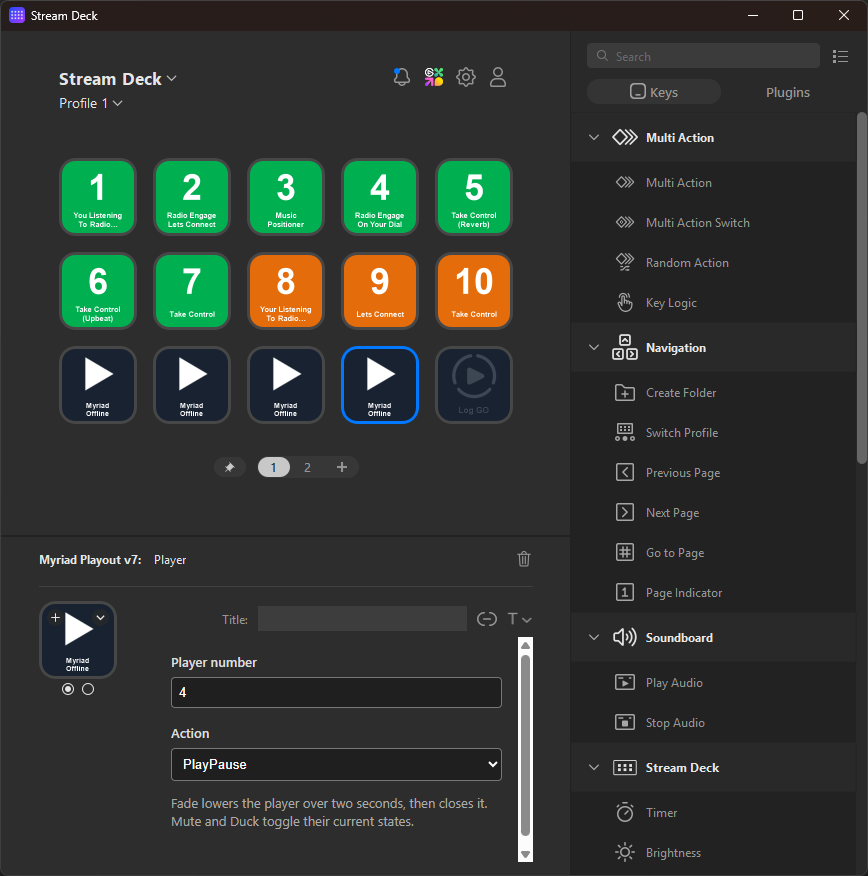
Presenting a show from a hotel room? Managing your station from your phone on the train? Myriad Anywhere makes it possible. No software installation required: just log in and broadcast.
This is the modern radio studio: accessible, flexible, and completely location-independent.
AI Voice Links: Sound Live Without Being Live
One of the most impressive features for new broadcasters is AI-generated voice content.
Traditional radio relies on presenters to create the links between songs: those moments that give a station personality and flow. Without them, you just have a playlist.
Myriad Cloud's AI voice technology generates natural-sounding links that reference song titles, artists, time of day, and station branding. Your automated hours sound presented, not robotic.
For stations running overnight or during periods without live presenters, this feature transforms the listening experience without any additional effort or direct costs (although you will need subscription to an AI voice generating service such as Eleven Labs).
Scaling From Hobby to Commercial Station
Starting small doesn't mean staying small.
The beauty of cloud-based radio broadcasting software is scalability. Begin with a modest setup running automated playout. As your audience grows and your ambitions expand, the platform grows with you.
Scaling options include:
- Adding more storage for larger music libraries
- Integrating advanced scheduling rules
- Connecting multiple stream outputs
- Adding user accounts for additional presenters
- Implementing commercial traffic systems
A station that starts as a weekend hobby can evolve into a fully commercial operation without changing platforms or rebuilding from scratch. The same Myriad Cloud infrastructure powers small community stations and major commercial broadcasters alike.
Why Cloud-Native Matters
You might wonder why "100% Azure cloud-native" matters for your radio station. Here's the practical difference:
Reliability: Microsoft Azure infrastructure means enterprise-grade uptime. Your station doesn't go offline because your home computer crashed or your internet dropped momentarily.
Security: Automatic backups, redundancy, and professional security protocols protect your content and broadcast.
Maintenance: Updates happen automatically. No manual software installations, no compatibility issues, no IT headaches.
Performance: Resources scale dynamically. High listener numbers don't strain your system because there's no local system to strain.
For anyone asking how to start a radio station in 2026, cloud-native isn't just a nice feature: it's the foundation that makes zero-equipment broadcasting possible.
Getting Started Today
The path from "I want to start a radio station" to "I have a radio station" has never been shorter.
Myriad Cloud removes the equipment barrier entirely. Professional radio automation software, sophisticated scheduling tools, AI voice technology, and browser-based control combine to give you everything a traditional radio studio offers: without the studio.
Whether you're a hobbyist with a passion for music curation, a community group wanting to reach local listeners, or an entrepreneur building a commercial broadcasting venture, the tools are ready.
Learn more about Myriad Cloud and discover how Broadcast Radio can help you launch your station. No equipment required.