7 Mistakes You’re Making with Radio Automation Software (And How Myriad Can Fix Them)
![[HERO] 7 Mistakes You’re Making with Radio Automation Software (And How AI Can Fix Them)](https://irp.cdn-website.com/3bcc3595/dms3rep/multi/opt/ChatGPT+Image+Mar+2-+2026-+12_41_03+PM-1920w.png)
Radio broadcasting has evolved more in the last few years than it did in the previous twenty. In 2026, the line between a "live" show and an "automated" show has practically disappeared: or at least, it should have. If your listeners can tell exactly when your presenters have gone home for the day, you are making fundamental mistakes with your radio automation software.
At Broadcast Radio, we have spent nearly 30 years refining how stations sound. We have seen technology move from physical carts to digital playout, and now into the era of cloud-native, AI-enhanced broadcasting. The goal remains the same: creating a seamless, engaging listener experience that rivals the biggest commercial networks, regardless of your budget.
Modern automation is no longer about just "playing the next song." It is about maintaining a living, breathing brand 24/7. Here are seven common mistakes broadcasters make with their automation and how the latest AI tools can fix them.
1. The "Robotic" Voice Track
Stiff, pre-recorded voice links are the fastest way to lose a listener's attention. Traditional voice tracking often sounds "canned" because the presenter is recording a generic message hours or days in advance, lacking the energy and context of a live broadcast.
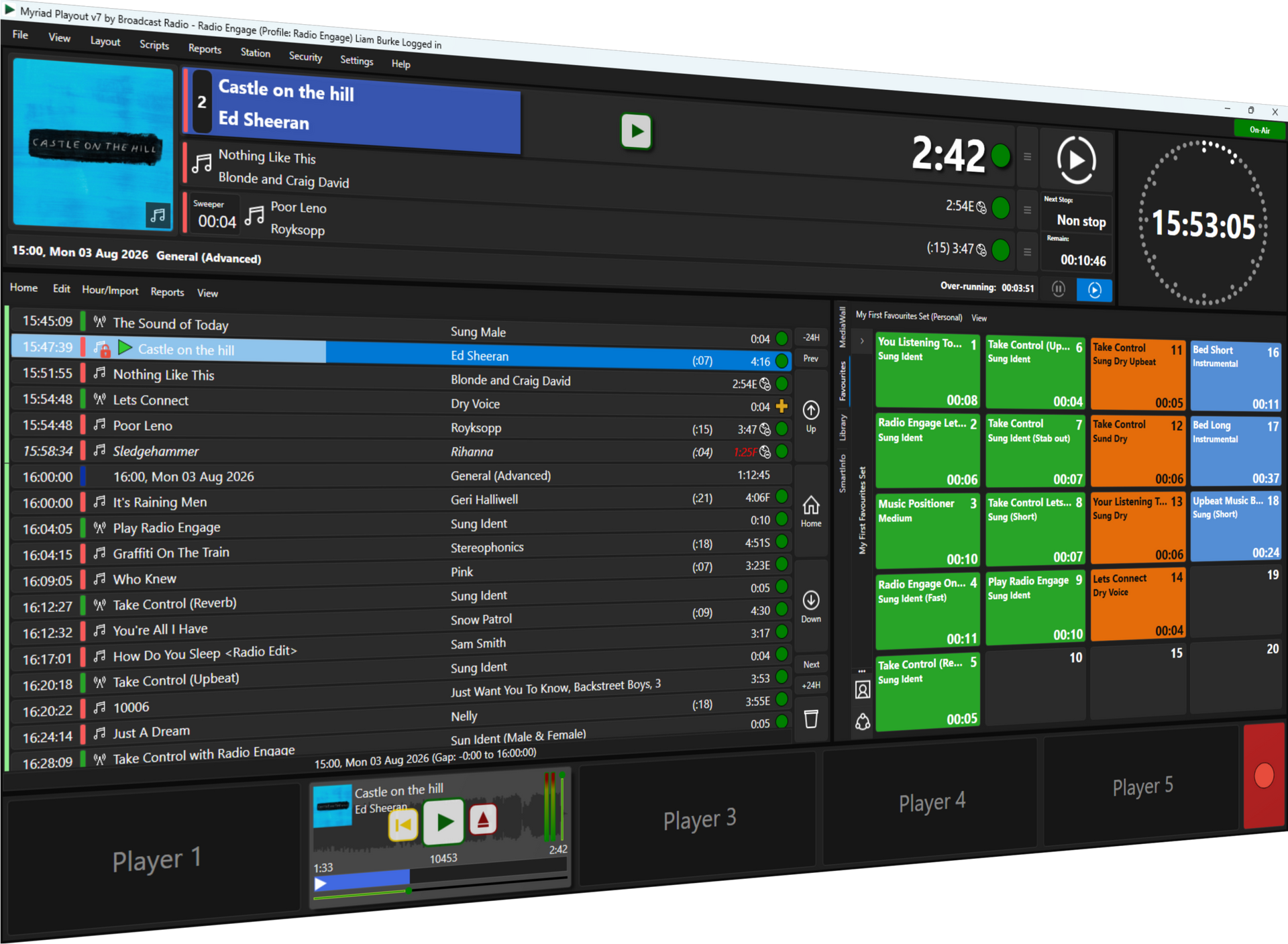
You can now eliminate that "robotic" feel by utilizing AI-generated voice links. By integrating advanced AI Voice Links within Myriad Playout & Automation, you can generate synthetic voice content that sounds remarkably human and local.
- Dynamic Delivery: AI voices can now match the tone and style of your station.
- Zero Latency: Generate content seconds before it hits the airwaves.
- Hyper-Local Focus: Use AI to reference local landmarks or events without requiring a presenter on-site.
- Consistency: Maintain a professional sound even during the graveyard shift.
2. Predictable Music Logs
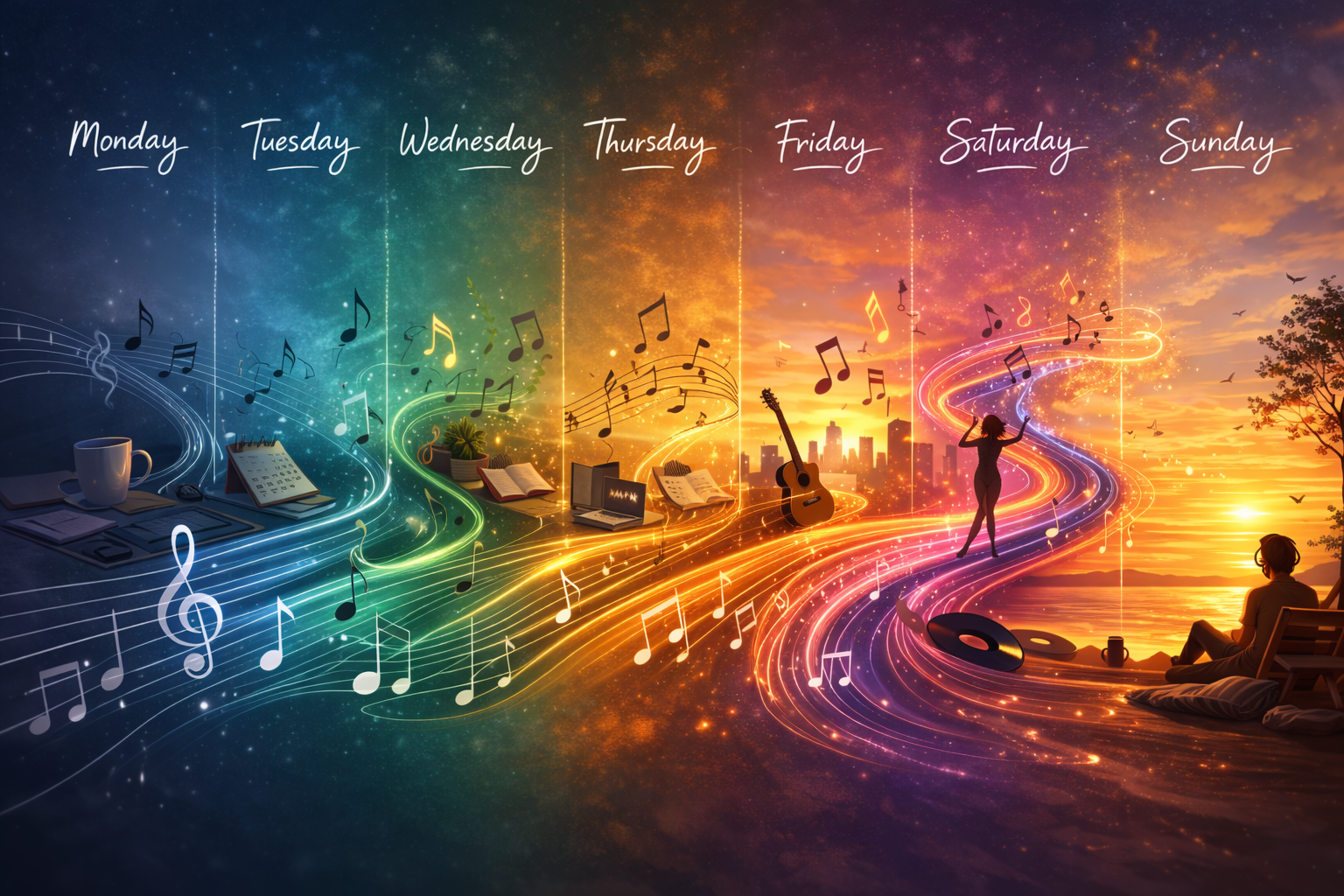
If your listeners can set their watches by your playlist, you have a scheduling problem. Many stations fall into the trap of "set it and forget it" music rotation, leading to predictable patterns where the same 80s hit plays every Tuesday at 10:15 AM.
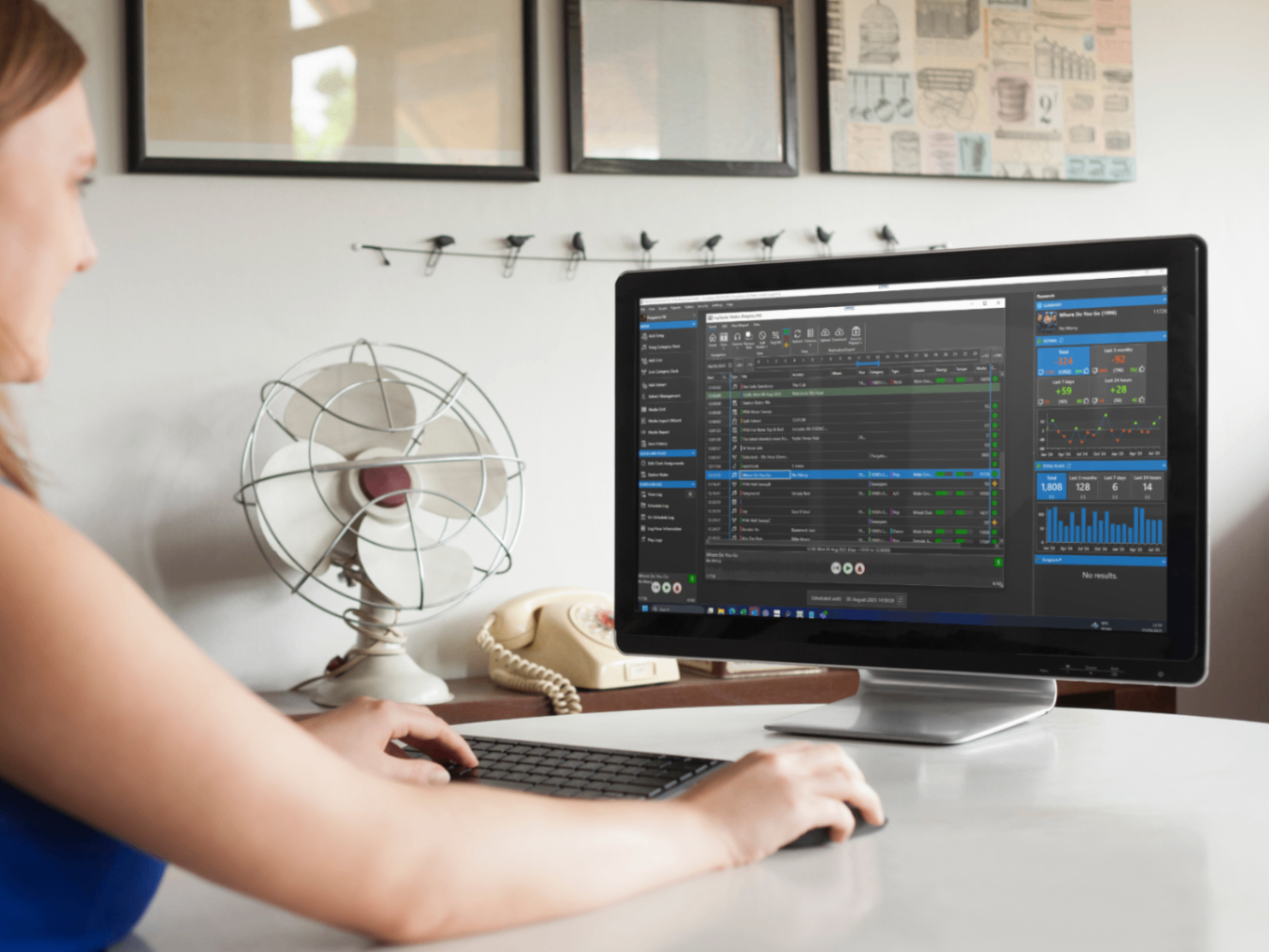
Predictable logs lead to "listener fatigue." To fix this, you need a sophisticated scheduling engine like Myriad Schedule Pro. It uses complex algorithms to ensure variety and balance, preventing the repetitive loops that kill TSL (Time Spent Listening).
- Advanced Rule Sets: Prevent the same artist or song from appearing in the same hour for weeks.
- Balance & Flow: Automatically mix genres and eras to maintain a consistent station vibe.
- Intuitive Editing: Use a drag-and-drop interface to tweak logs without breaking rotation rules.
- Clock Management: Create smart clocks that adapt to different times of the day or week.
3. Clunky Segues and Dead Air
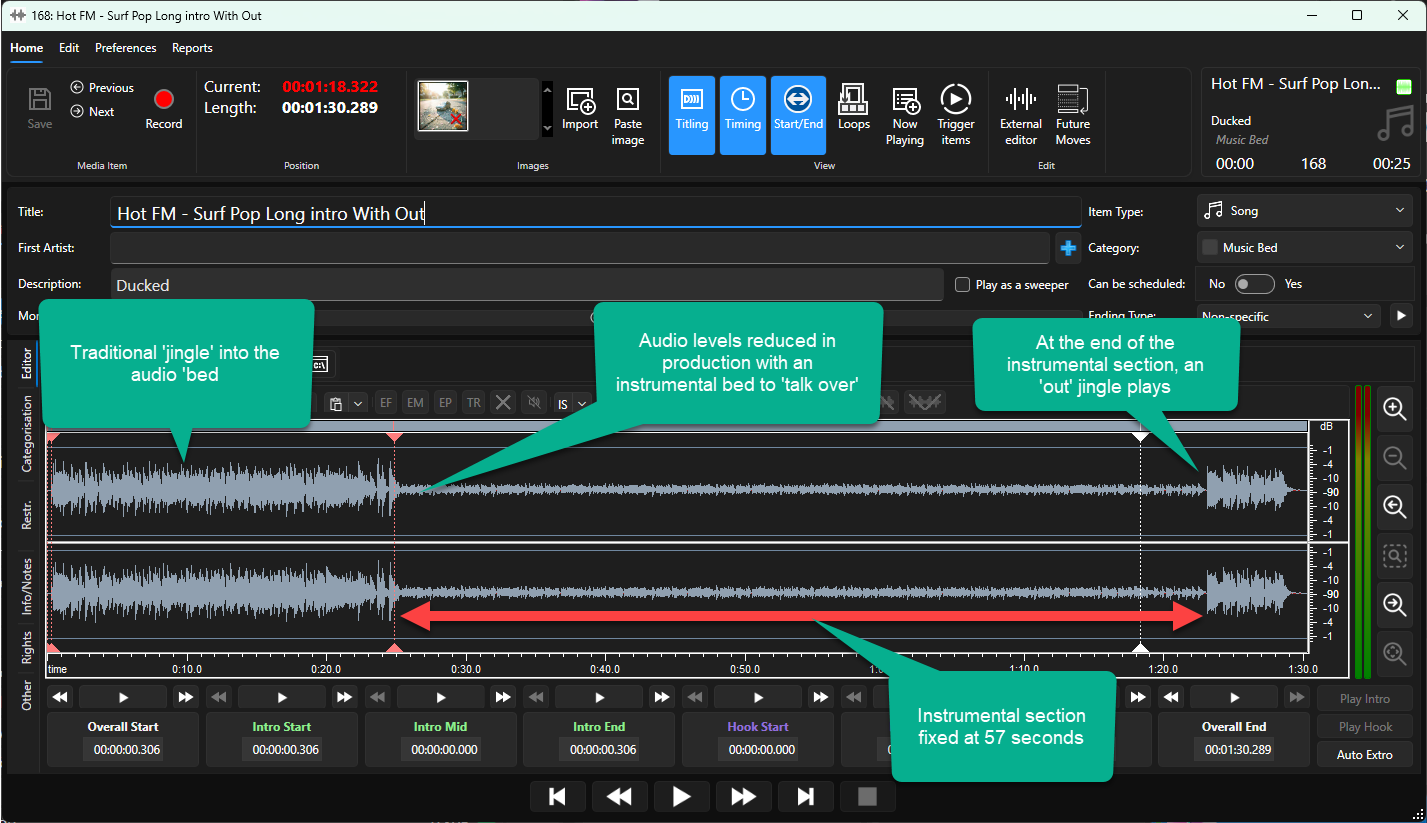
Nothing sounds more "amateur" than a gap of silence between a song and a jingle, or a presenter being cut off by the start of a news bulletin. Clunky segues happen when automation software doesn't "understand" the audio it is playing.
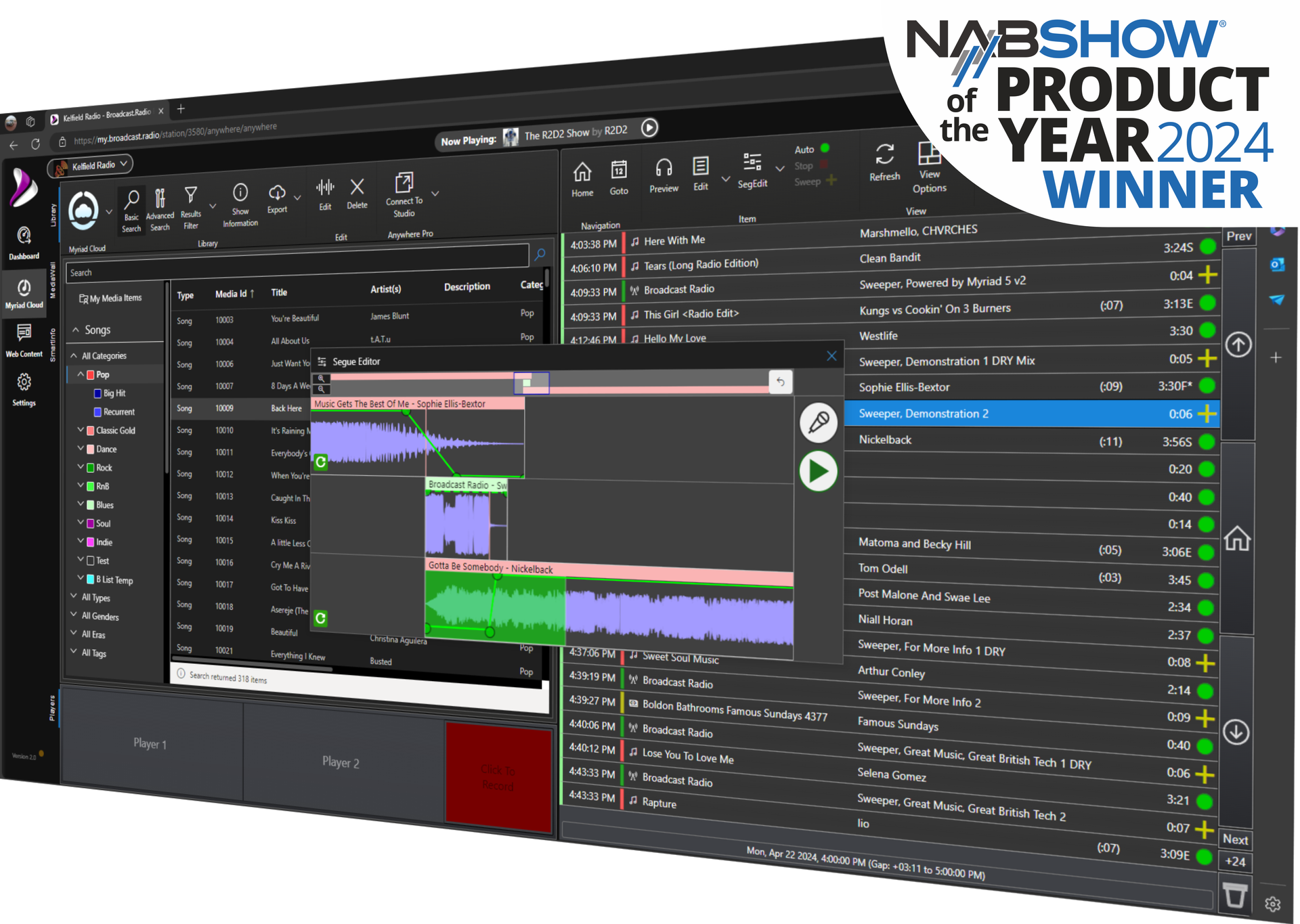
Smart automation in Myriad Playout & Automation solves this by using intelligent segue editors, time stretching and "ducking" technology. The software analyzes the intro and outro of every track to ensure transitions are tight, professional, and punchy.
- Intelligent Overlaps: Automatically sweep jingles over song intros for a "live" feel.
- Precision Timing: Ensure your station hits the top-of-hour news precisely every time.
- Visual Segue Editor: Manually adjust complex transitions with a high-resolution waveform view.
- Auto-Ducking: Lower music volume automatically when a voice link or AI announcement triggers.
4. Missing Live Relevance
One of the biggest giveaways of an automated station is the lack of "now" information. If a major local news story breaks or the weather suddenly shifts from sun to a thunderstorm, an automated log that keeps playing "Sunshine Reggae" feels out of touch.
AI Voice Links can now inject real-time relevance into your automated output. By linking your playout system to live data feeds, Myriad Playout & Automation can use AI to update scripts and voice links on the fly.
- Real-Time Weather: Inject current temperature and conditions into automated links.
- Dynamic News: Feed the latest headlines directly into the log via Myriad Anywhere Newsroom.
- Time Checks: Ensure every automated link includes the correct current time.
- Event Triggers: Automatically shift your playlist or station imaging based on breaking news or local events.
5. Workflow Fatigue
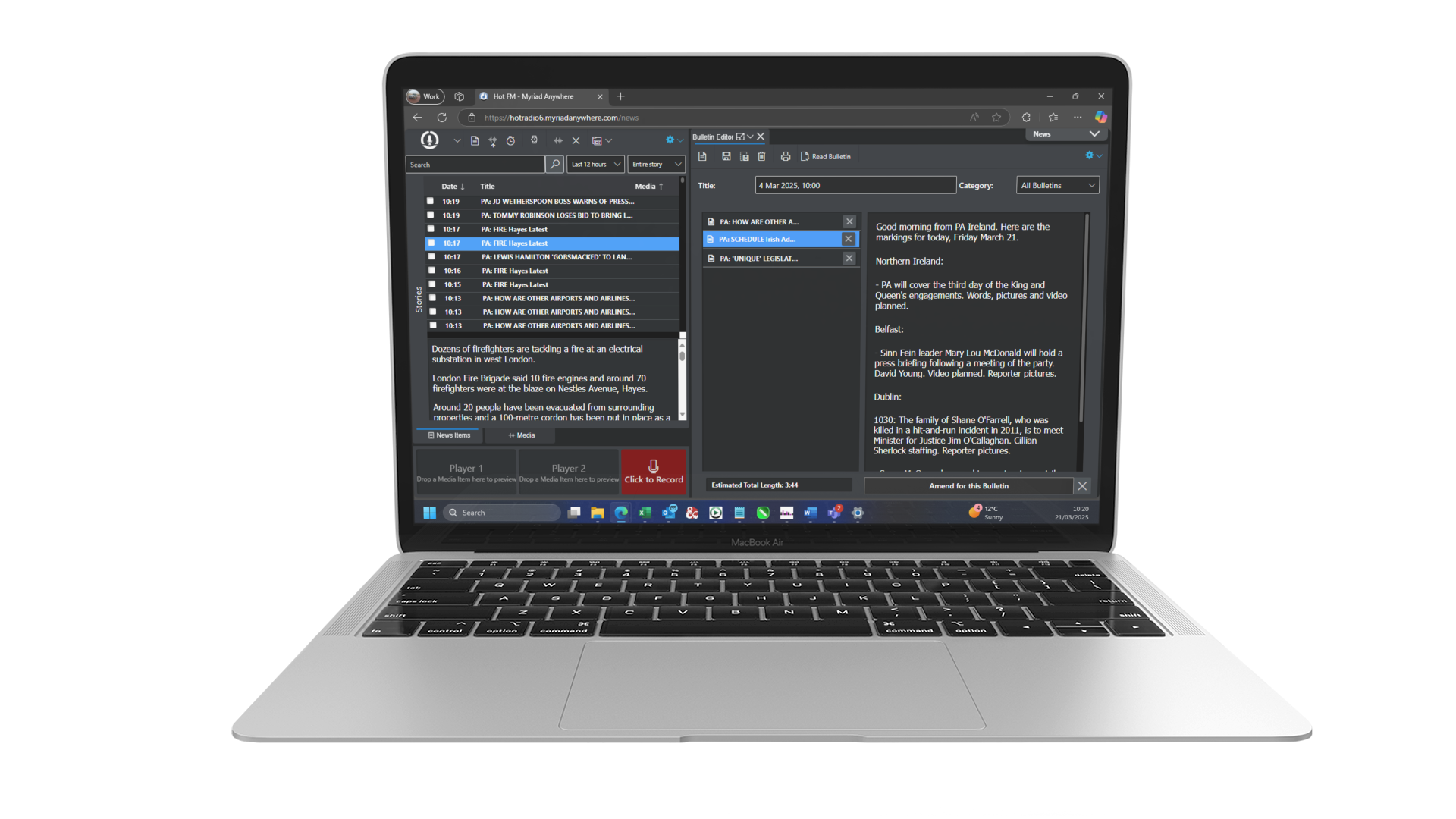
Running a radio station often involves juggling multiple apps for scheduling, playout, remote recording, and administration. This fragmented workflow leads to errors, missed deadlines, and general "workflow fatigue."
The solution is a unified system like Myriad Anywhere. It allows you to manage your entire station from a web browser. Whether you are at home, in a coffee shop, or at a live event, you have full control over your playout and scheduling without needing to switch between different platforms.
- Browser-Based Access: Record voice tracks and edit logs from any device.
- Unified Interface: Manage scheduling and playout within a single, cohesive ecosystem.
- Collaborative Tools: Allow multiple team members to work on the same log simultaneously.
- Remote Control: Full remote support for your studio from anywhere in the world.
6. Sticking to Bulky Hardware
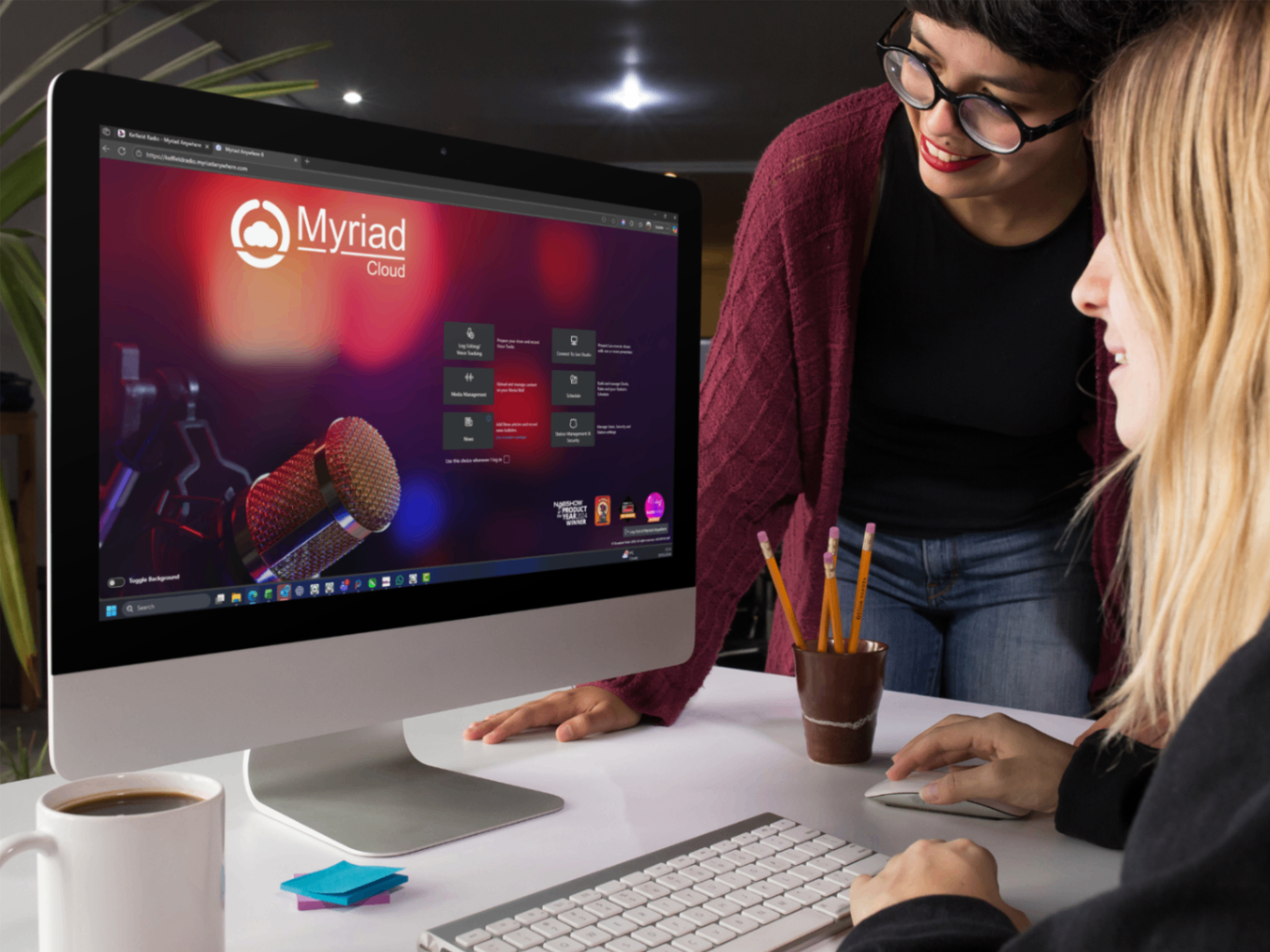
In 2026, relying solely on physical servers in a rack room is a significant risk. Hardware fails, power goes out, and physical studios are expensive to maintain. Many broadcasters still treat the "cloud" as an afterthought or a simple backup, which is a mistake.
Transitioning to a 100% Azure cloud-native platform like Myriad Cloud eliminates the need for physical infrastructure. It provides enterprise-grade reliability and allows you to scale your station instantly.
- Zero Equipment: Start a professional station with nothing more than a laptop and an internet connection.
- Azure Reliability: Benefit from the security and uptime of Microsoft’s global cloud infrastructure.
- Cost Efficiency: Reduce overheads associated with electricity, cooling, and hardware maintenance.
- Future-Proofing: Easily upgrade features and capacity as your station grows.
7. Data Blindness
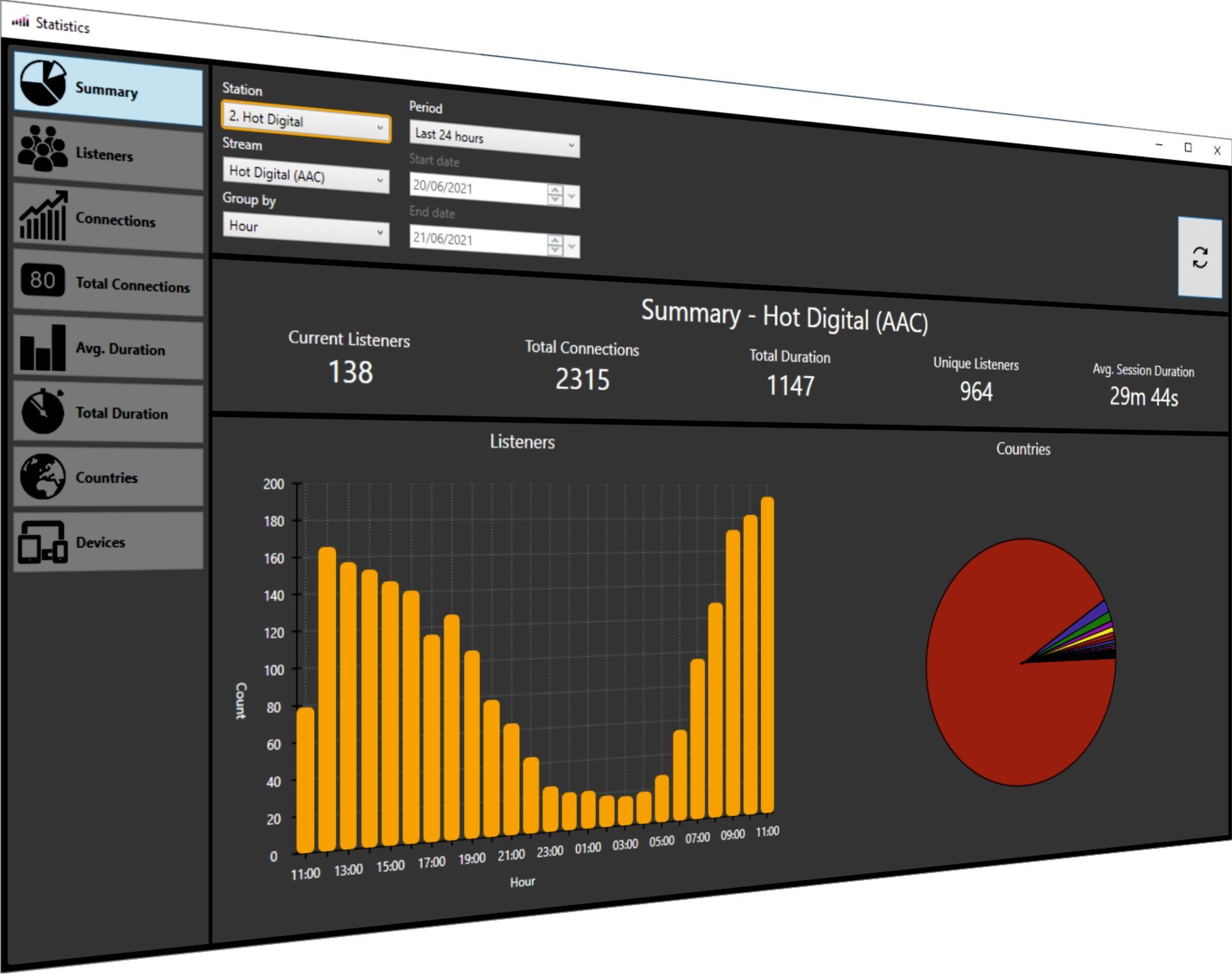
Are you playing the right music for your audience? Do you know when people are tuning out? Many broadcasters operate with "data blindness," making programming decisions based on "gut feeling" rather than actual listener data.
Listener statistics combined with real-time listener voting insights can turn your automation data into a competitive advantage. Using tools like BR-Stats, you can analyze your playout history alongside listener engagement to see exactly what is working.
- Performance Analytics: See which tracks lead to listener spikes and which cause drop-offs.
- Automated Logging: Maintain detailed reports for music royalty licensing and corporate communication.
- Listener Voting Insights: View real-time and historic listener voting from within Myriad Schedule Pro to make informed choices about song performance.
- Comprehensive Reporting: Generate instant reports for stakeholders or advertisers.
Elevate Your Sound with Broadcast Radio
The difference between a mediocre station and an award-winning one often comes down to the software powering it. By moving away from legacy "playout-only" mindsets and embracing the AI enabled, studio/cloud hybrid capabilities of the Myriad v6 platform, you can ensure your station remains relevant in a crowded media landscape.
Whether you are an educational station, a community broadcaster, or a large commercial network, the tools to fix these seven mistakes are already at your fingertips.
Ready to see the future of radio?
- Explore our latest reviews from broadcasters worldwide.
- Check out our glossary for a deeper dive into technical terms.
- Learn more about us and our 25-year history in broadcasting.
Don't let your automation hold you back. Let AI and modern software do the heavy lifting so you can focus on what really matters: creating great content for your listeners. Send us a message today to discuss how we can help upgrade your workflow.