Myriad Cloud Journey - Phase 1 Coming To An End
Cloud Playout Phase 1 – Winding Down
We initially launched Myriad Cloud Playout, now referred to as Phase 1, in the Autumn of 2020 to provide a solution for stations launching in the throes of a worldwide pandemic that rendered a more traditional approach to launching a radio station impractical.
At the time we outlined a multi-phased approach to developing the technology in a way that would provide an immediate solution whist paving the way for wider adoption and deployment at scale.
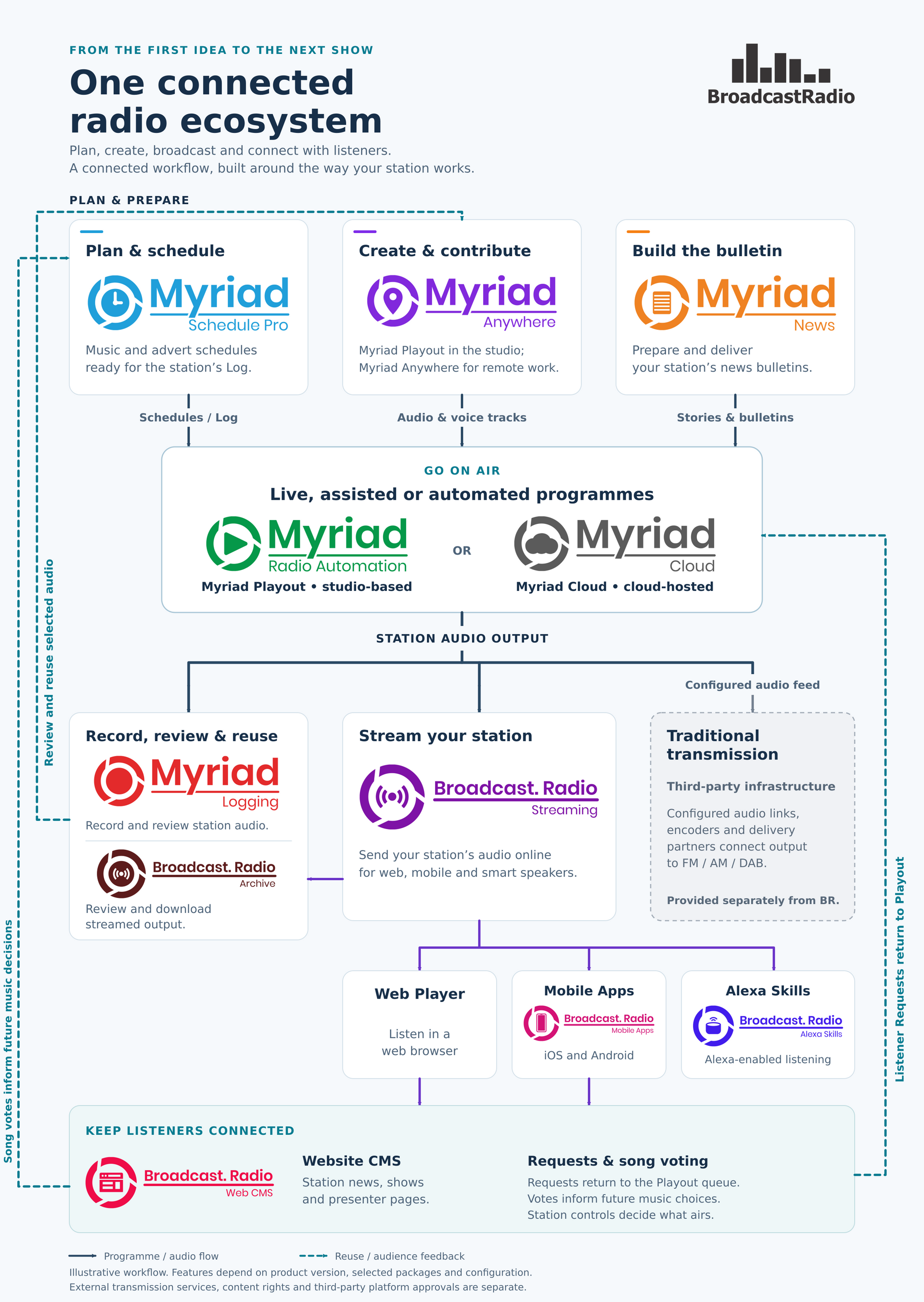
- Phase 1 (Cloud Playout)– Desktop playout running on hardware hosted at Broadcast Radio HQ. Initially this involved Myriad Playout running on physical or virtual hardware with full remote access via RealVNC and voice tracking & live control via Myriad Anywhere. All other function (Myriad Schedule etc) was done via remote access.
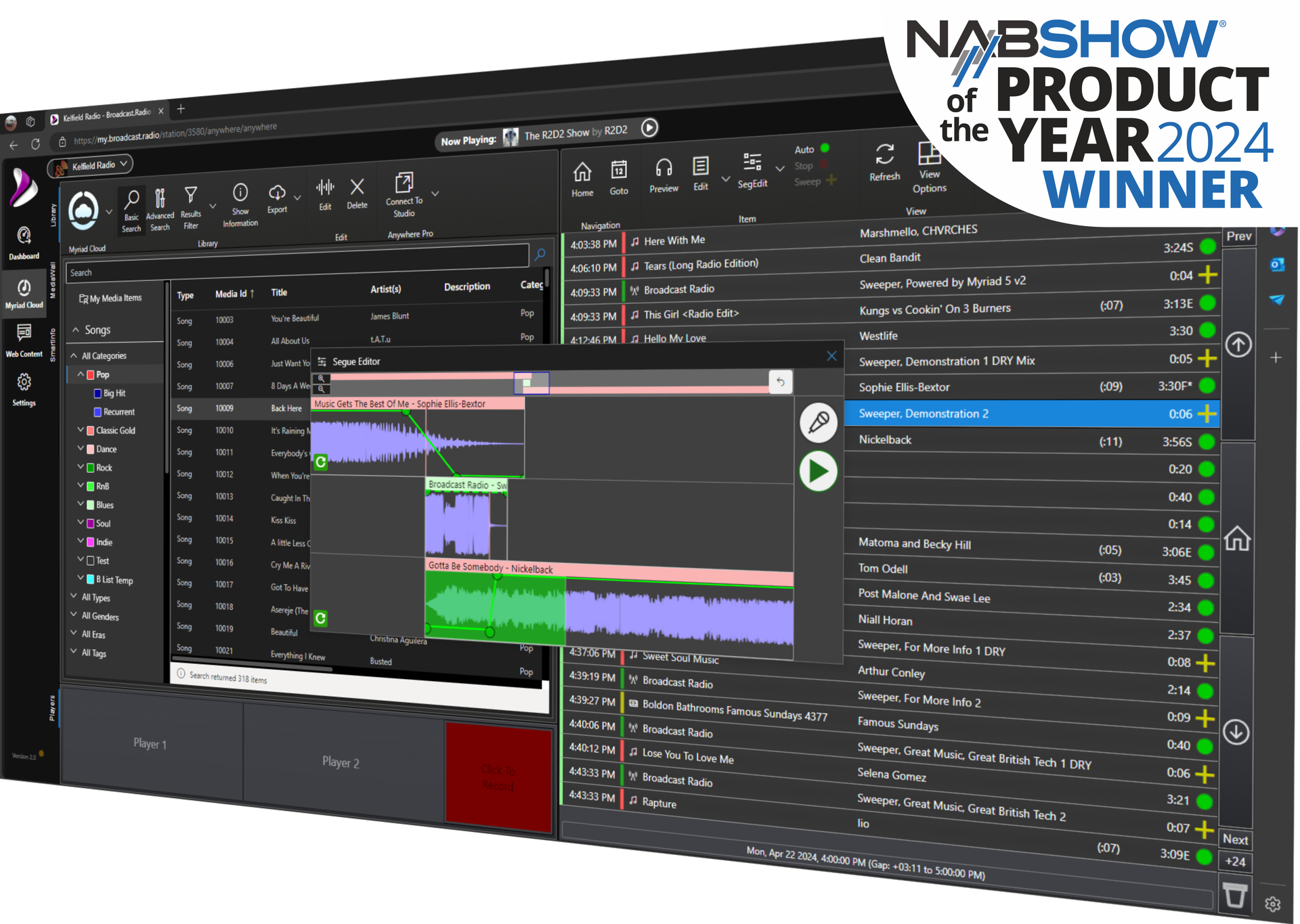
- Phase 2 (Myriad Cloud Dedicated) – Desktop playout running on datacentre based VM’s offering higher levels of power and connectivity resilience. This was coupled with an extension of Myriad Anywhere to provide true web-based functionality for all major elements of Myriad including Schedule, Admin, User Management etc. Direct remote access is still included via RealVNC to allow for administration of 3rd party applications, Myriad Splits and BR Encoder.
- Phase 3 (Myriad Cloud Native) – Complete cloud solution running natively on MS Azure without the need for Windows 10/11 host VM. Control over all functionalities including encoding, audio processing and all Myriad functions provided via web interface. Includes native integration with streaming and web players etc. As there is no host Windows PC/VM, there is no direct remote access and no provision to run 3rd party applications.
As part of out ongoing commitment to provide the best technical and cost-effective solutions for our customers, we will be deprecating Phase 1 services over the coming months with the option for customers to choose whether to switch to Myriad Cloud Dedicated or Myriad Cloud Native.
Which should you pick?
We have already identified which Phase 1 customers will likely need to switch Myriad Cloud Dedicated and which have the option to switch to Myriad Cloud Native instead, although the ultimate choice will be with you the customer.
Broadly speaking the main factors to consider are:
You should consider moving to Myriad Cloud Dedicated if:
- You are using Myriad Split Playout
- If you are using specialist 3rd party applications (audio processor, encoder, logging etc)
- If you are using Myriad Logging on the same PC/VM
- You want to retain direct remote access for other reasons
You should consider moving to Myriad Cloud Native if:
- You want to avoid issues caused by Windows Updates or hardware driver issues.
- You want to be able to manage all aspects of your station (including encoding, streaming, archive etc) from a single web portal.
- Want to be able to add and remove stations and share content between stations managed via your portal.
- Get seamless integration with web player and optional website CMS / mobile apps.
- Want to benefit from the reliability and scalability of MS Azure.
There are benefits to both platforms and we fully understand that whilst we can make a recommendation, it is down to the customers choice which is the best route for them. In either case, we will handle the migration for you so that all your content is replicated to the new platform and the transition is as seamless as possible.
Phase 1 customers will receive emails in the coming days outlining the options and inviting them to contact us for more information and to confirm their decision.
Phase 1 accounts for a tiny percentage of our overall Myriad Cloud (dedicated and native) customers so the vast majority of Myriad Cloud users will not be affected. If you have not received an email in the next ten days then you are already on Phase 2 or Phase 3 and the ramp down of Phase 3 will not impact you at all.
As ever, if you have any questions, please contact the Broadcast Radio team for more information.