The Modern Newsroom: Streamlining Radio Journalism with Myriad News
![[HERO] The Modern Newsroom: Streamlining Radio Journalism with Myriad News](https://irp.cdn-website.com/3bcc3595/dms3rep/multi/opt/News+Top+%28squ%29-b61f686d-1920w.png)
Radio news moves faster than ever before. Your listeners expect immediate updates, and your journalists need tools that can keep up with a 24-hour news cycle without being tethered to a physical desk.
The traditional newsroom model is changing. Relying on isolated systems for wire feeds, audio editing, and script writing creates bottlenecks that slow down your output. You need a unified system that bridges the gap between the field and the studio.
Myriad 6 News is designed to solve these exact challenges. It is a professional radio broadcast software solution that provides a robust, hybrid environment for modern journalism.
Hybrid Workflow Power
The core of a modern newsroom is flexibility. You shouldn't have to choose between the power of on-site hardware and the accessibility of the cloud.
Myriad 6 News utilizes a hybrid architecture. It combines dedicated on-site "News Capture" software with a powerful, browser-based "Anywhere Newsroom" portal. This means your station maintains a local database of all incoming feeds while giving your team the freedom to work from anywhere in the world.
- Install News Capture locally to handle heavy-duty data ingestion.
- Access the entire news database via a standard web browser.
- Manage stories and bulletins without installing software on every laptop.
- Maintain full control over your data while enabling remote workflows.
By using this hybrid approach, your station remains resilient. If the internet goes down, your local capture continues. When your journalists are on the move, they have full access to every wire feed and audio clip via Myriad 6 Anywhere.
Total Content Capture
Information flows into a newsroom from dozens of directions at once. Managing these feeds manually is an invitation for missed stories and wasted time.
Myriad 6 News acts as a central aggregator for all your incoming information. Whether it is a national headline from a major provider or a local tip from social media, everything is funneled into a single, searchable interface. This integration is essential for any professional radio automation software setup.
- Native support for IRN and Sky News wire feeds.
- Automated ingestion of PA (Press Association) content.
- Custom RSS feed integration for local news and niche blogs.
- Direct social media monitoring, including Twitter (X) integration.
When a story breaks, your journalists don't need to hunt through multiple tabs or applications. They can see the news as it happens, right alongside their existing scripts and audio assets. This consolidation allows your team to focus on the journalism rather than the technology.
Multimedia Storytelling Tools
Radio is no longer just about the spoken word. Modern journalism requires a mix of text, high-quality audio, and even visual elements for digital platforms.
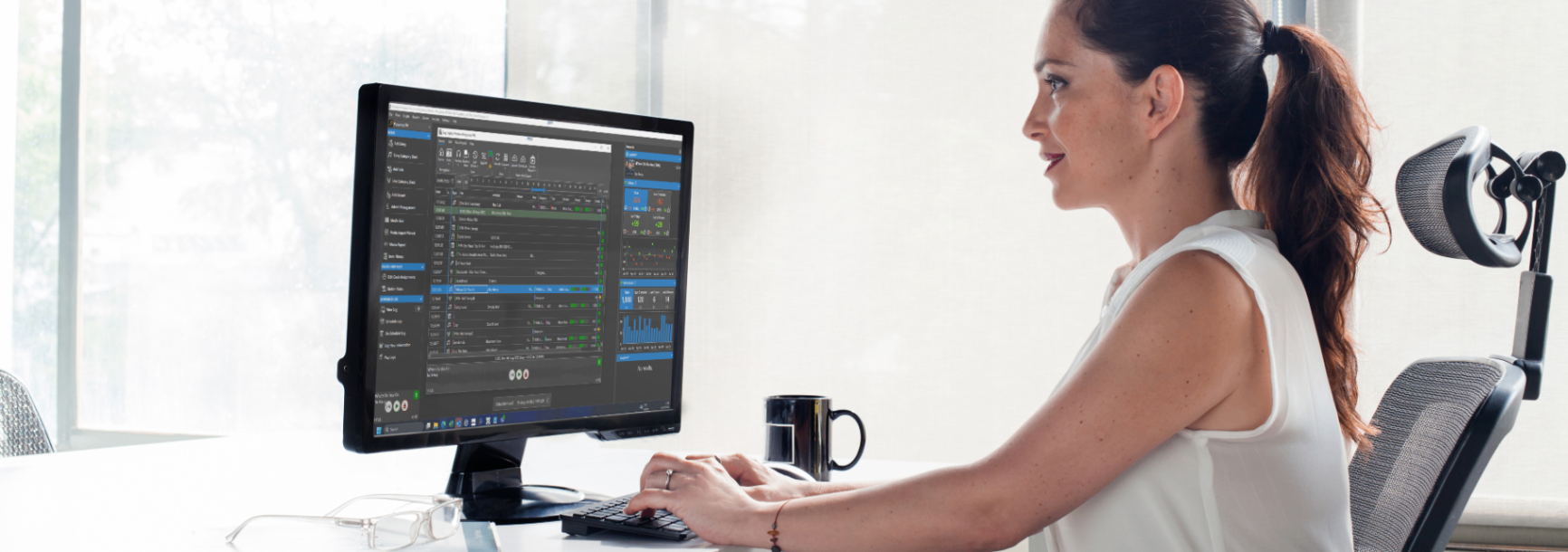
Creating a story in Myriad 6 News is an integrated experience. You aren't just writing a script; you are building a multimedia asset. The system allows you to attach multiple audio clips to a single story, edit text on the fly, and manage metadata that follows the content all the way to the listener's device.
- Attach multiple audio files to a single news story.
- Edit scripts with clear formatting for on-air delivery.
- Incorporate images for use on station websites or social feeds.
- Track story history and revisions across the entire team.
This approach ensures that every member of the news team is looking at the same version of the truth. Whether a presenter is reading a live bulletin in the studio or a journalist is recording a voice-track remotely, the information remains consistent and professional.
Seamless Remote Collaboration
Journalism happens in the field, not just in the studio. Your reporters need to be able to file stories from the scene of an event as easily as they would from their desk.
The Myriad Anywhere Newsroom portal makes collaboration effortless. Multiple journalists can work on the same bulletin simultaneously. One person can be editing the lead story from a laptop in a coffee shop, while another records a weather update from a home studio. All changes are synced in real-time.
- Real-time collaboration across multiple geographic locations.
- In-browser audio recording and basic editing tools.
- Instant notification of story updates and new wire items.
- Secure access control for different levels of staff.
This level of connectivity is a game-changer for community and commercial stations alike. It reduces the need for expensive radio station equipment at every remote location while maintaining a professional sound. For more on how these remote tools work, you can explore our remote control support documentation.
Efficient Bulletin Building
The ultimate goal of any newsroom is the bulletin. How you assemble, polish, and deliver that bulletin determines your station's professional standing.
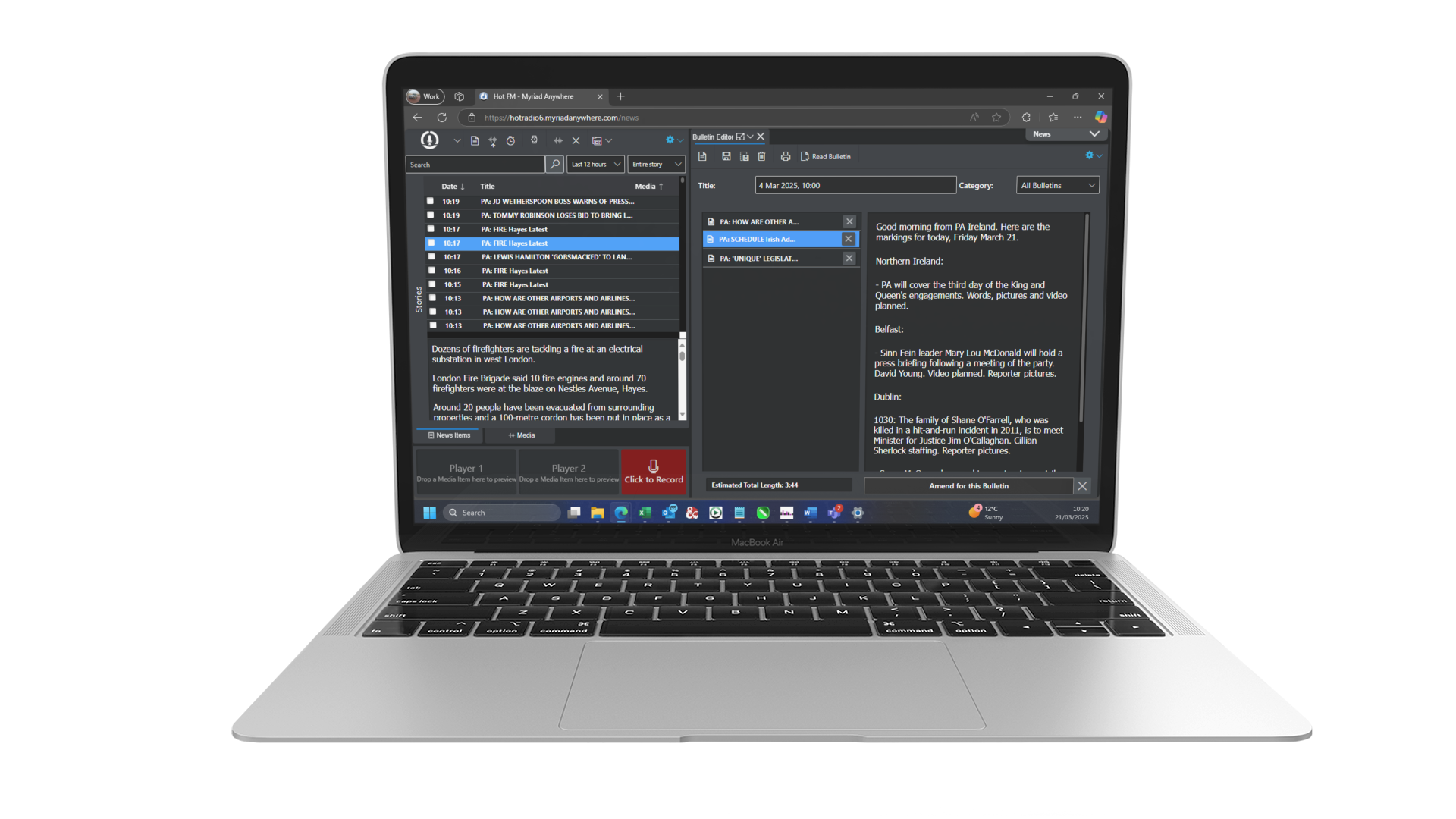
Myriad 6 News features a dedicated bulletin builder that simplifies the transition from a pile of stories to a finished broadcast. You can drag and drop stories into order, see the total duration update instantly, and switch between live-read and pre-recorded modes.
- Drag-and-drop story ordering for rapid bulletin assembly.
- Live-read mode with a clean, high-contrast interface for presenters.
- Automated bulletin duration calculation including "time to go" markers.
- Reusable templates for recurring bulletins (e.g., Breakfast News, Sport).
The system is designed to be "stress-proof." When you are thirty seconds away from the top of the hour, you need a system that responds instantly. Myriad 6 News provides the reliability and clarity required for high-pressure broadcast environments.
Unified Playout Integration
A newsroom system is only as good as its connection to the airwaves. If you have to manually export files and move them between systems, you are losing valuable time and risking errors.
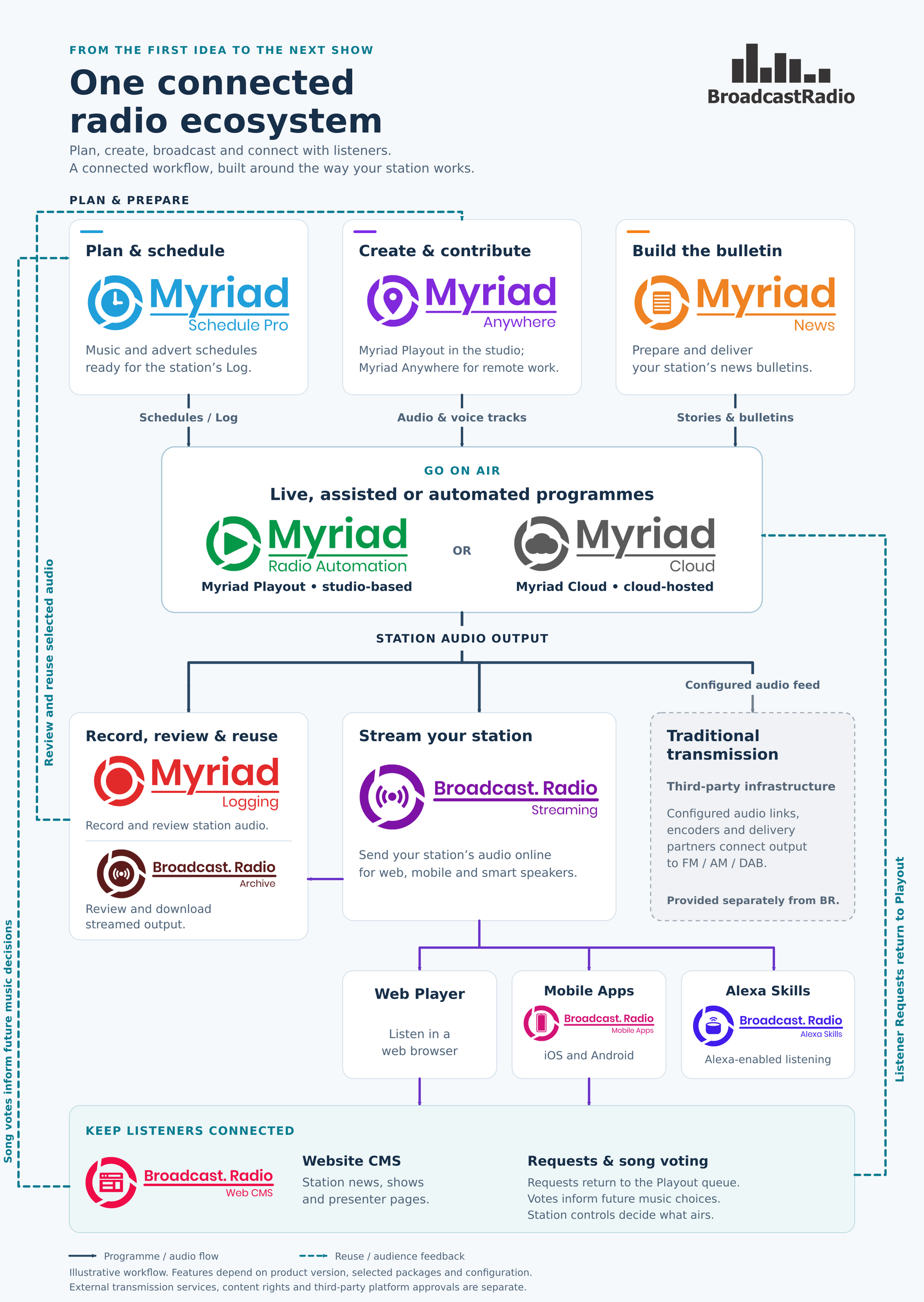
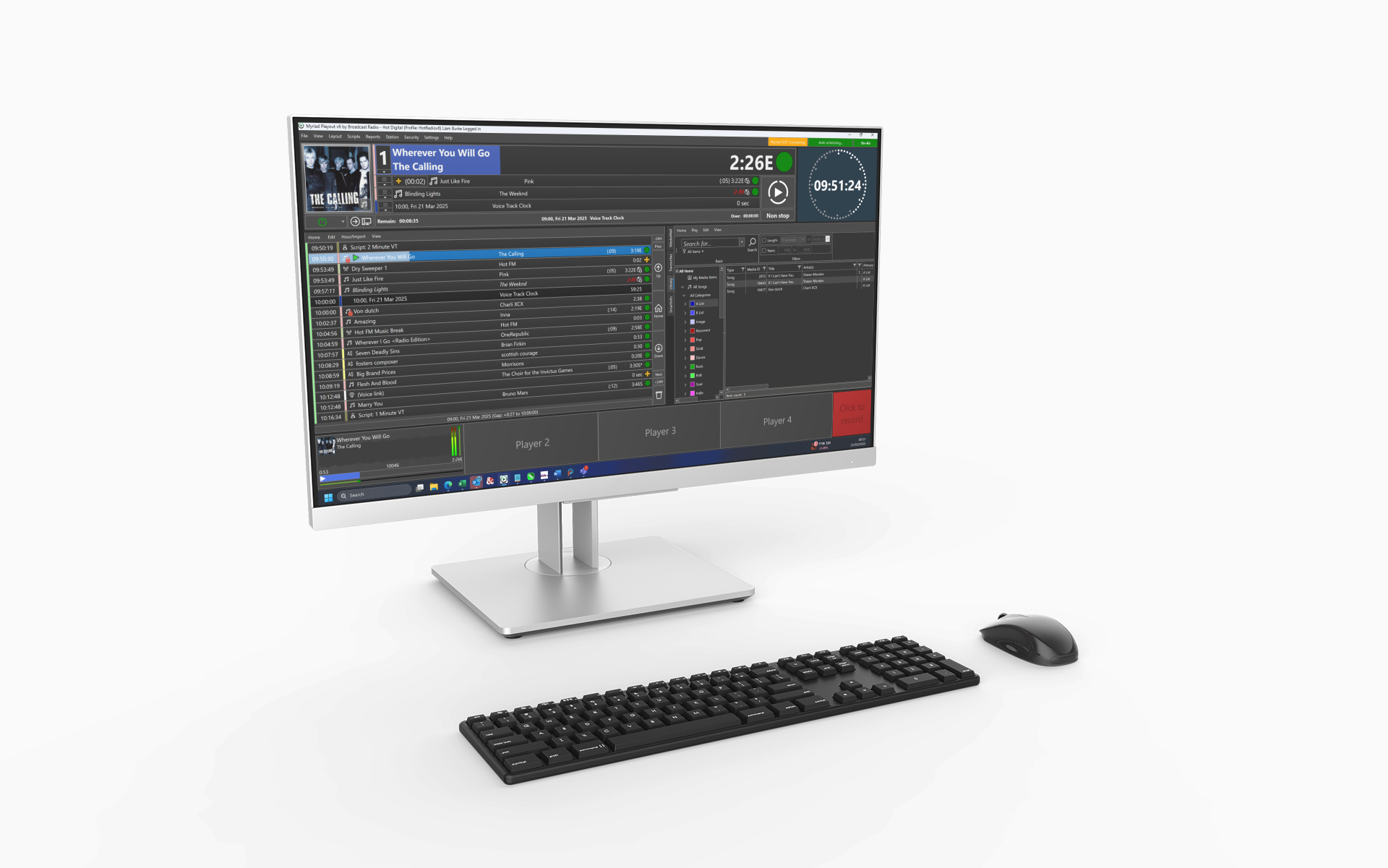
This is where the ecosystem shines. Myriad 6 News is built to work hand-in-hand with Myriad Playout & Automation. When a bulletin is saved or recorded, it can be automatically uploaded to the playout system, updated in the log, and ready for broadcast without any manual intervention.
- Automatic uploading of recorded bulletins to Myriad Playout & Automation.
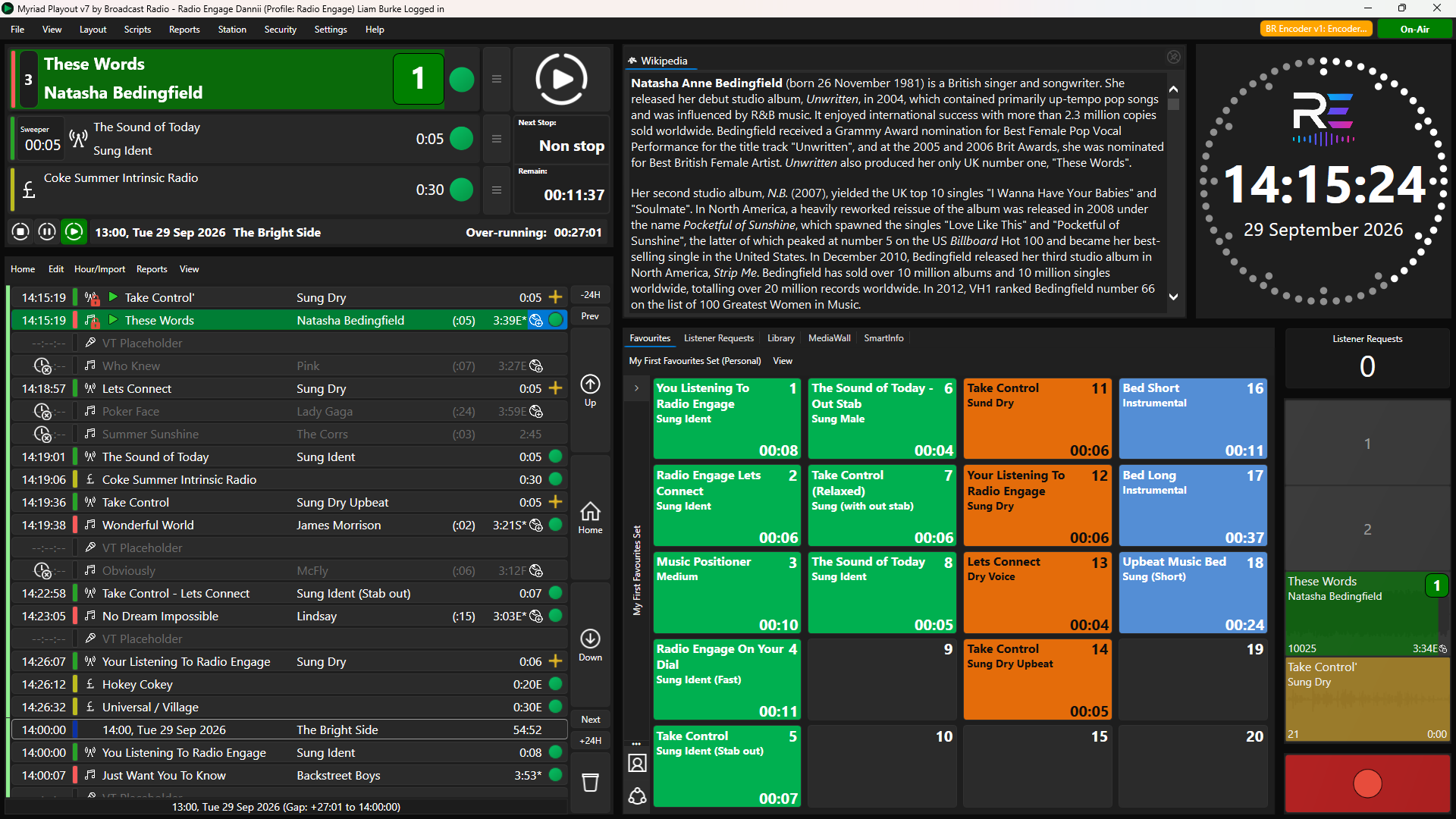
- Instant synchronization of live-read scripts to studio screens.
- Metadata sharing for DAB and web stream "Now Playing" information.
- Support for the latest Myriad v6 platform features.
This tight integration means that your news team and your programming team are always in sync. If a breaking news event requires a change to the scheduled log, it can be handled quickly and professionally, ensuring your station always sounds "live" and relevant.
Professional Scalability
Whether you are a single-journalist operation or part of a multi-station corporate group, your newsroom software should scale with you.
Myriad 6 News is built to grow. You can start with a basic setup for a single user and expand to a full-scale newsroom with dozens of simultaneous journalists. Because much of the heavy lifting is handled in the cloud, you don't need to worry about managing complex server infrastructure as your team grows.
- Subscription-based pricing that fits your station's budget.
- No limit on the number of wire feeds you can ingest.
- Rapid deployment: setup usually takes only 1-2 working days.
- Full support for educational radio and professional broadcasters.
By choosing a solution that is both powerful and accessible, you are future-proofing your news operations. You can focus on finding the best stories while the Myriad ecosystem handles the technical delivery.
Elevate Your Journalism
The "nuts and bolts" of radio journalism shouldn't get in the way of the story. Myriad 6 News removes the technical friction that often slows down news production.
By combining a powerful hybrid workflow, deep wire-feed integration, and seamless playout connectivity, you can create a newsroom that is faster, smarter, and more collaborative. Whether you are working from a high-end studio or a home office, the tools you need are always at your fingertips.
If you are looking to upgrade your newsroom capabilities, we are here to help. Our team can guide you through the transition and ensure your station is equipped for the future of broadcast journalism.
Learn more about our newsroom solutions or send us a message to discuss how Myriad 6 News can transform your station's workflow.