The 'Pro Look': Why Studio Signage is More Than Just a Red Light
![[HERO] The 'Pro Look': Why Studio Signage is More Than Just a Red Light](https://irp.cdn-website.com/3bcc3595/dms3rep/multi/opt/SmartSign3+Post+Graphic-1920w.png)
Picture a radio studio. What comes to mind?
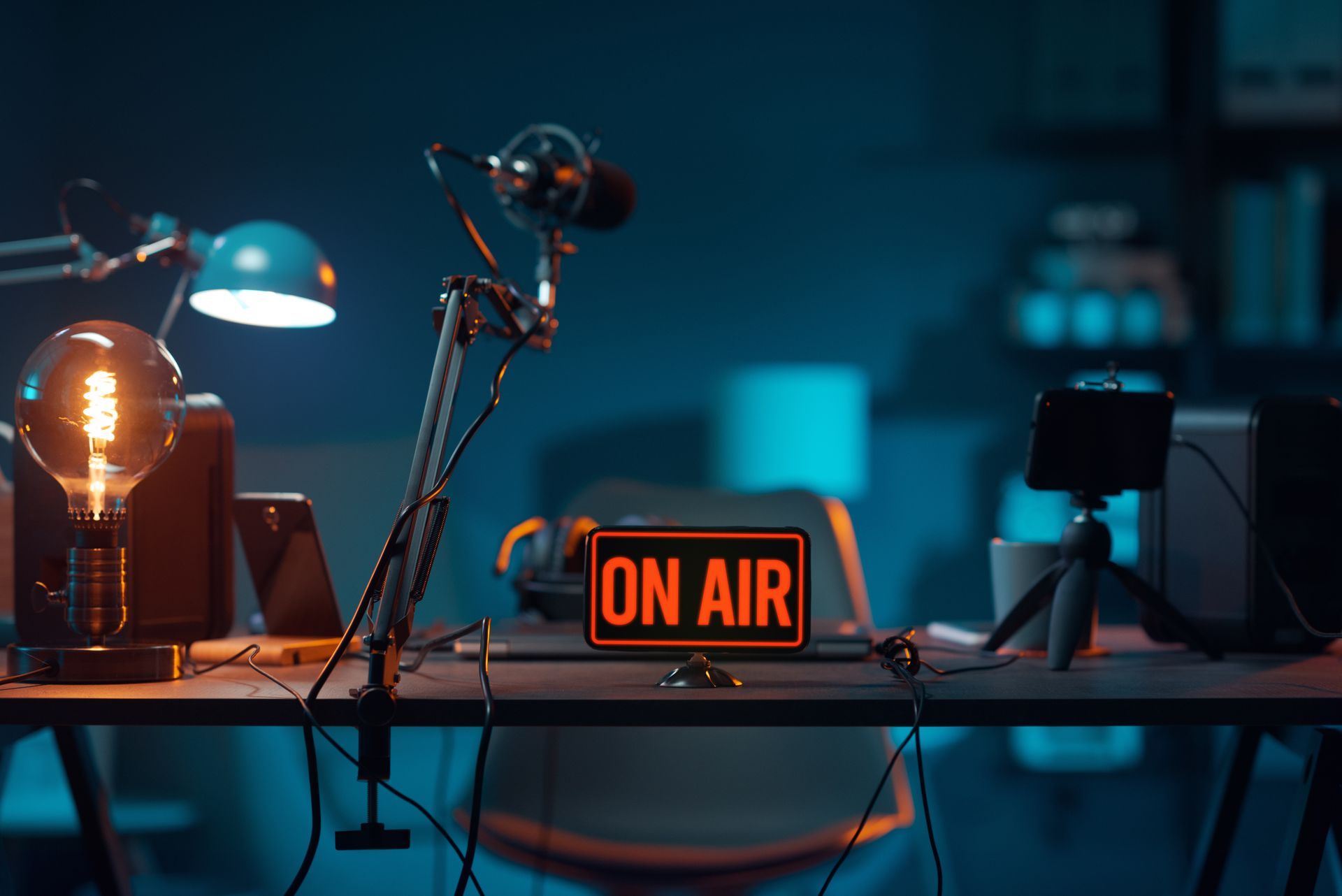
Chances are, you're imagining a presenter behind a microphone, headphones on, surrounded by screens and faders. And somewhere in the background? That iconic glowing red light. The universal "shush, we're live" signal.
That red light has been doing its job for decades. But here's the thing, your studio has evolved. Your workflows have changed. Your audience expectations have shifted. So why is your signage still stuck in the 1970s?
It's time to rethink what radio studio signage can actually do for you.
The Red Light Had a Good Run
Let's give credit where it's due. The traditional "On Air" light is a broadcasting legend. It kept guests quiet, warned staff not to burst through doors, and gave presenters that little rush of adrenaline when it flickered on.
But that's all it did. One job. One piece of information.
In a modern professional radio studio, your team needs more than a binary on/off signal. Presenters are juggling live reads, pre-recorded segments, social media interactions, and timed links. Producers need to communicate without waving their arms through the glass. And everyone needs to stay perfectly in sync.
A single red bulb just doesn't cut it anymore.
Enter SmartSign: Your Studio's Information Hub
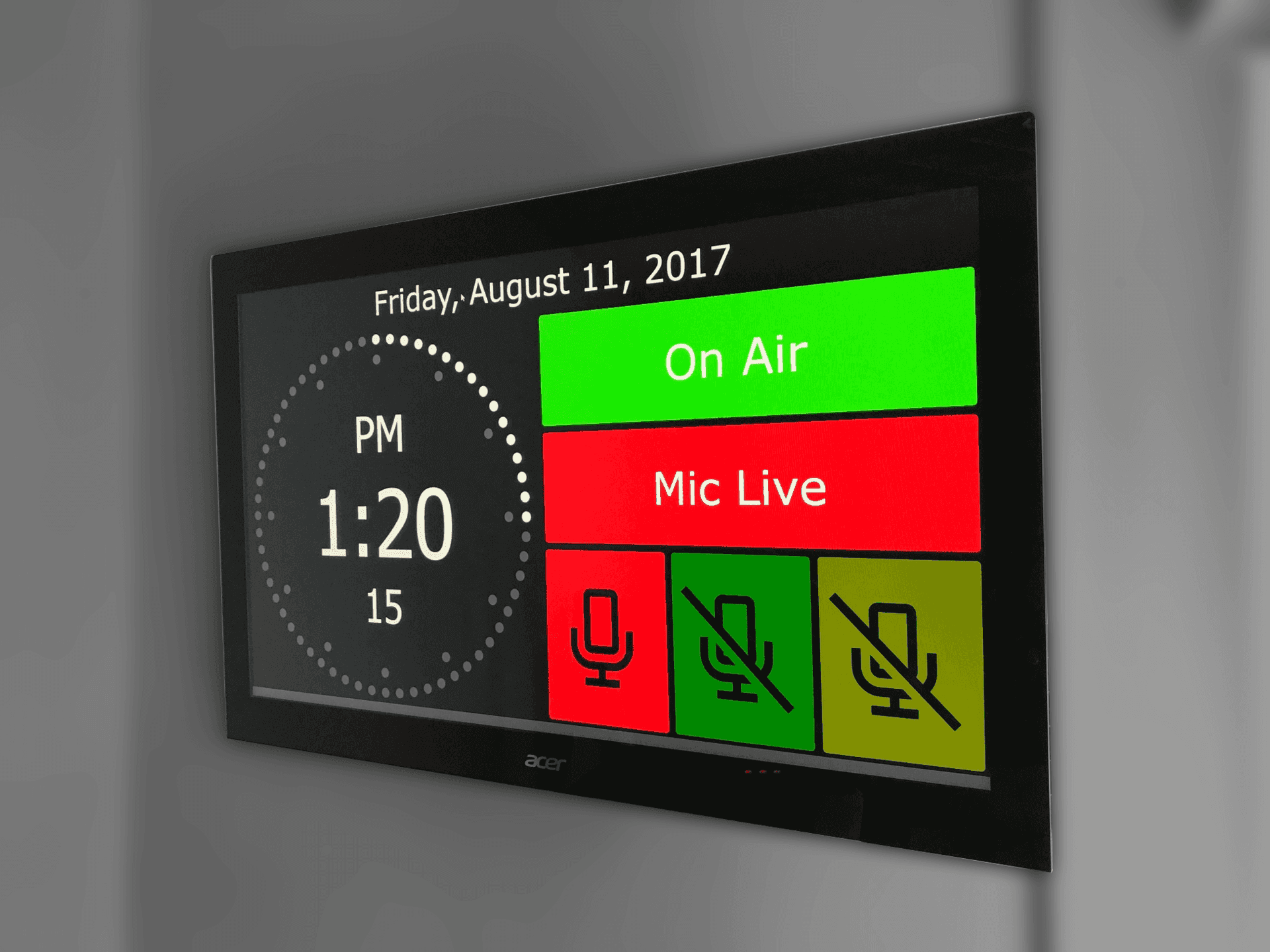
SmartSign isn't a replacement for the red light. It's an upgrade for your entire studio workflow.
Think of it as a visual command centre that keeps everyone, presenters, producers, guests, and even visitors, on the same page. All the information your team needs, displayed clearly and updated in real time.
Here's what SmartSign brings to the table:
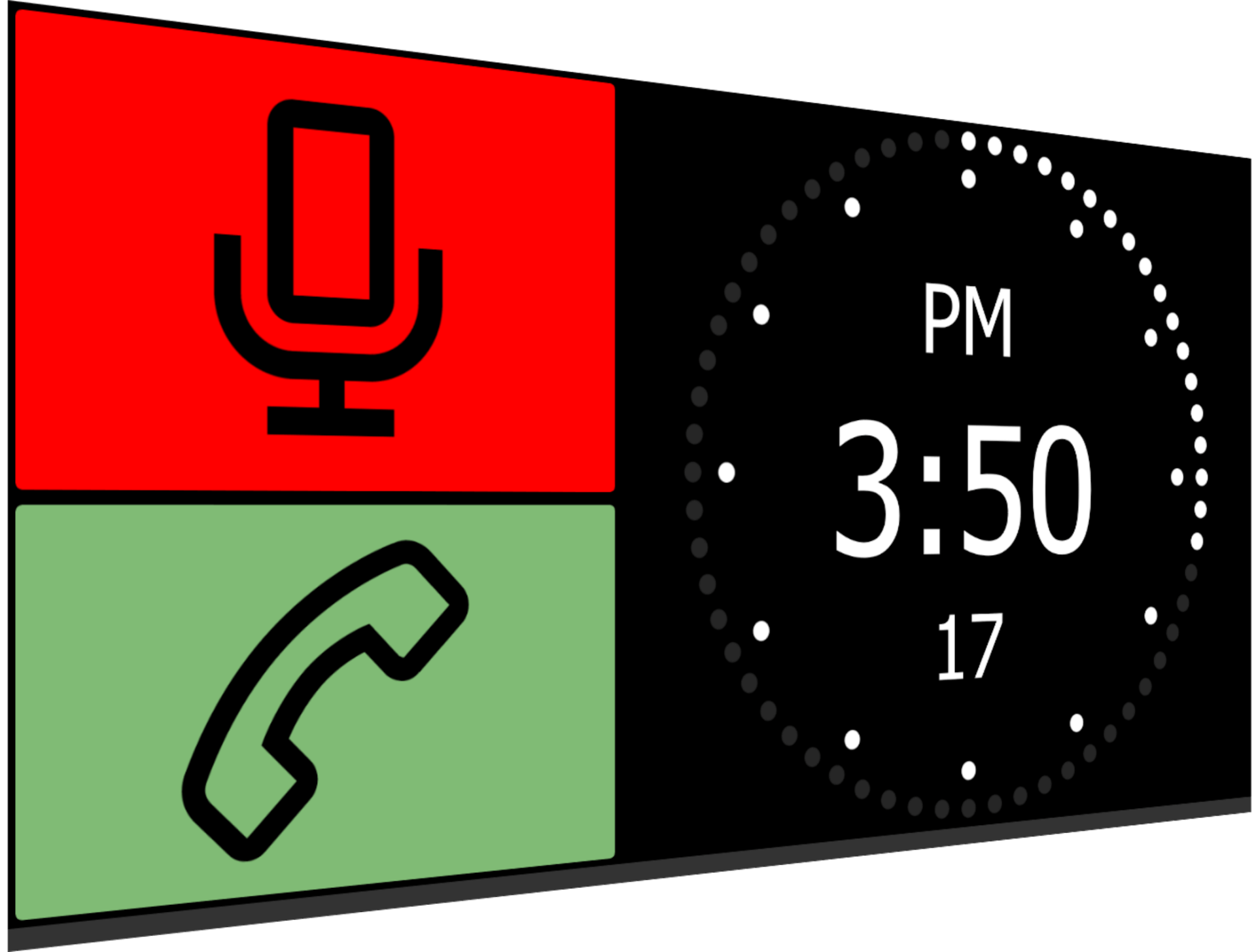
- Mic Live indicators – Yes, you still get that classic "we're live" signal
- Studio clocks – Accurate time display so no one's guessing
- Countdown timers – Know exactly how long until the next segment, ad break, or news bulletin
- Now playing information – Current track details displayed automatically
- Custom alerts and messages – Send visual cues from the production desk without interrupting the presenter
- Branding elements – Your station logo, colours, and identity on display
It's everything your studio needs to run smoothly, wrapped up in a sleek, professional display.
Timing Is Everything
Ask any presenter what they struggle with most during a live show, and timing will be near the top of the list.
How long until the news? When does the next ad break hit? Is there time to squeeze in another track or should you start talking now?
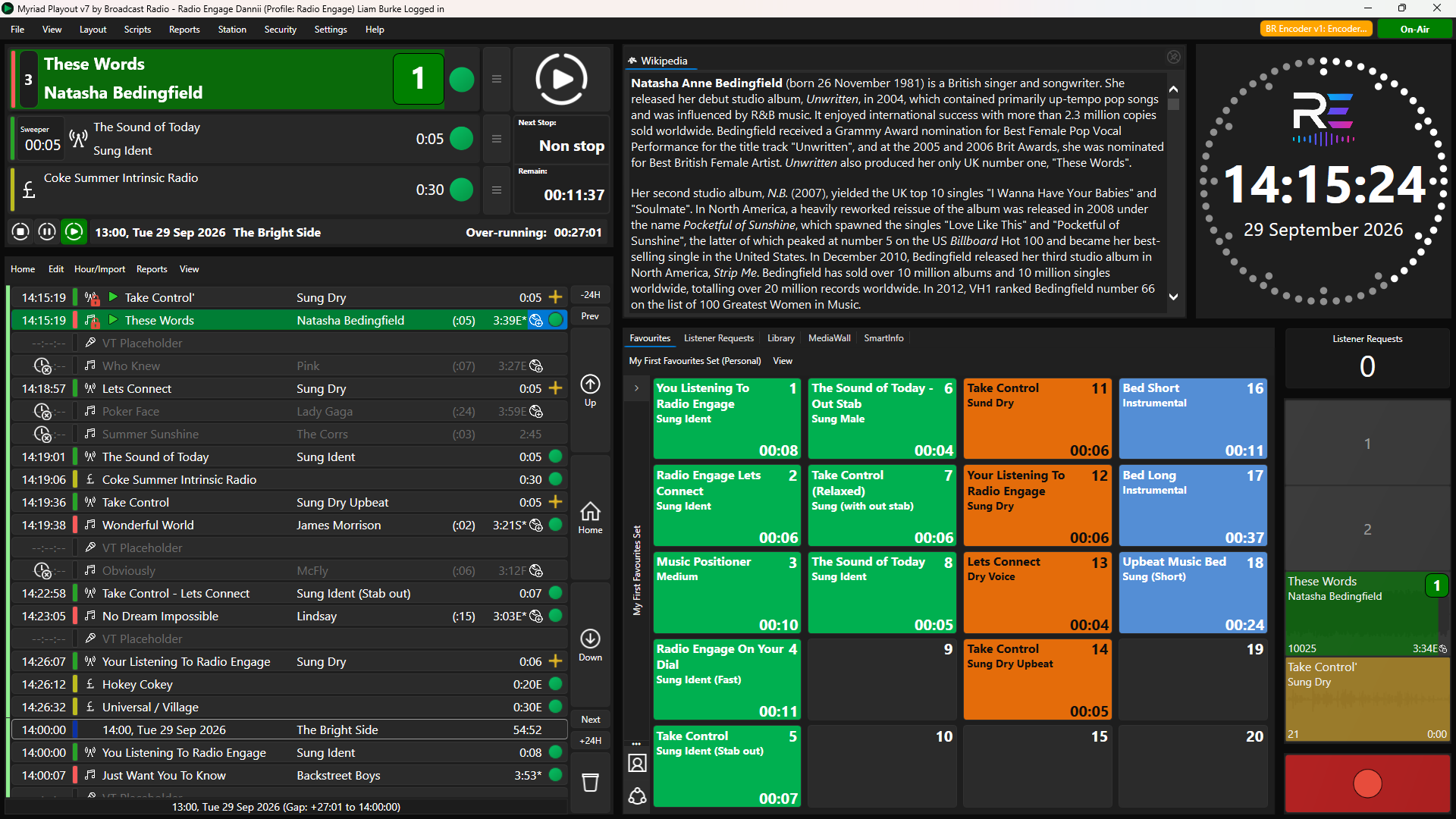
With SmartSign, those questions answer themselves. Countdown timers can be triggered from your scheduled Log using virtual hardware events, giving presenters a constant visual reference. No mental maths. No frantic glances at a producer. Just clear, accurate timing information right in their eyeline.
This is especially valuable during:
- Live link windows – Hit your marks perfectly every time
- Ad break transitions – Know exactly when to wrap up and throw to commercials
- News and weather slots – Seamless handovers without awkward dead air
- Guest segments – Keep interviews on track without cutting anyone off mid-sentence
The result? Tighter shows, smoother transitions, and presenters who sound like they've got everything under control. Because they do.
Looking the Part: Why Visuals Matter More Than Ever
Here's something that's changed dramatically in the past few years: people are watching radio.
Social media clips, YouTube simulcasts, TikTok behind-the-scenes content. Your studio isn't just an audio production space anymore. It's a visual backdrop that represents your brand.
And what does your studio look like on camera?
A professional radio studio with sleek, modern signage tells a story. It says you're serious about broadcasting. It says you invest in quality. It says you know what you're doing.
SmartSign helps you nail that professional aesthetic:
- Clean, modern displays – No more faded plastic signs or flickering bulbs
- Customisable branding – Match your station colours and logos
- Dynamic content – Screens that change and update look far more impressive than static signs
- Impressive for visitors – Whether it's potential advertisers, school groups, or industry guests, your studio makes the right first impression
When your presenter goes live on Instagram from the studio, SmartSign is there in the background, looking sharp and showing exactly what's happening on air. That's the kind of detail that separates a bedroom setup from a professional operation.
Breaking News: Keep Up To Date While On-Air
Most radio studios are fairly isolated by design. Presenting a radio show can feel like being in your own little world for those magical few hours.
But what about the real world. What if there is a breaking news story or historic event or even your pizza arriving from UberEats?
SmartSign has you covered.
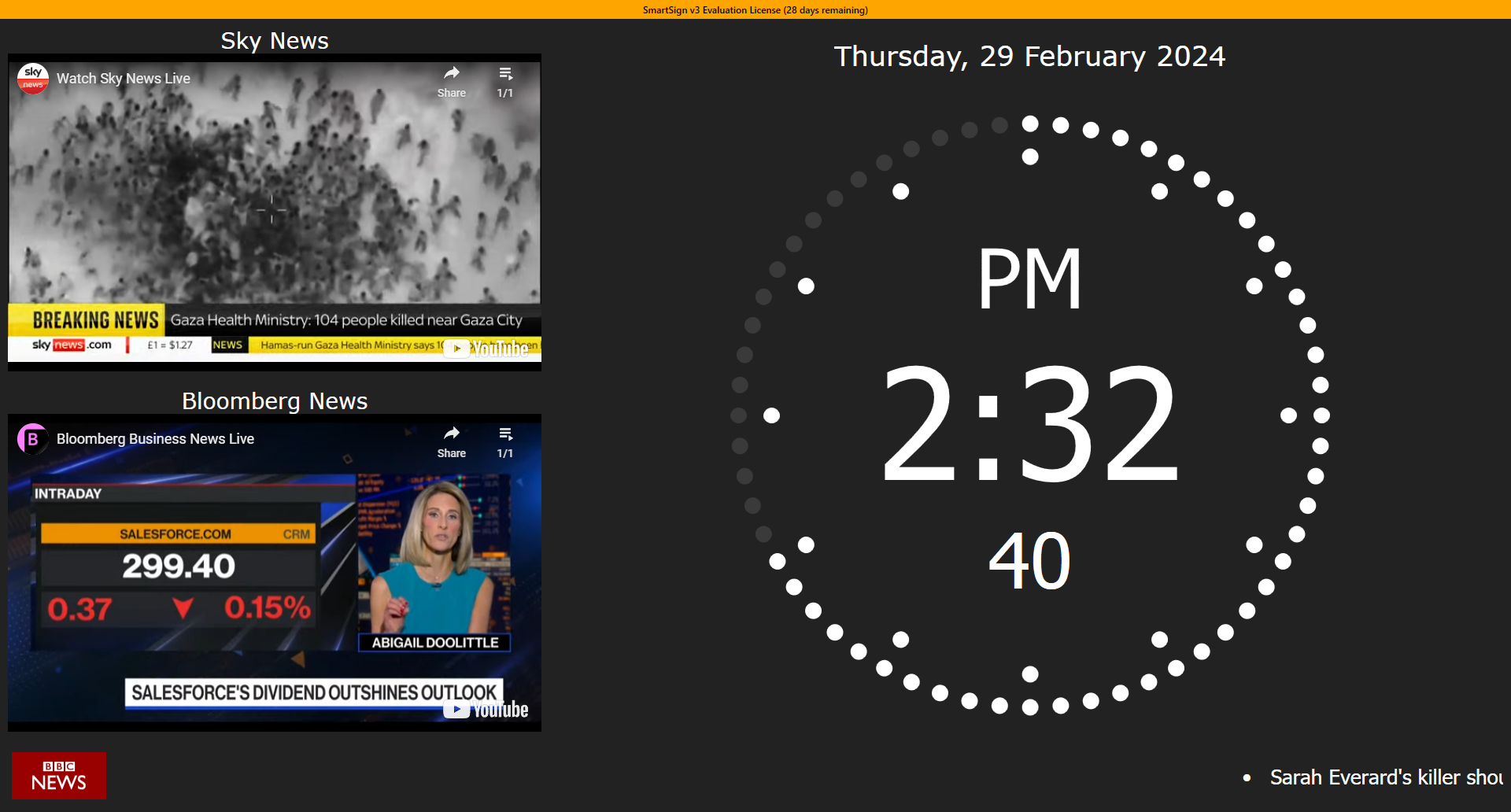
You can add RSS news feeds, youtube channels and even webcam feeds to your SmartSign display, so you can see what is happening in the real world, even when you are in a world of your own!
Use cases include:
- Latest Headlines – RSS feeds from multiple sources keep you connected
- YouTube Channels – Display live news feeds and other TV channels from YouTube
- Weather – Realtime weather updates for your region
- Webcams – Feed internal or external webcams directly to the SmartSign screen
- Door Buzzers – Indicate events like door buzzers or even fire alarms!
Seamless Integration with Your Studio Environment
Radio studio equipment works best when everything talks to each other. SmartSign is designed to fit right into your existing setup, pulling information automatically so you're not manually updating displays.
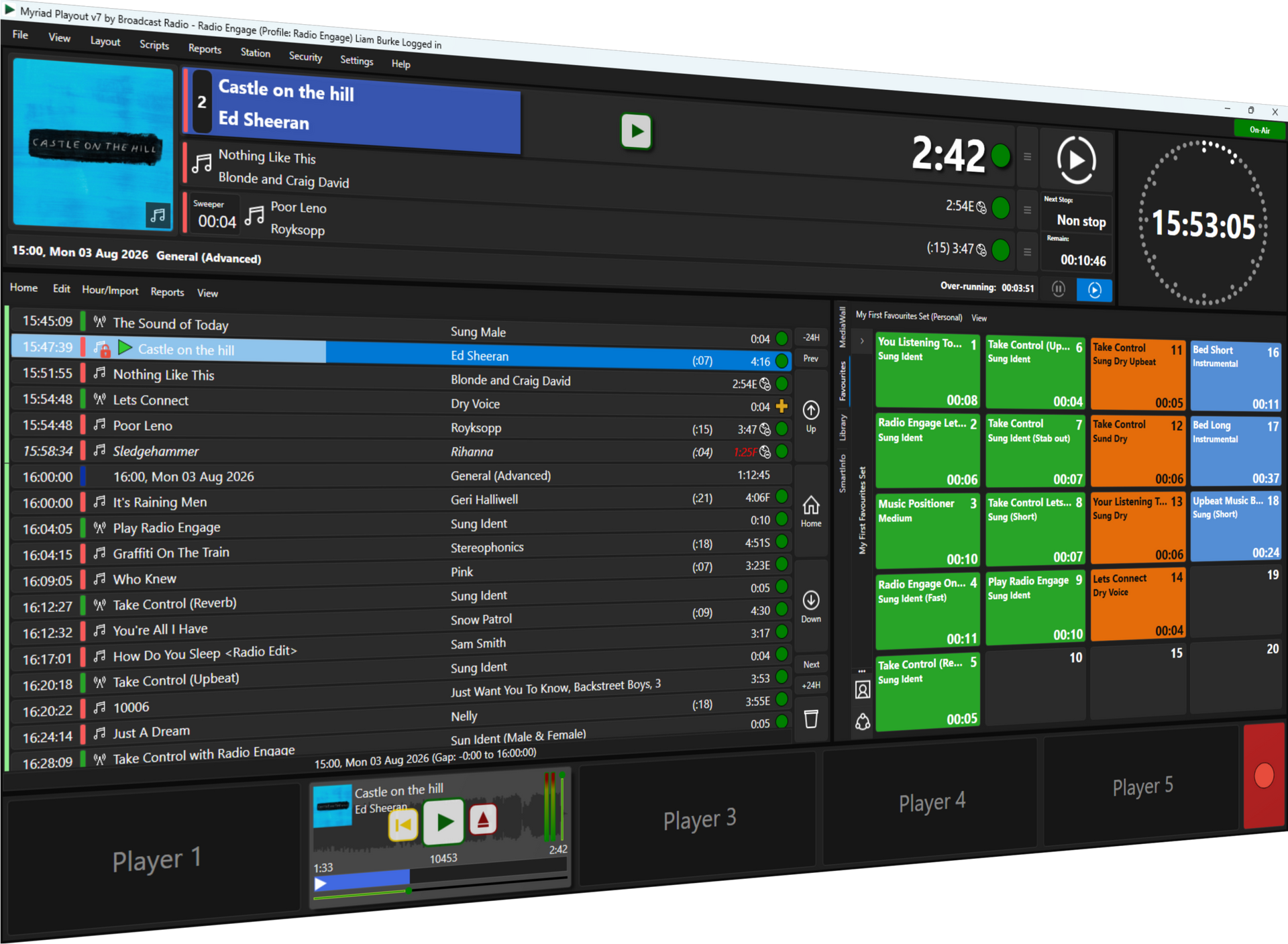
Track information? Pulled directly from your playout system. Timings? Synced with your schedule. Mic status? Triggered by your broadcast mixer.
This means:
- No double handling – Information flows automatically
- Fewer mistakes – Human error is minimised when systems sync themselves
- Real-time accuracy – What's on the display is what's actually happening
- Less admin for your team – Set it up once and let it run
Whether you're running a commercial station, a community broadcaster, or an educational radio project, SmartSign adapts to your workflow rather than forcing you to change how you operate.
More Than a Gadget: It's a Workflow Upgrade
It's easy to dismiss studio signage as a nice-to-have. A bit of polish. A cosmetic upgrade.
But when you actually use SmartSign in a live environment, you realise it's so much more than that. It changes how your team communicates. It reduces stress during live shows. It makes your studio look incredible on camera. And it keeps everyone perfectly in sync.
That's not a gadget. That's a genuine workflow improvement.
Is Your Studio Ready for an Upgrade?
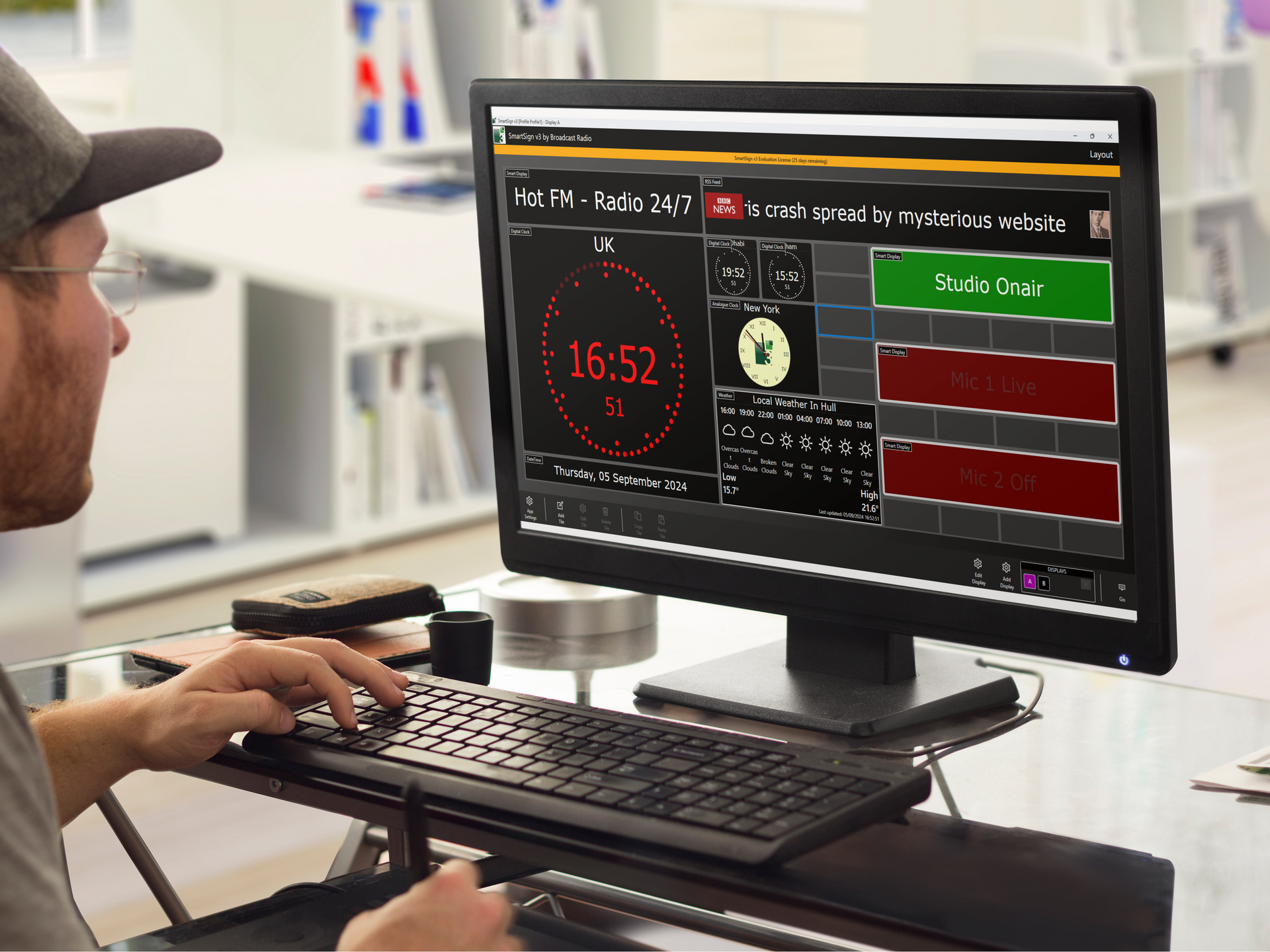
If you're still relying on a basic "On Air" light, you're missing out on what modern radio studio signage can do. SmartSign transforms a simple indicator into a full information hub: helping your presenters, impressing your visitors, and making your studio look like it belongs in 2026.
Want to see how SmartSign could fit into your studio setup? Get in touch with the team and let's talk through your options. Whether you're building a new studio from scratch or upgrading an existing space, we'll help you find the right solution.
Because your studio deserves more than just a red light.