Six years of Myriad Anywhere Pro: from lockdown response to everyday radio
As Myriad Anywhere 7 approaches its planned December release, Guest Invites will become part of every Anywhere Pro package—including a free update for version 6 customers.
In 2020, radio stations faced an unusual problem: their communities needed them, but their presenters could not always reach the studio.
Keeping the music playing was only part of the challenge. Stations also needed familiar voices, local information and the conversation that connects a broadcaster with its audience. For teams suddenly working from home, maintaining that service meant finding a practical way to contribute without entering the building.
This December marks six years since the full release of Myriad Anywhere Pro. Its story began before the pandemic, but the circumstances of 2020 transformed both its development and its purpose.
Now, with Myriad Anywhere 7 scheduled for release in December, we are extending another part of that remote contribution toolkit: Guest Invites will be included in every Anywhere Pro package. The change will also come to Myriad Anywhere 6 as a free update, bringing the benefit to stations that have not upgraded to Myriad 7.

A long-term project becomes an immediate priority
Work on Myriad Anywhere began in November 2019. Originally conceived as a longer-term project focused on browser-based voice tracking, it would allow presenters to record links for their programmes remotely.
As the threat from COVID-19 became clearer in early 2020, we paused other software development and concentrated on Anywhere. The prospect of stations losing access to their studios was becoming a practical concern.
The first versions of Myriad Anywhere Standard were released in March 2020 as lockdown restrictions took effect. We made the new service free to all customers throughout that year to help stations keep broadcasting.
Presenters could contribute their voices from home, giving stations a route to maintaining programmes even when the usual studio routine had stopped.
But an obstacle quickly became apparent: having remote software did not necessarily mean a station could connect to it.
Removing a barrier to getting connected
Early deployments could require firewall changes or access through a virtual private network, usually known as a VPN.
For some stations, that was manageable. For others, particularly those operating within universities, hospitals or corporate networks, changing the network configuration was outside their control. Smaller teams might also lack the technical knowledge needed to arrange it.
We began work on the Myriad Anywhere Tunnel Service to address that problem.
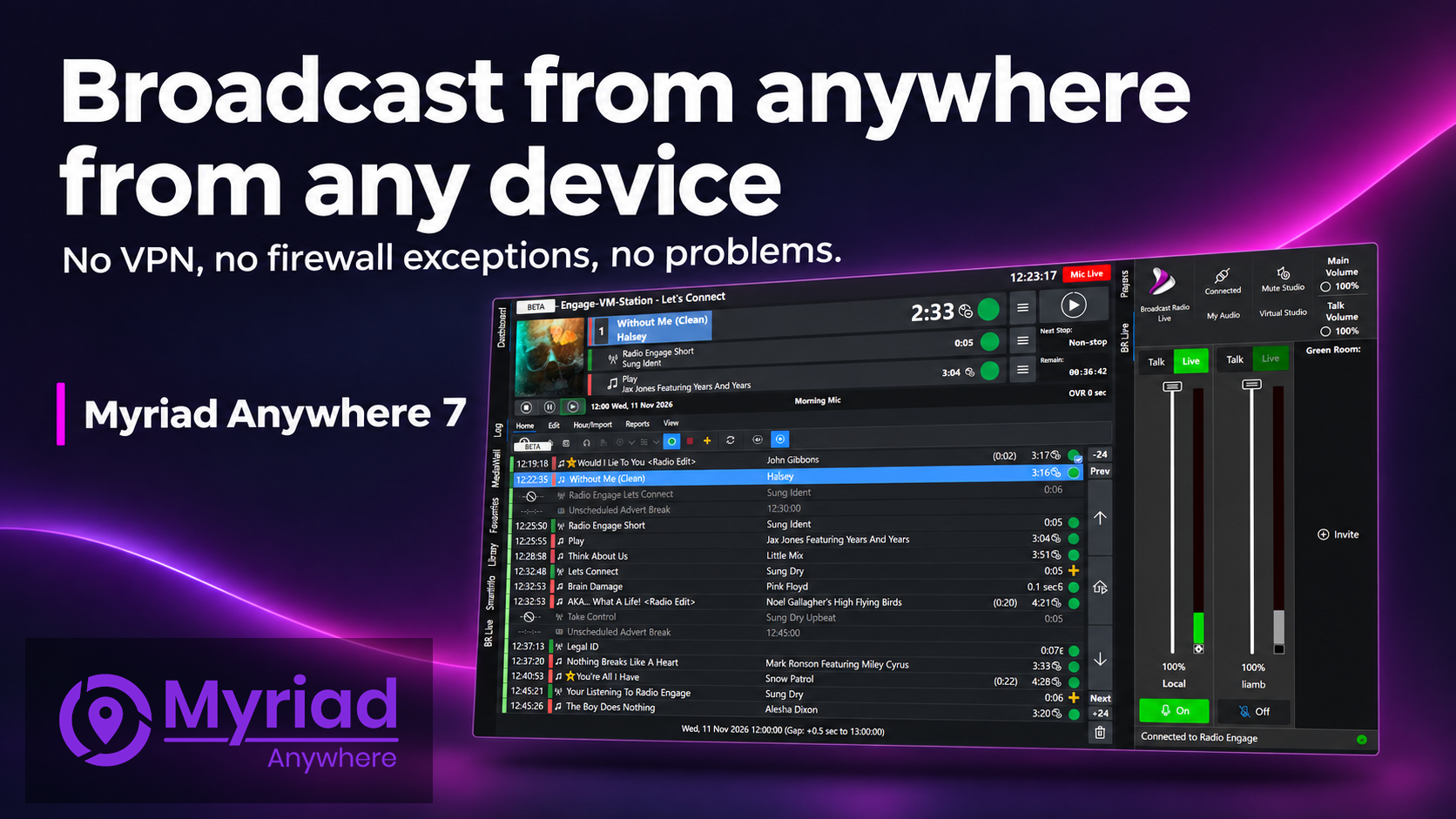
The service connects a station’s Myriad system to the Myriad Anywhere Cloud platform, giving authorised remote users a route to their station without needing a VPN, inbound firewall port forwarding or IP address whitelisting for that connection.
It was a technical change with a very practical consequence: more stations could make remote contribution part of their response.
During 2020, Myriad Anywhere Cloud was also made available free to customers. Presenters could voice track programmes from home, helping stations rebuild their schedules around the people and equipment available to them.
From recorded links to live programmes
Voice tracking helped preserve a station’s identity, but the next goal was to bring more of the live programme experience to remote presenters.
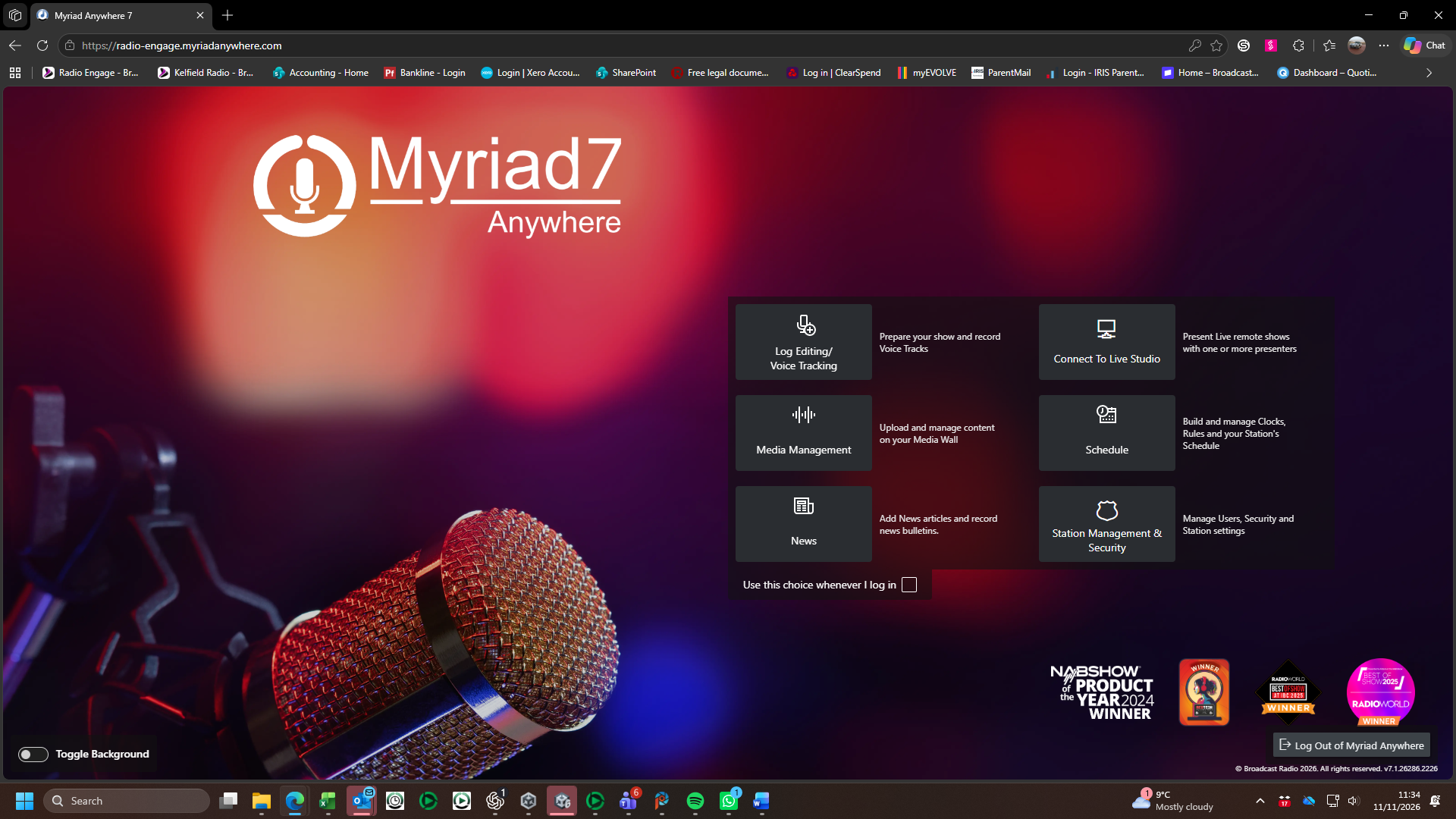
Myriad Anywhere Pro expanded the browser interface to include real-time control of the Station Log, alongside content upload and management. Its full release in December 2020 marked a further step towards operating a station away from its studios.
The development of BR Live added another essential part of that experience: live audio.
Using WebRTC, BR Live brought a real-time, two-way audio connection together with Anywhere Pro’s station controls. Two presenters in separate locations could co-present, hear the station and speak to each other off air.
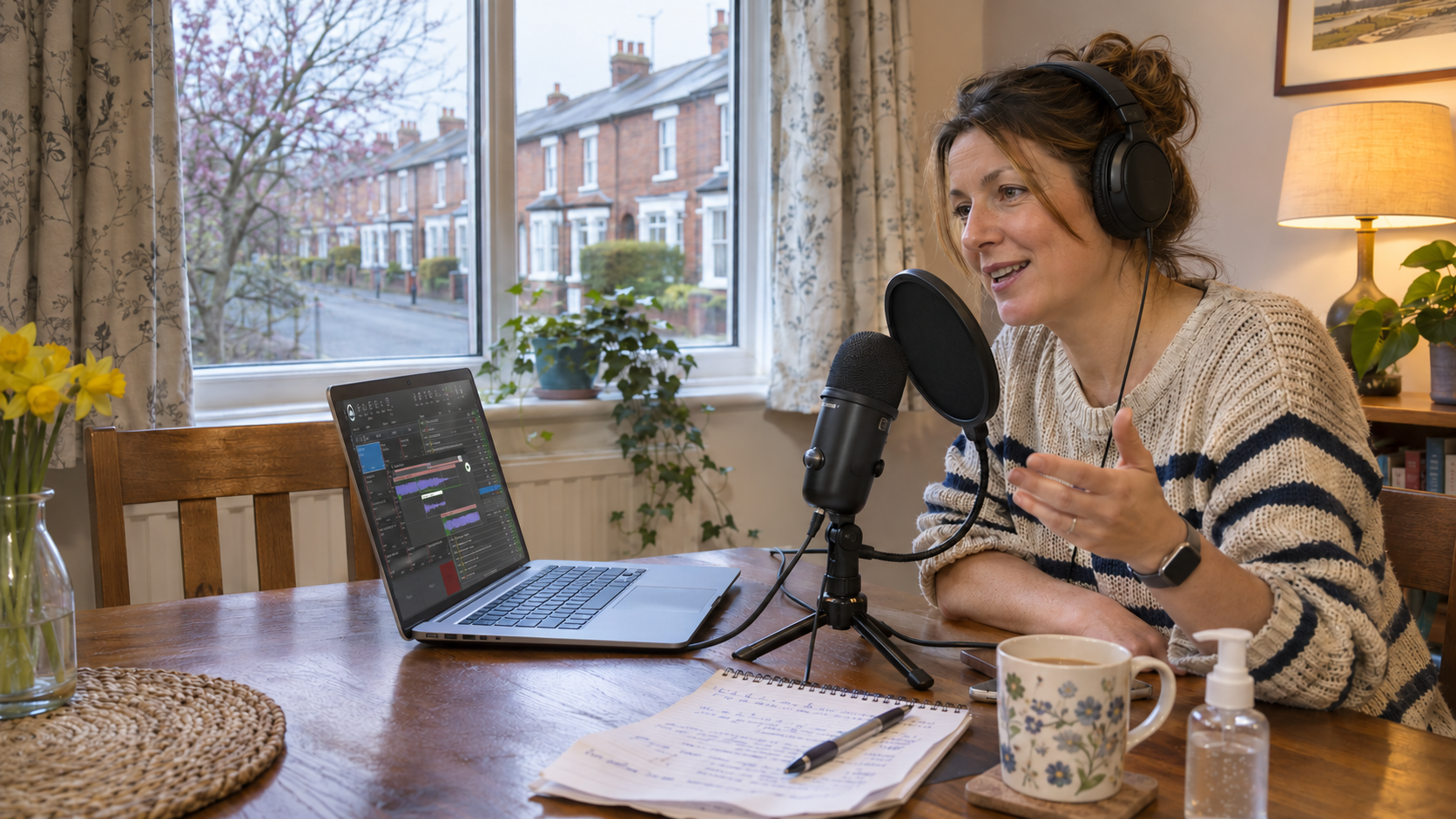
For a presenter, the remote setup could be as straightforward as a compatible computer, a headset and a suitable internet connection, with the station-side system configured to receive them.
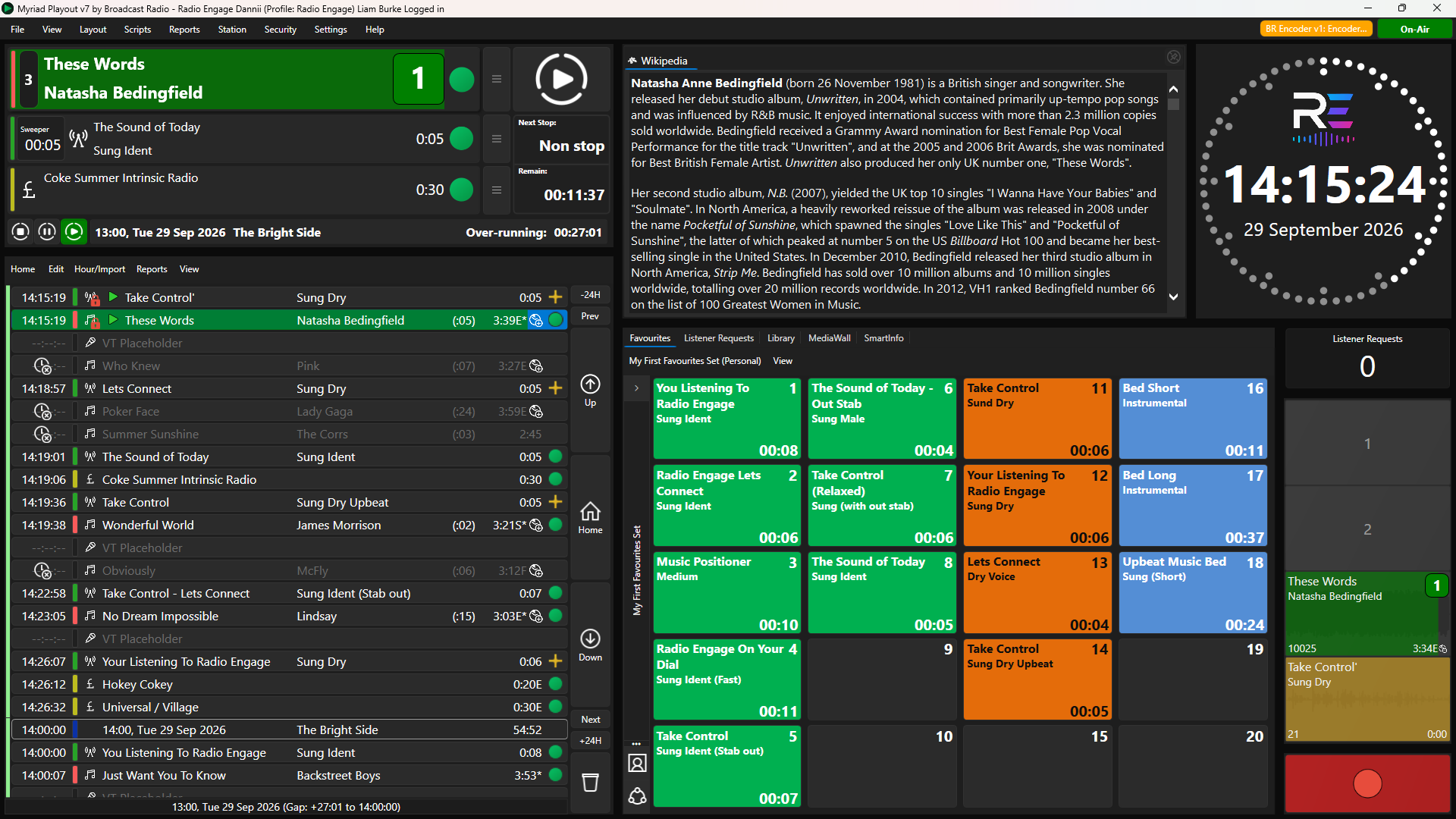
Operating the running order and contributing live audio became parts of the same workflow, helping presenters work together despite being physically apart.

The changes that became everyday tools
Much of the development was driven by immediate needs, but its usefulness extended beyond lockdown.
Multiple users could contribute and work on their station simultaneously. Browser access gave teams flexibility over where and how they worked, with PC and Mac desktop clients and a dedicated iPad app broadening the options over time.
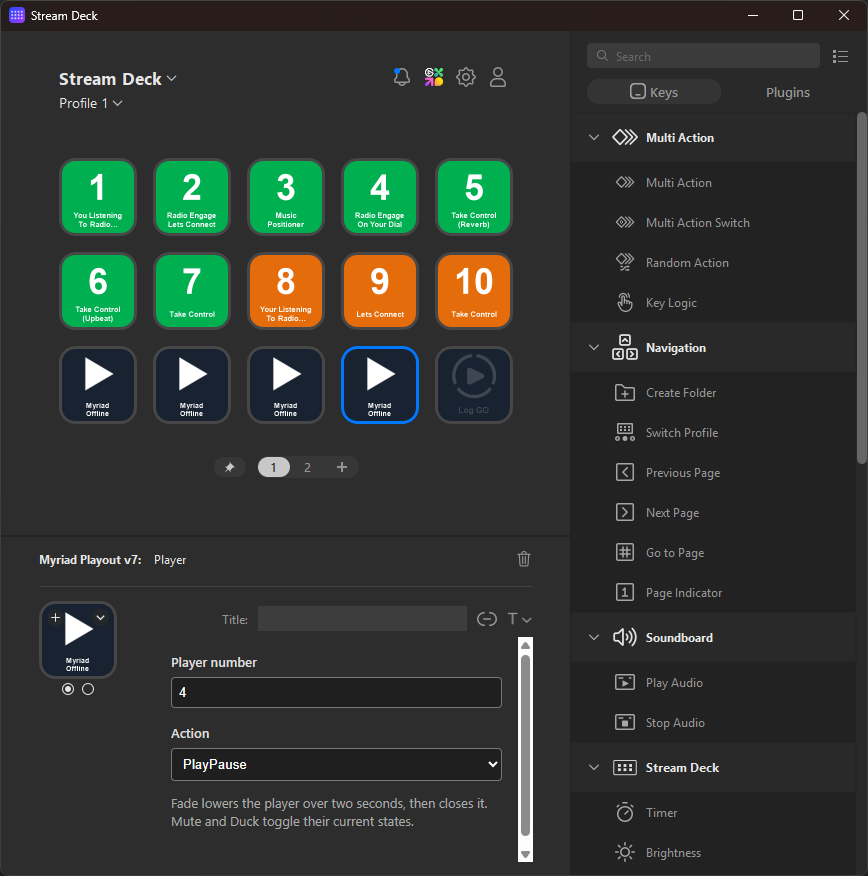
Content tools expanded, followed by user and station management and Myriad Schedule integration. MIDI controller support offered presenters physical controls for a compact remote setup.
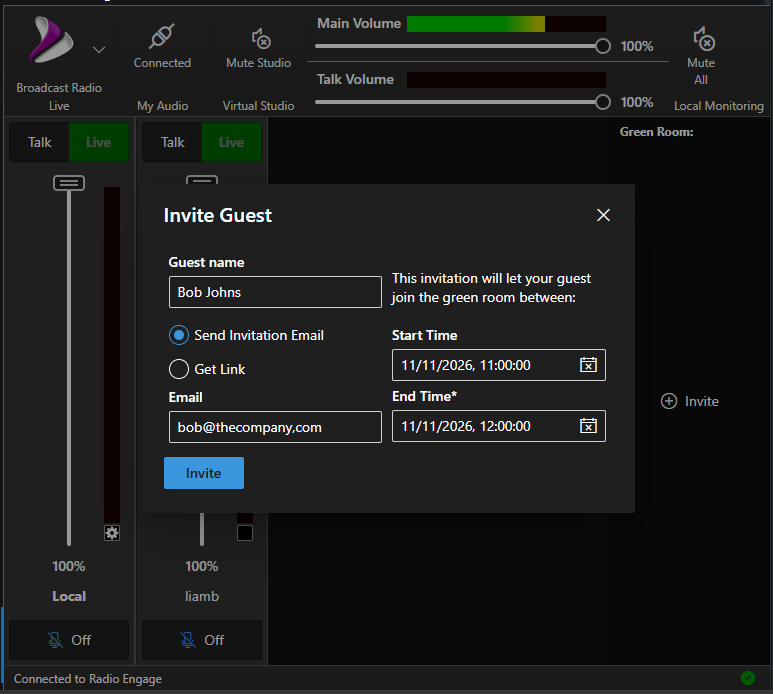
BR Live also developed further. The BR Live Plus add-on increased the participant limit to five and introduced Guest Invites, allowing temporary contributors to join through a link.
These tools widened the possibilities for interviews, co-presented programmes and contributions from outside the station.
Opening Guest Invites to every Anywhere Pro customer
To celebrate the planned December release of Myriad Anywhere 7, we are extending Guest Invites to all Anywhere Pro packages.
Currently, Guest Invites require the BR Live Plus add-on. With this change, every Anywhere Pro customer will be able to send a guest a link to join a live contribution session.
The existing participant limits will remain in place. Anywhere Pro without BR Live Plus will support a maximum of two participants in total—for example, one presenter and one guest. BR Live Plus will continue to extend that limit to five participants.
We will also bring the change to Myriad Anywhere 6 as a free update. Stations will not need to upgrade to Myriad 7 or purchase BR Live Plus to gain access to Guest Invites.
For stations arranging interviews or occasional contributions, that puts a useful tool within reach of more programme teams. A local organiser, specialist or community representative can receive a link to join the conversation, without needing a regular presenter account.
Why the hassle free connection still matters
The original challenge was access to buildings. Today, continuity can also depend on how a station connects to the outside world.
Consider a station whose main internet circuit fails. An alternative connection restores internet access, but it uses a different public IP address. A remote-access arrangement tied to the original address, or dependent on inbound connections that the replacement service cannot support, may still need intervention before presenters can reconnect.
The Tunnel Service reduces those dependencies for the Anywhere connection by linking the station to Myriad Anywhere Cloud without requiring presenters to reach a fixed public address at the station.
A working internet connection remains essential. The benefit is that restoring connectivity need not also involve rebuilding the route used for remote access.
Six years on
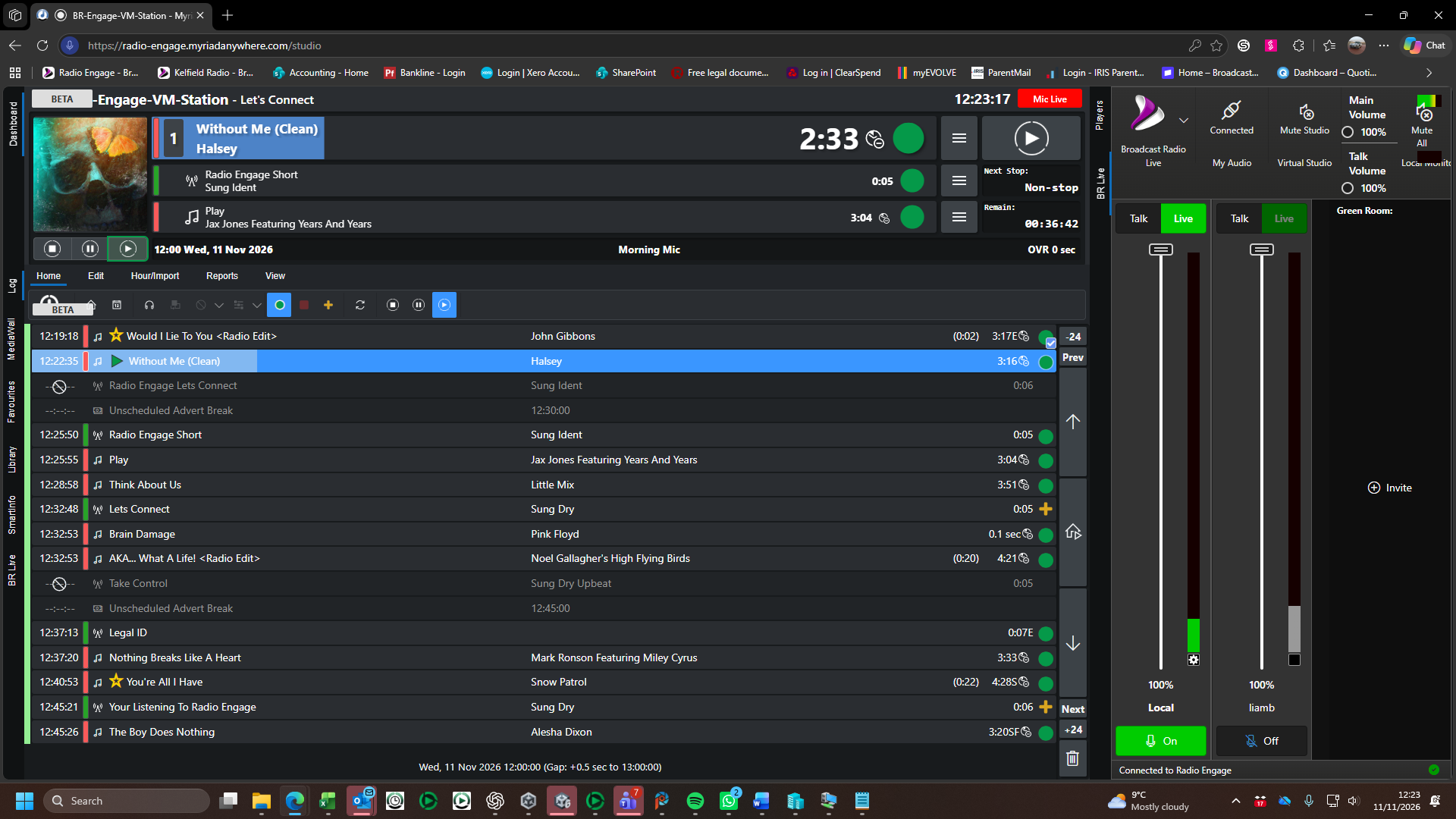
The restrictions that accelerated Anywhere’s development have passed, but the working practices they helped establish remain.
Stations can blend studio programmes with remote live shows and voice-tracked contributions.
Teams can prepare content, manage schedules and collaborate without everyone travelling to the same building.
Today, an average of 46,000 audio items are recorded and uploaded through Myriad Anywhere each month.
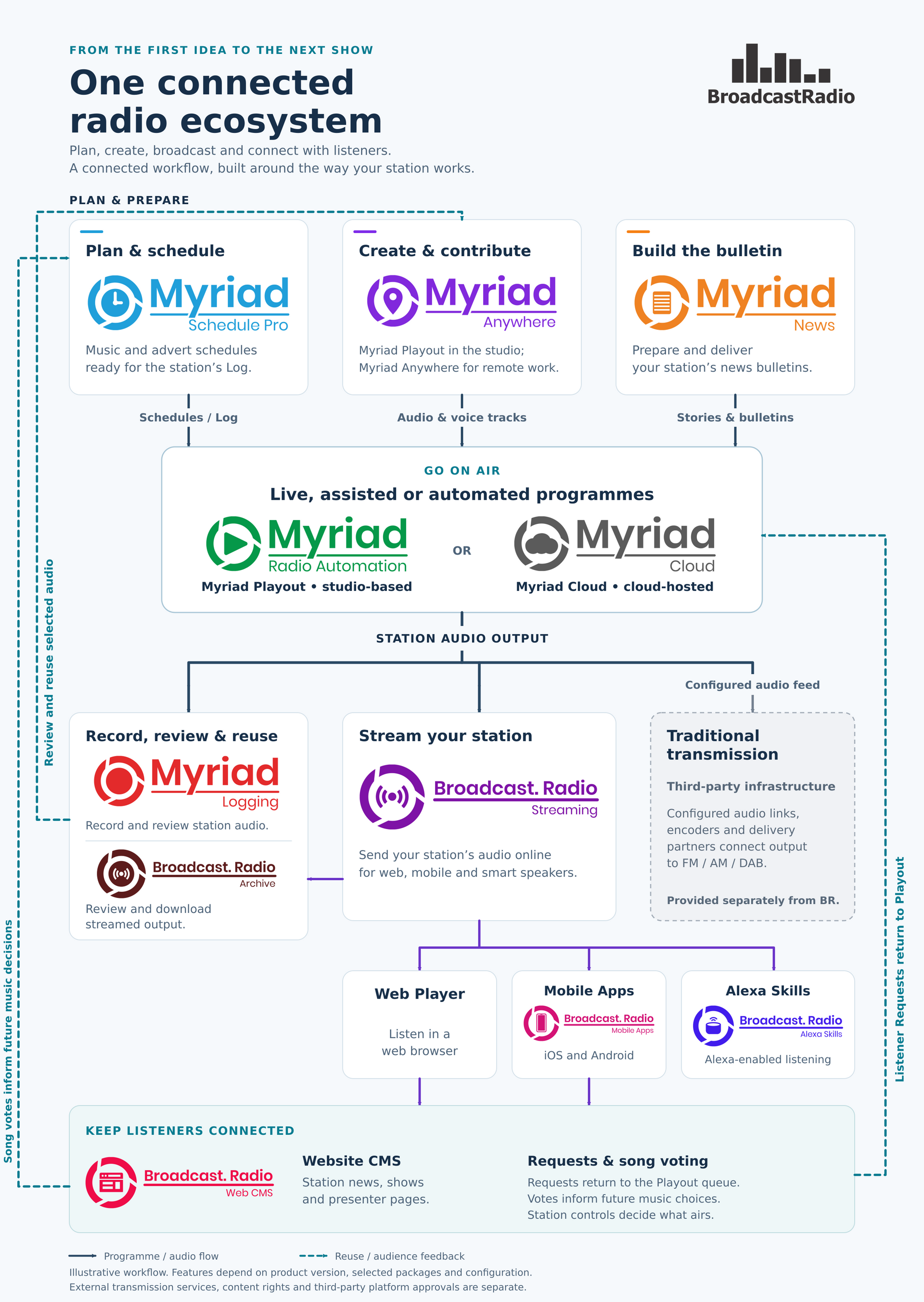
Anywhere Pro also helped lay the foundations for Myriad Cloud. More than 200 stations now operate on that platform without needing a physical broadcast studio or local playout computers.
Those figures show how far remote working has moved beyond its emergency role.
For us, this anniversary is an opportunity to recognise the station teams who adapted under extraordinary pressure. The technology provided a connection; presenters, volunteers, engineers and managers used it to keep serving their listeners.
Extending Guest Invites continues that work: making it easier for stations to bring people into their programmes, wherever they happen to be.