It's all change......or is it???
David Boulton • October 11, 2018

It really is that "time of year" when you have to think about time!
If you are in the UK (and certain other parts of the world) we are about to take part in the return to GMT. Otherwise known as the "Clock Change". At our headquarters in the UK we travel back in time 1 hour from BST (British Summer Time) to GMT / UTC (Greenwich Mean Time). So how will your station cope?
- Myriad Playout 5 Suite - Nothing for you to do, handled automatically.
- SmartSign Lite - Nothing for you to do, handled automatically.
- Myriad Logging 5- Nothing for you to do, handled automatically.
- Myriad Playout 4 Suite - Nothing for you to do, handled automatically.
- Myriad News 4- Nothing for you to do, handled automatically.
- PowerLog 4- Nothing for you to do, handled automatically.
- Myriad v3 - See forum post
- PowerLog v3- Nothing for you to do, handled automatically.
- Myriad v2 - See forum post- (seriously, isn't it time you talked to us about an upgrade??)
It happens each year at the End of October, remember to plan in advance, live in a country where this is not a problem, or get yourself onto our latest generation of products.
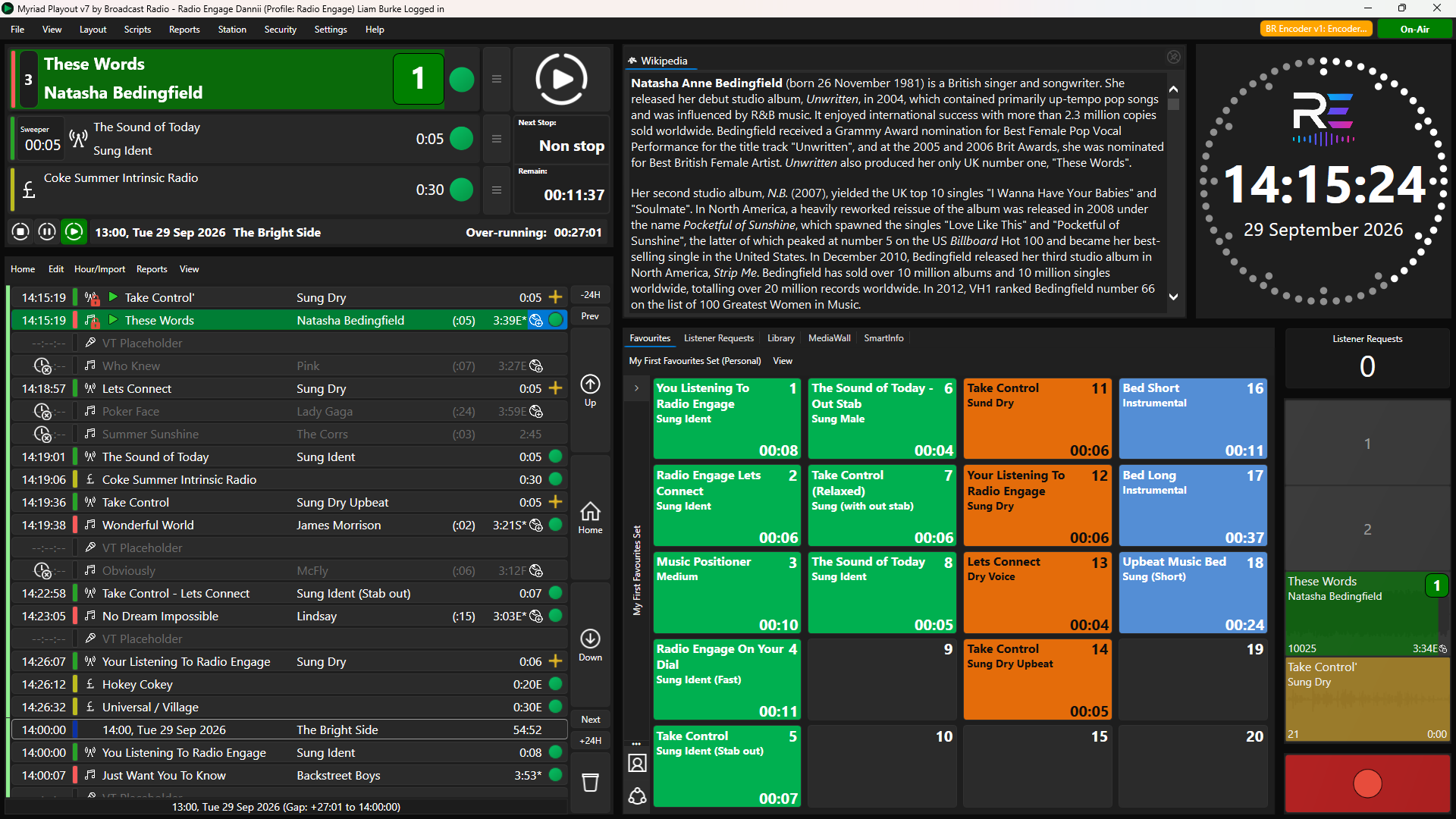
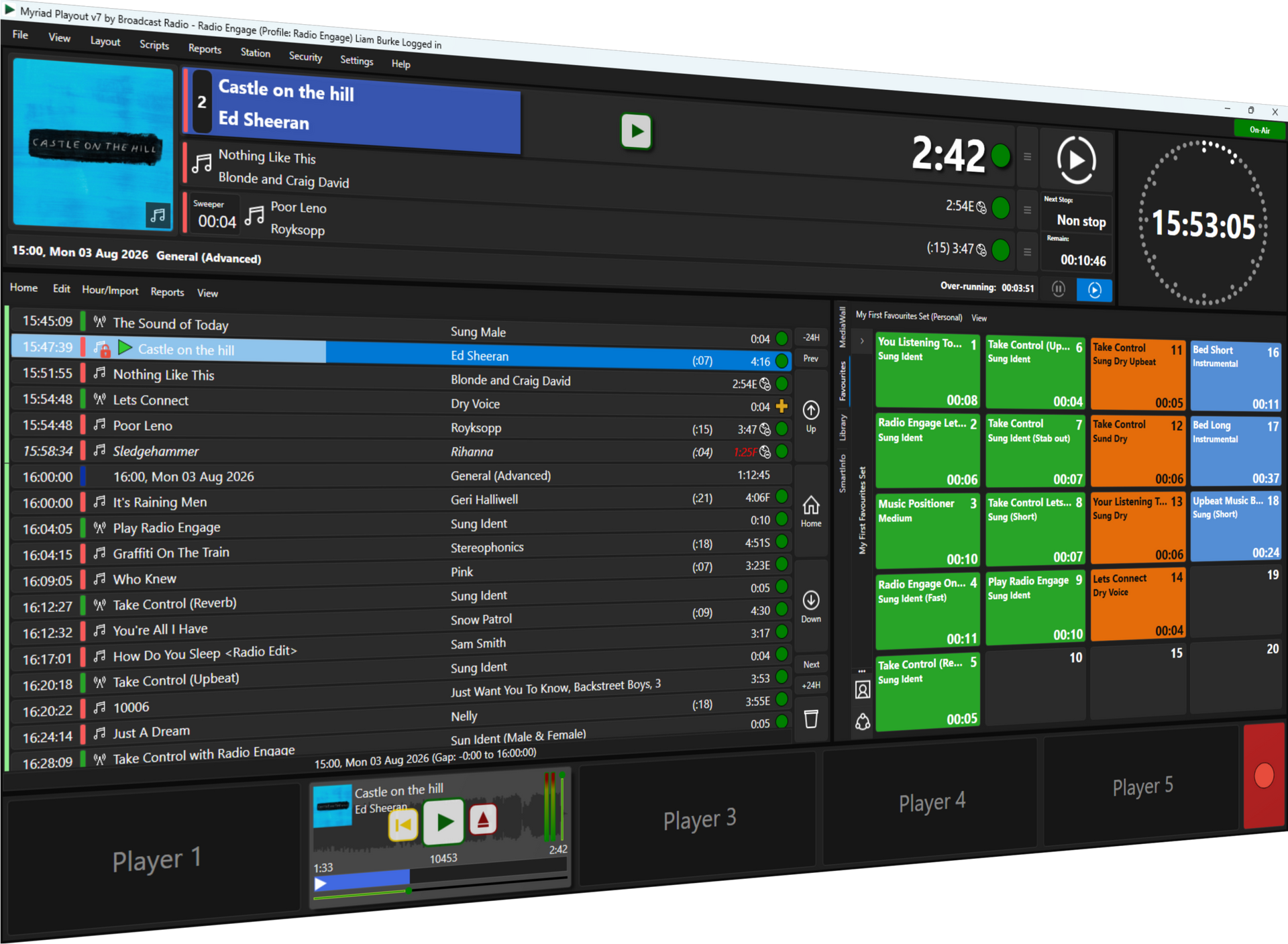
Make Myriad Your Own with Dynamic Layouts in Myriad 7 No two radio stations work in exactly the same way. Even within the same station, what a breakfast presenter needs on screen can be very different from the information needed by a producer, newsreader or presenter hosting a listener request show. That is where Dynamic Layouts in Myriad 7 come in. Dynamic Layouts allow you to customise the Myriad Playout workspace, deciding what information and tools are displayed, where they appear and how much screen space they are given. You can create multiple layouts for different workflows and switch between them whenever you need.
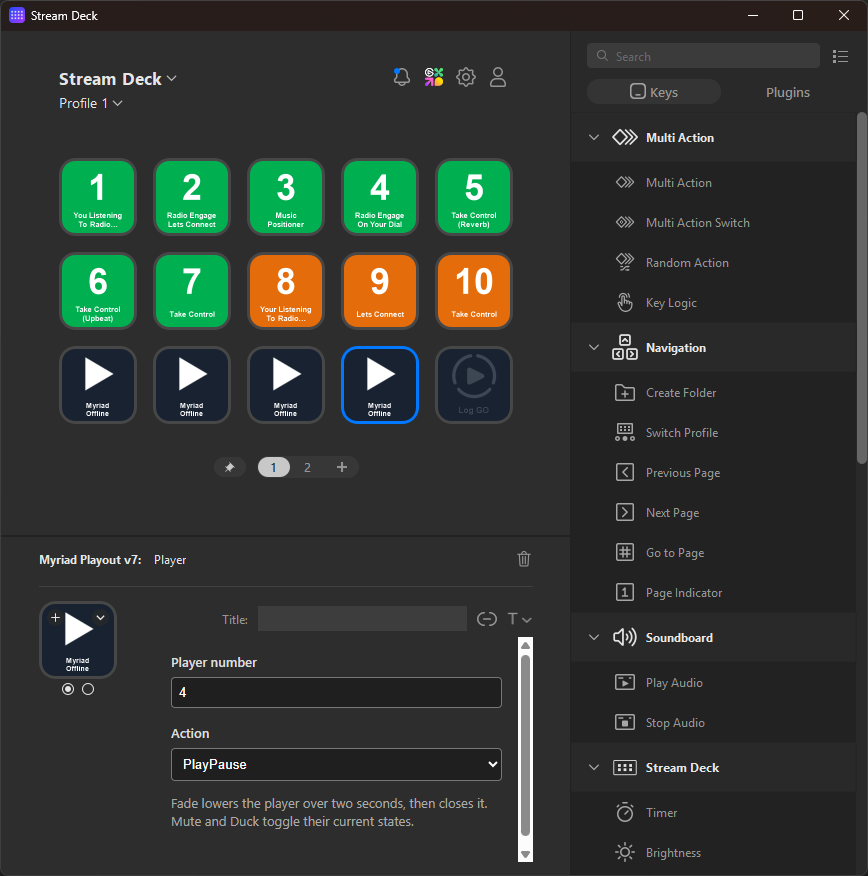
Myriad Playout 7.1 introduces direct support for Elgato Stream Deck, giving presenters and operators another flexible way to control the features they use most often. Stream Deck provides a bank of customisable physical buttons, each with its own display. With the new Myriad Playout 7 plugin, those buttons can be assigned directly to Myriad actions, creating a control layout tailored to the way you work
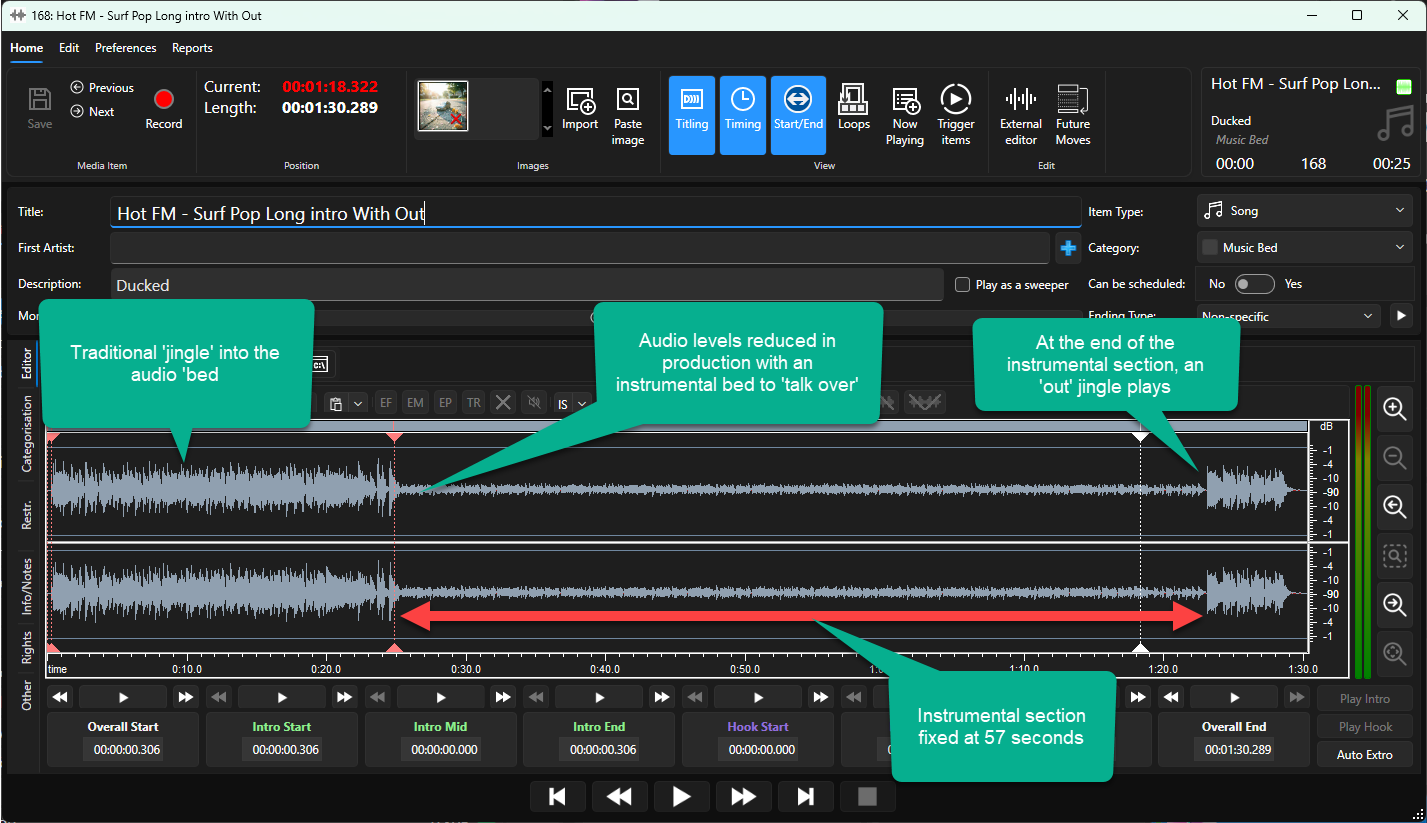
A simpler way to manage flexible talk-over beds in a busy live studio

Radio’s greatest strength has always been its people. Presenters give a station its personality, build familiarity and help listeners feel part of a shared community. The new Presenter and Show Management features in Myriad Playout 7 are designed to strengthen that connection. They give stations a central place to manage the information behind their programmes and on-air talent, publish relevant content across listener-facing platforms and create more natural, consistent AI Voice Links.
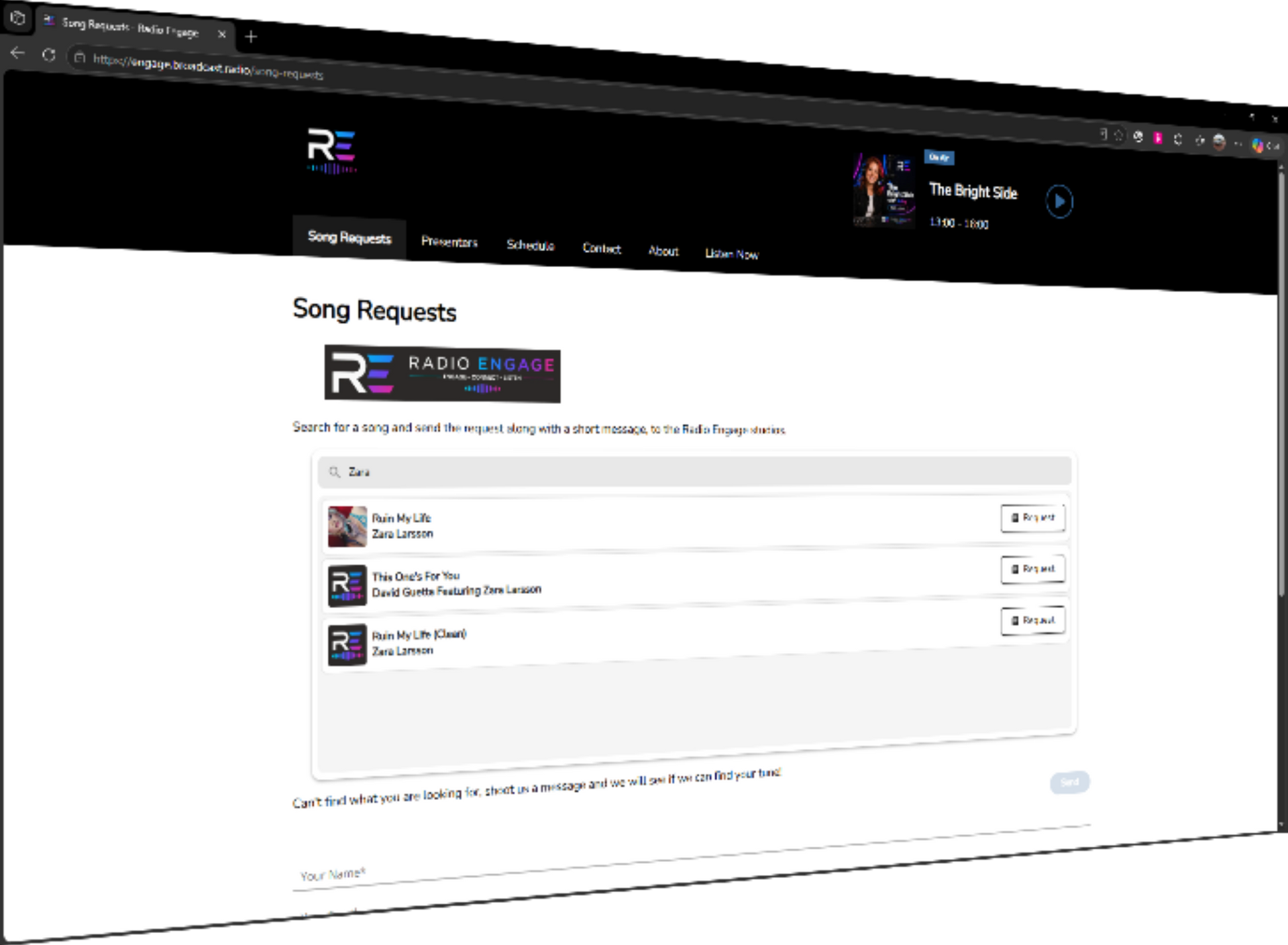
Myriad 7 connects the listener experience directly with scheduling and playout, giving stations a practical way to make requests part of everyday broadcasting without relying on a patchwork of separate platforms.

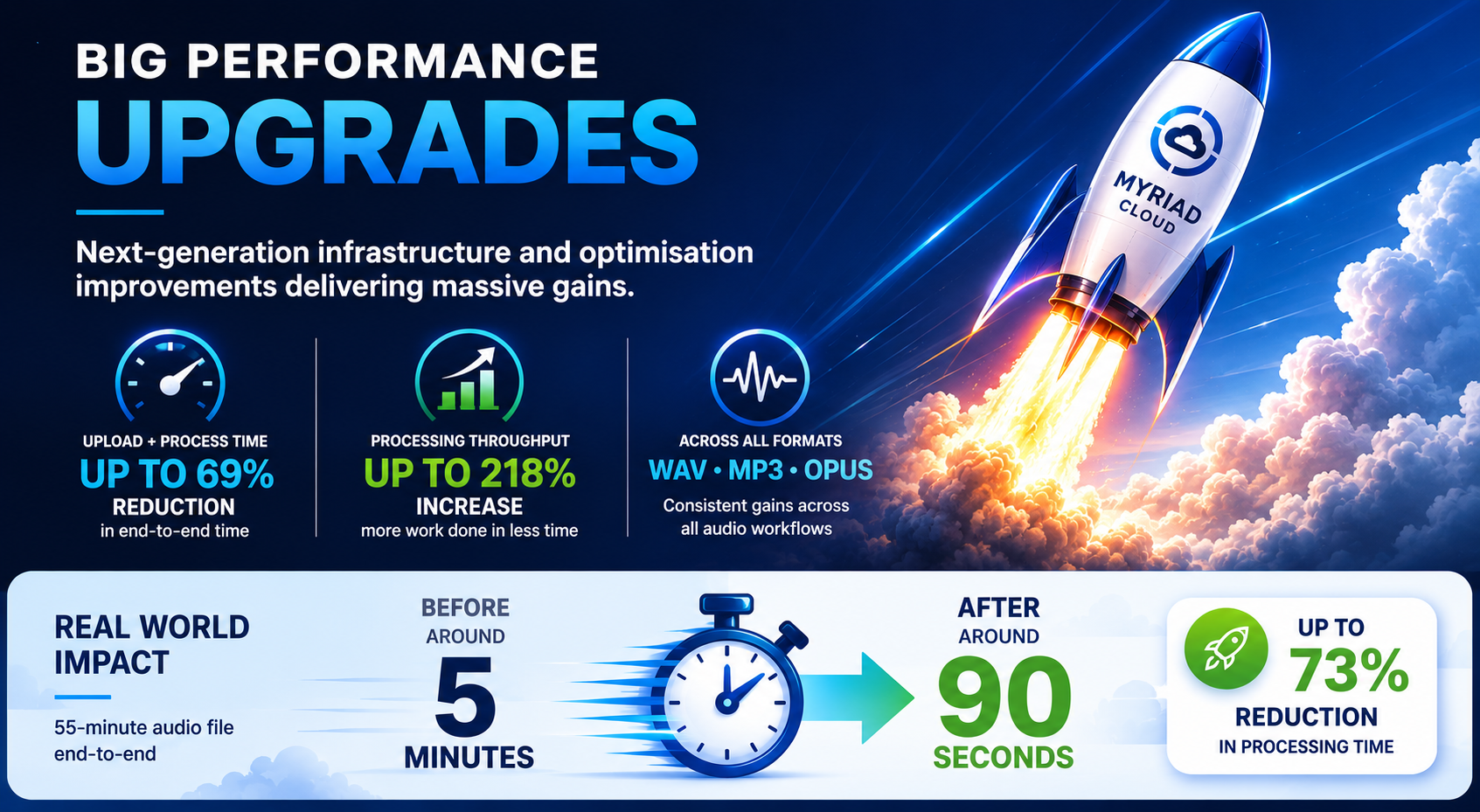
Learn about the 218% throughput boost in Myriad Cloud for radio stations. Upgrade now for enhanced audio processing capabilities.
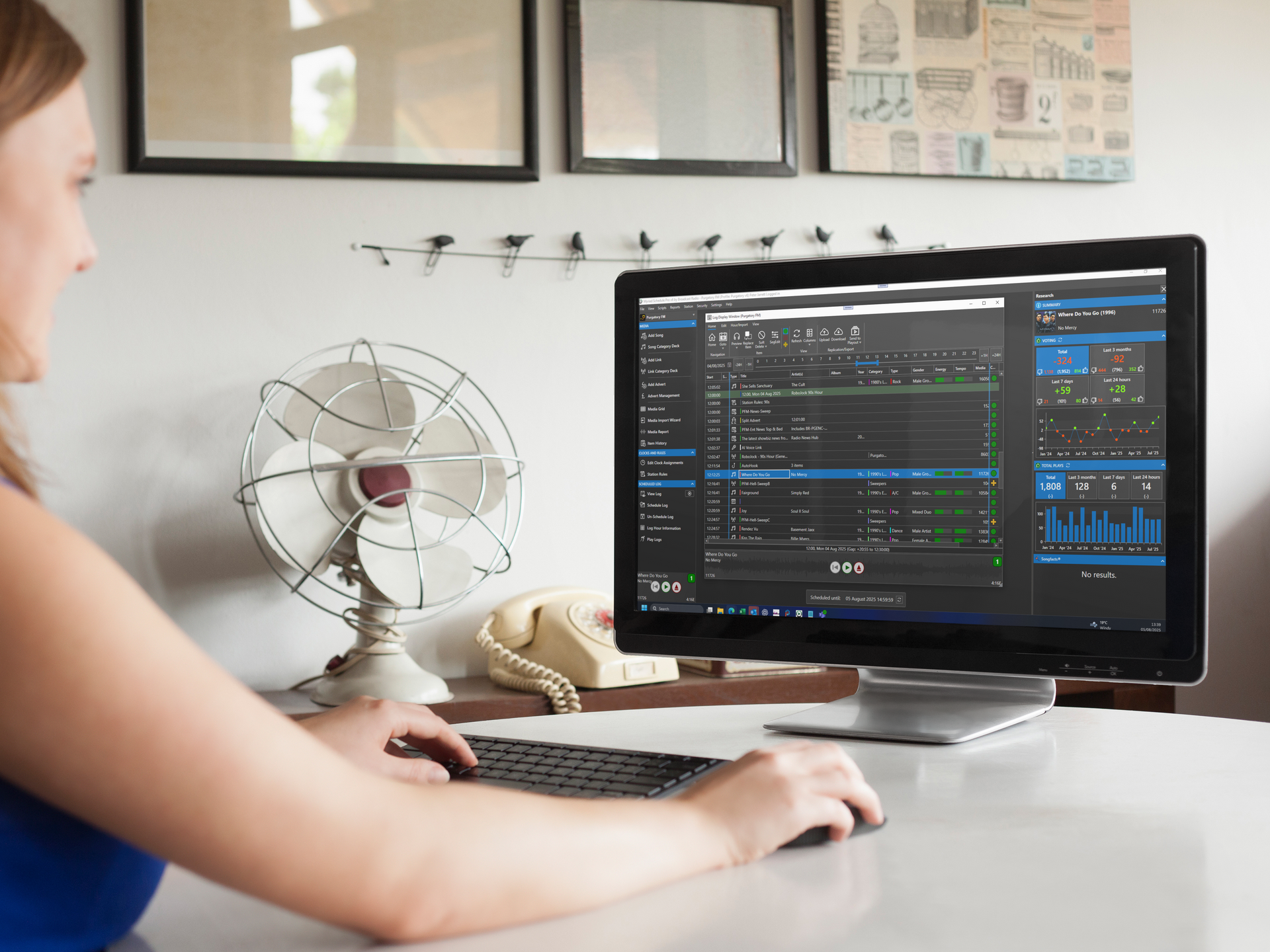
Learn how to choose the best radio broadcast software. Get expert insights on features & reliability. Contact us for more information!
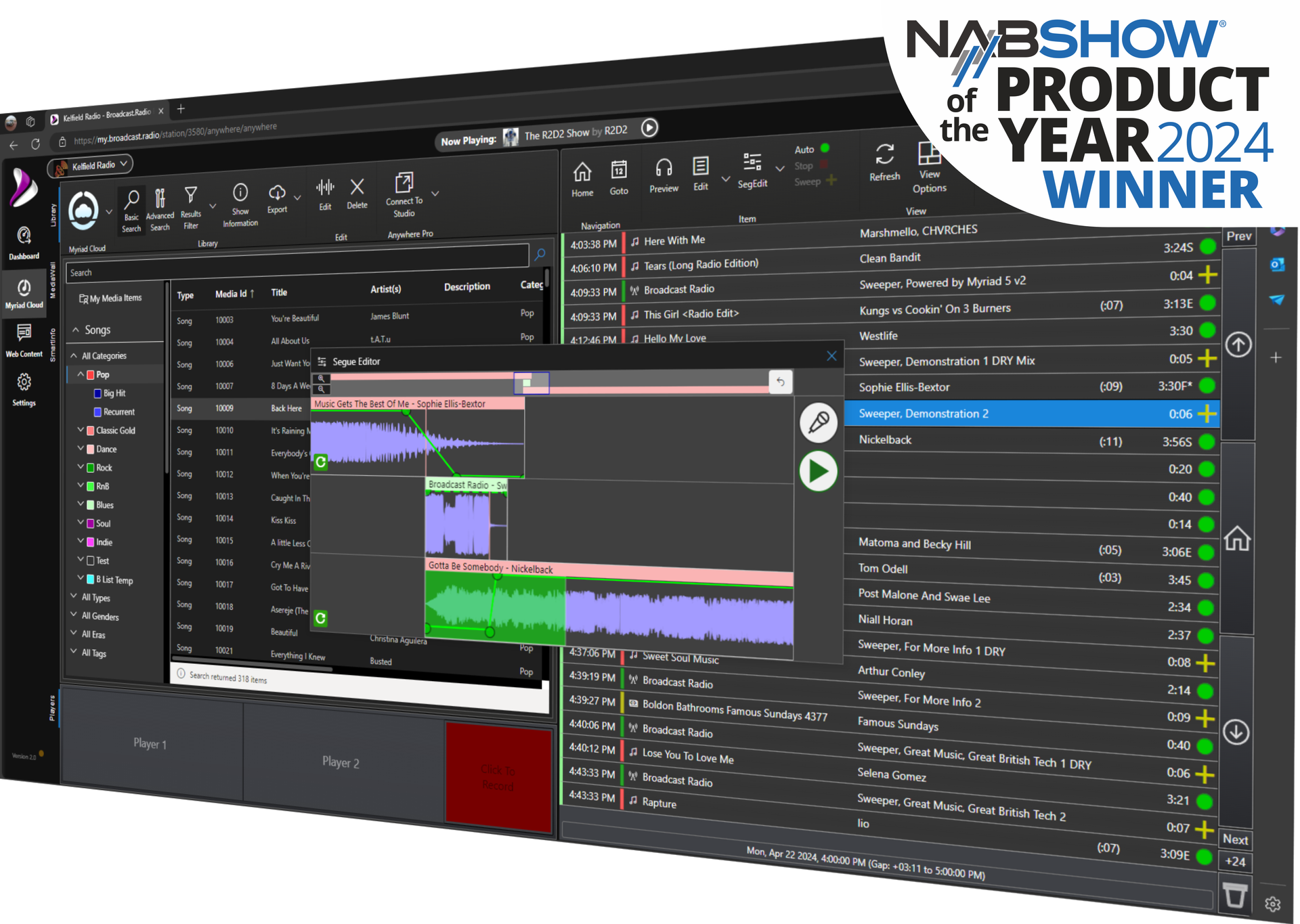
Phase 1 of Myriad Cloud Playout ends, paving the way for enhanced cloud services. Transition to Myriad Cloud Dedicated or Native today!