Studio vs. Cloud? Why 'Hybrid Radio' is the Ultimate Solution for Modern Broadcasters
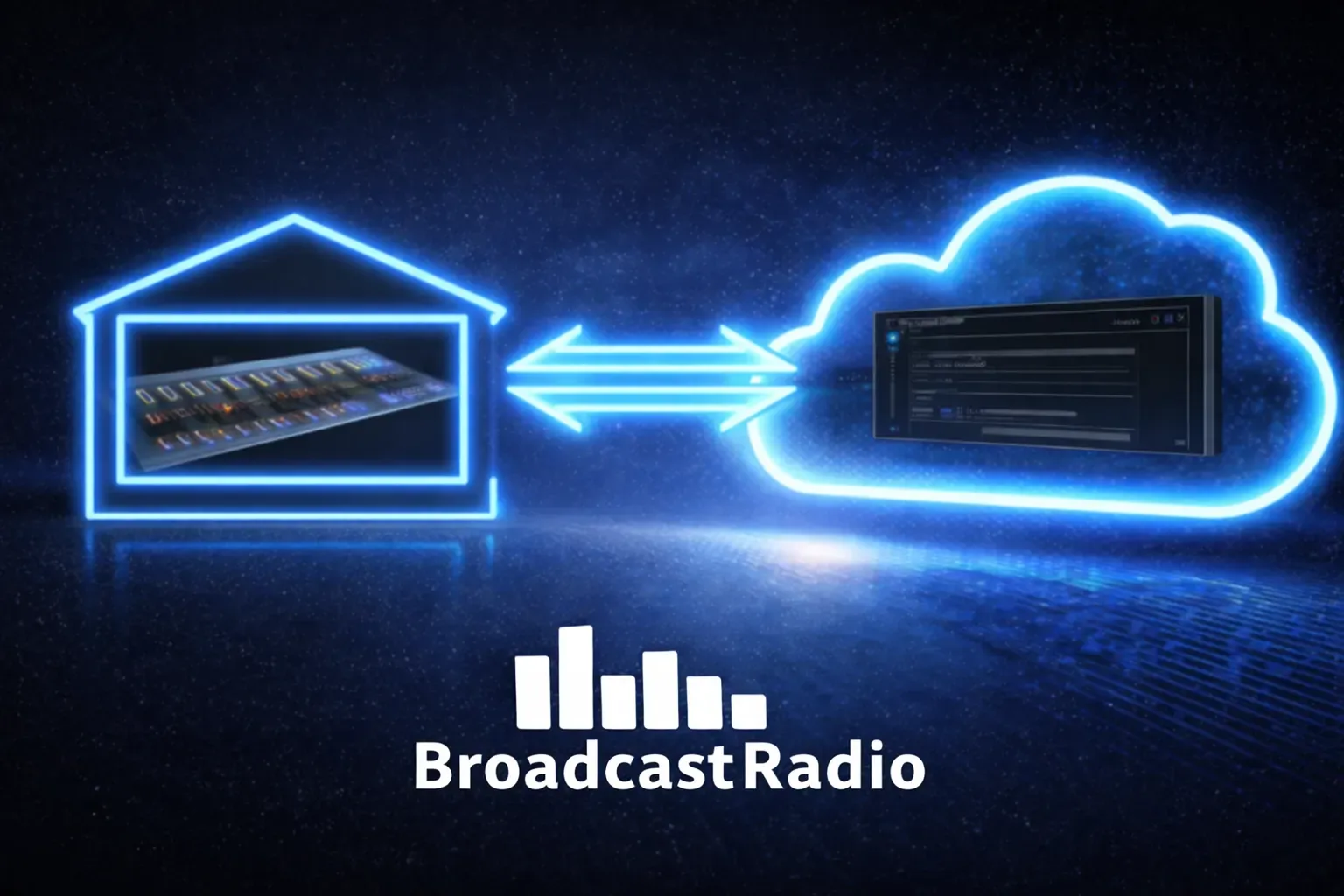
The debate has rumbled on for years. Studio-based radio automation software or cloud-based broadcasting? Hardware you can touch or infrastructure you rent?
Here's the thing: you don't have to choose.
The most resilient, flexible, and future-proof radio stations in 2026 aren't picking sides. They're running hybrid radio setups that combine the reliability of on-premises radio broadcasting equipment with the accessibility of cloud-based systems.
If you've been weighing up your options: or wondering how to start a radio station that can handle whatever the world throws at it: this is the approach worth understanding.
What Exactly is Hybrid Radio?
Hybrid radio isn't a single product. It's an architecture.
At its core, a hybrid setup keeps your critical broadcast infrastructure on-site (your radio studio, playout & automation system, and local database) while extending your capabilities into the cloud. Your presenters can contribute from anywhere. Your content stays synchronised across locations. And if something goes wrong at the studio, your station keeps broadcasting.
Think of it as the best of both worlds: the control and independence of traditional radio station equipment, combined with the flexibility and scalability of cloud-based radio broadcast software.
The Three Pillars of a Hybrid Radio Setup
A true hybrid radio workflow relies on three interconnected systems working together. Here's how the pieces fit:
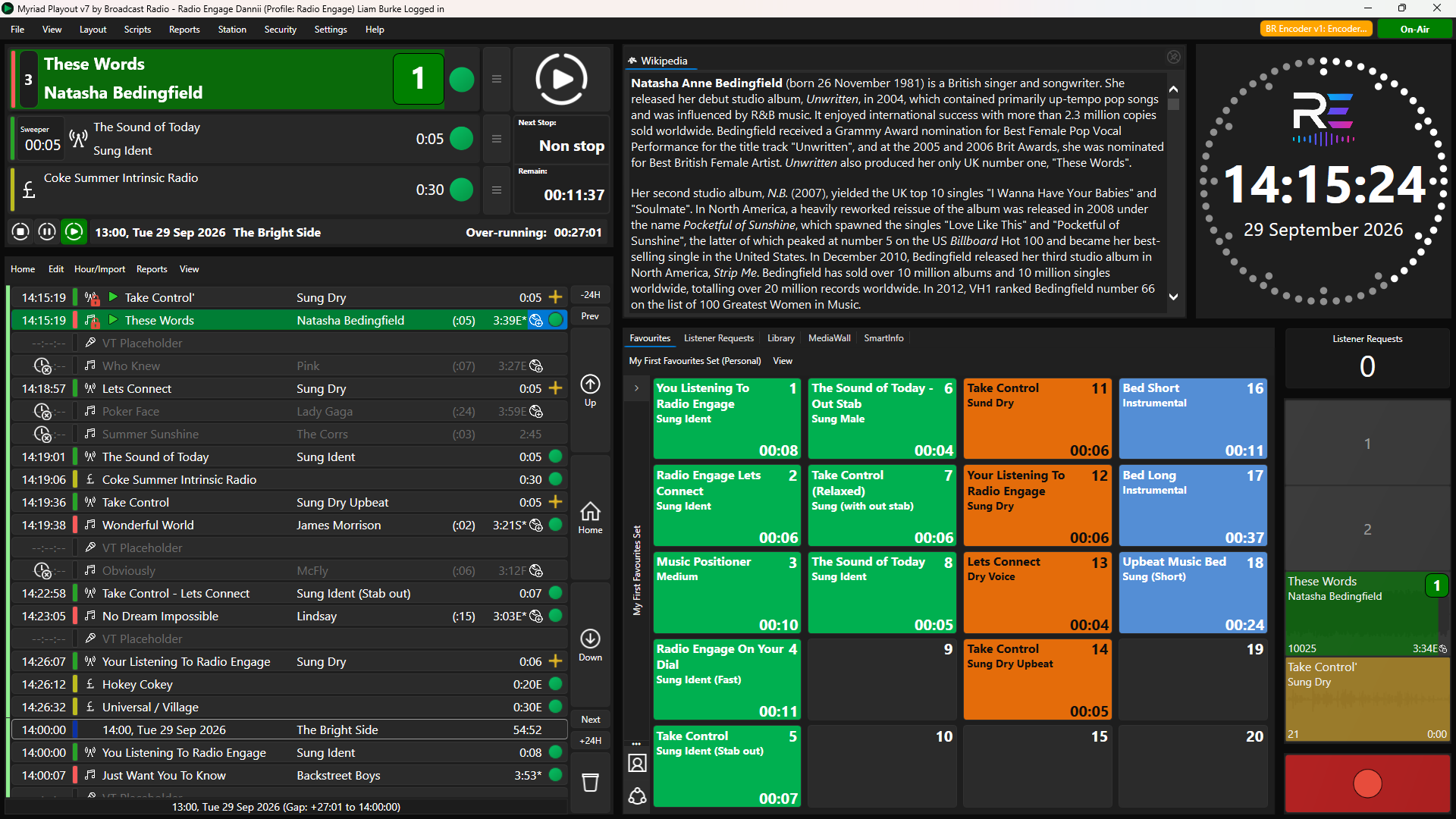
Myriad Playout & Automation: Your Studio Anchor
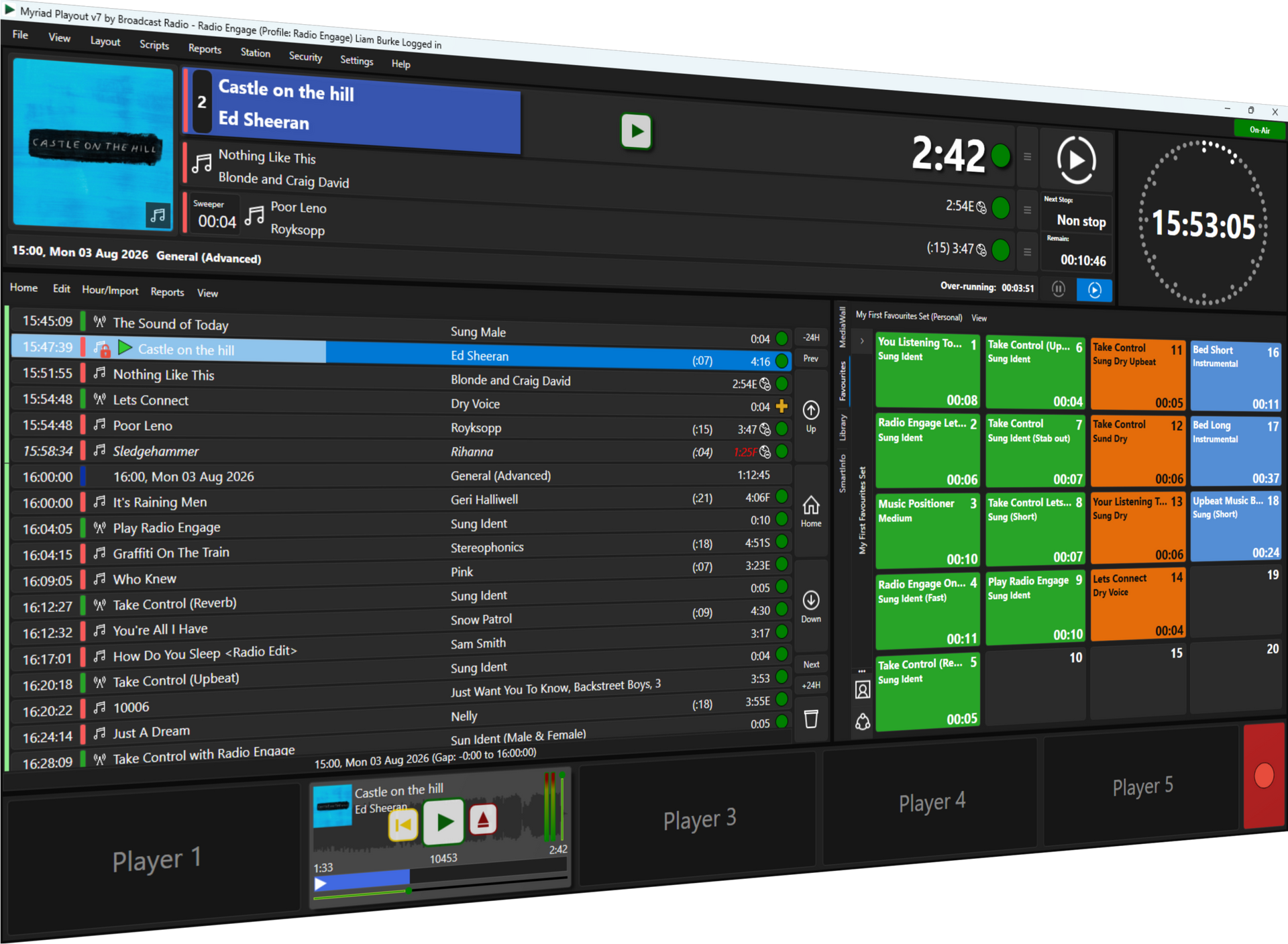
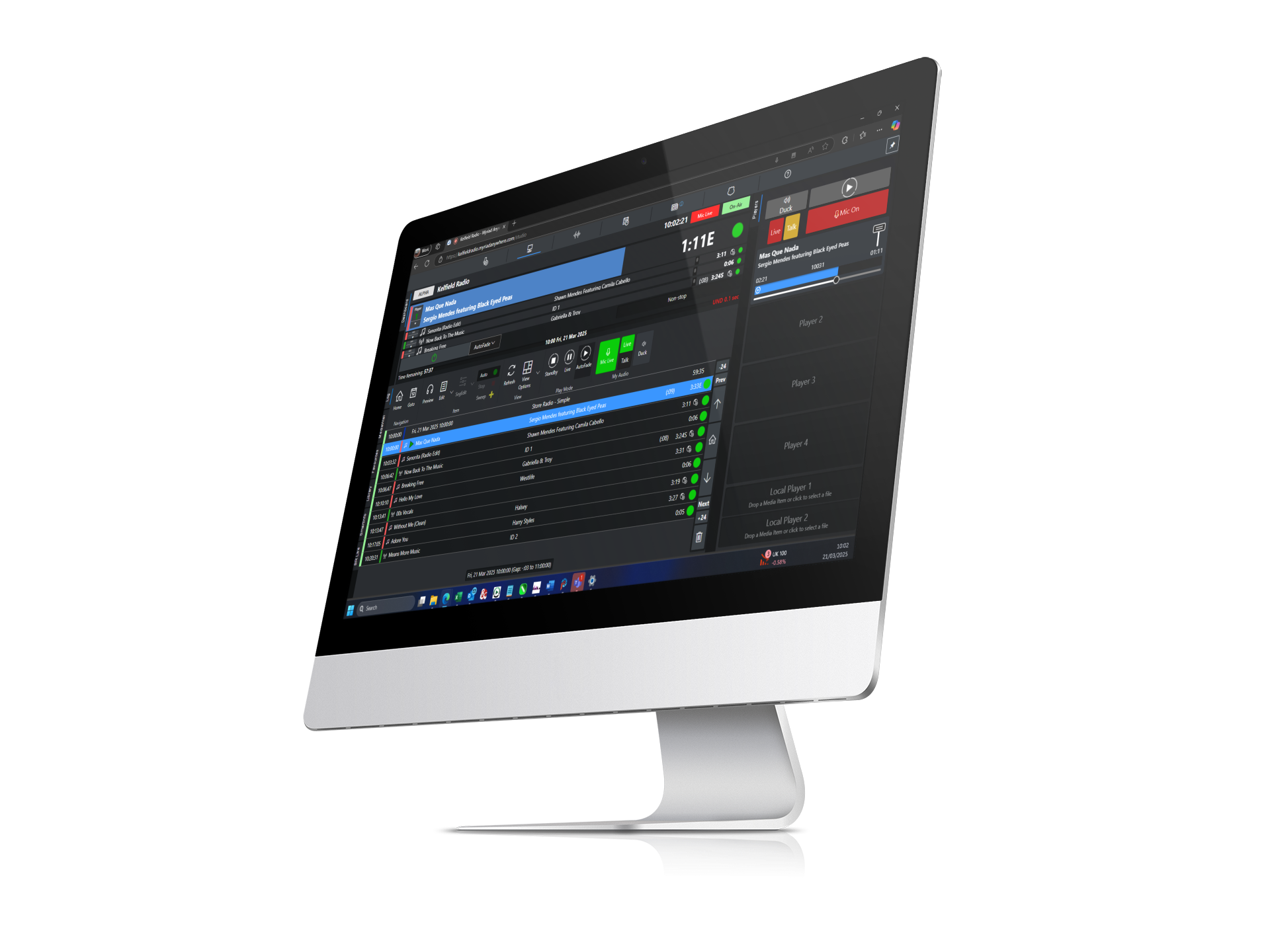
Myriad Playout is your on-premises radio automation software. It runs locally in your radio studio, handling live shows, automated playout, and everything in between.
Key benefits:
- Full control over your broadcast chain
- No reliance on internet connectivity during live shows
- Instant access to your local audio library
- Complete independence from cloud outages
For stations that value hands-on control: especially during high-stakes programming like breakfast shows or breaking news: Myriad Playout & Automation provides the rock-solid foundation your operation needs.
Myriad Cloud: Your Remote Broadcast Engine
Myriad Cloud is a fully cloud-hosted version of the same powerful radio broadcasting software. It runs on Broadcast Radio's infrastructure, accessible from any web-enabled device.
Key benefits:
- No on-site servers required
- Broadcast from anywhere with an internet connection
- Automatic software updates and maintenance
- Ideal for remote studios, backup sites, or internet radio station set up
Myriad Cloud is perfect for stations that want to reduce their hardware footprint, or for those moments when your team needs to broadcast from outside the building.
Myriad Anywhere: Your Contribution Layer
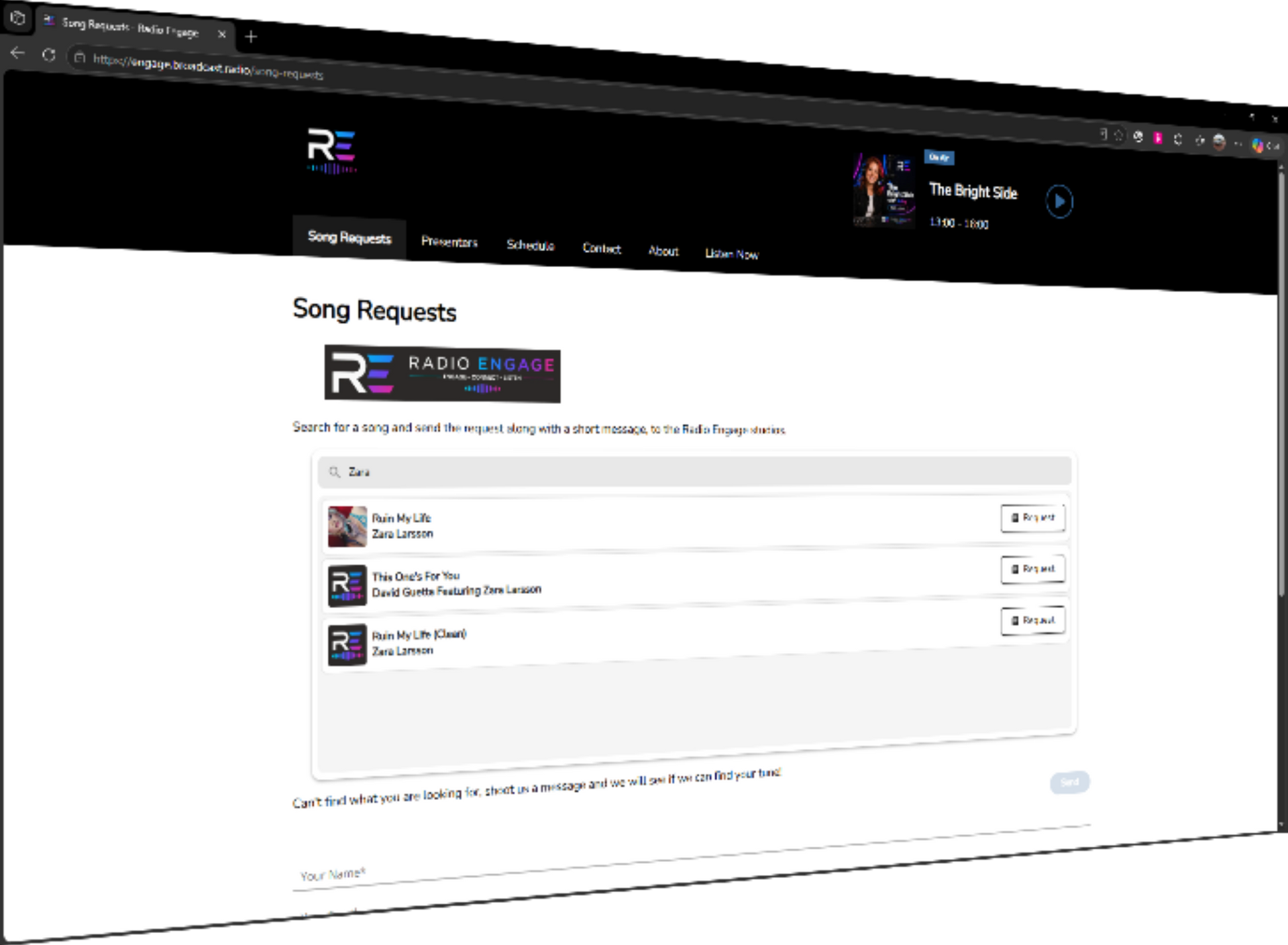
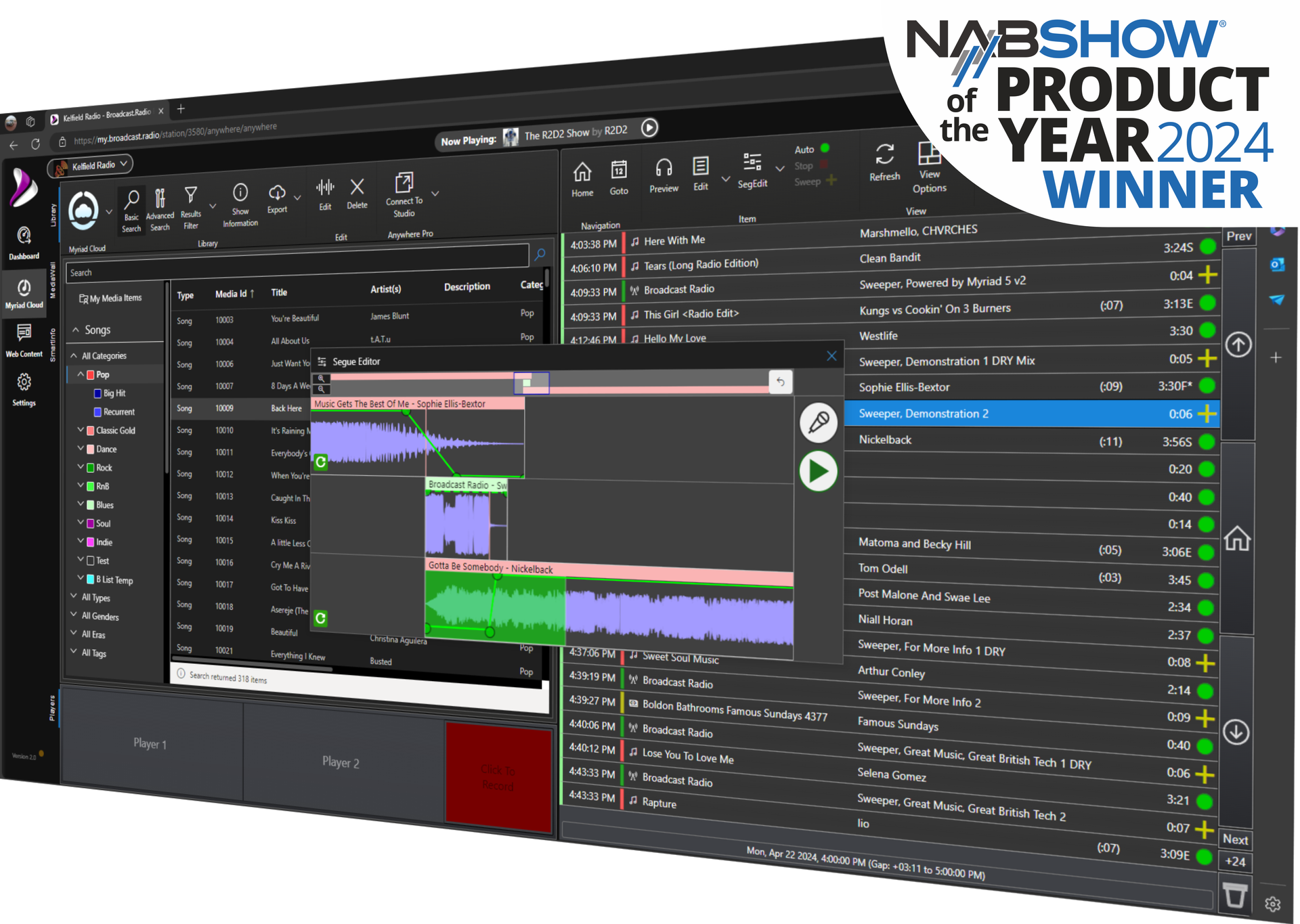
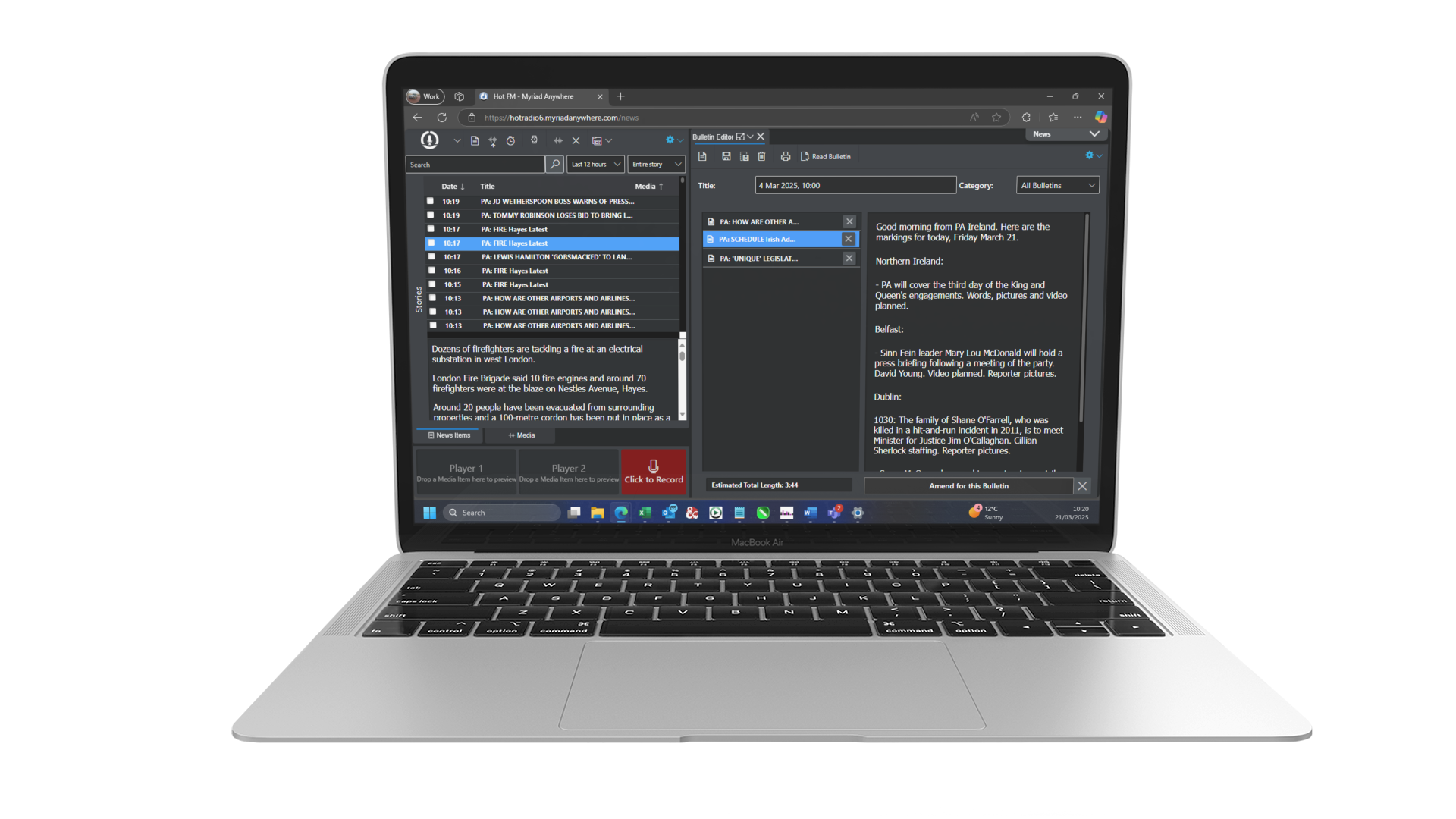
Myriad Anywhere is where your wider team plugs in. It's a browser-based tool that lets presenters, journalists, and producers contribute to your station from any location.
Key benefits:
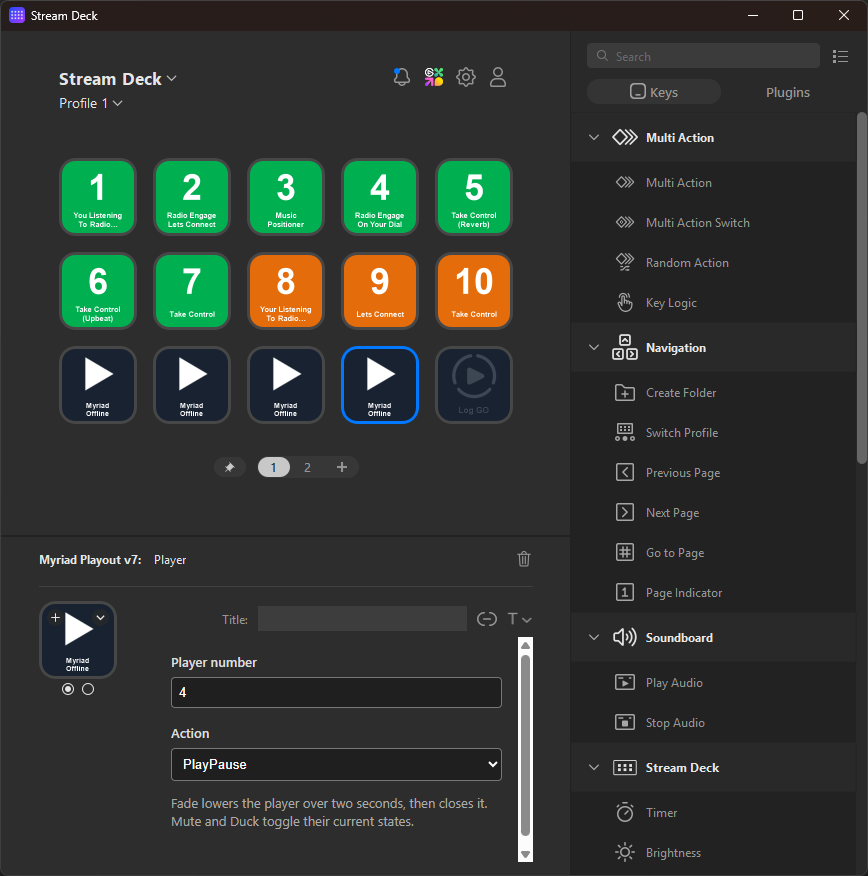
- Voice tracking from home, hotel rooms, or live events
- News bulletin recording and editing via browser
- Schedule management without studio access
- Works on laptops, tablets, and even smartphones
No software installation. No VPN headaches. Just open a browser, log in, and get to work.
The Magic: Bi-Directional Synchronisation
Here's where hybrid radio gets genuinely clever.
Myriad Playout and Myriad Cloud don't just coexist: they talk to each other. Bi-directional synchronisation means your content, schedules, and metadata stay consistent across both platforms automatically.
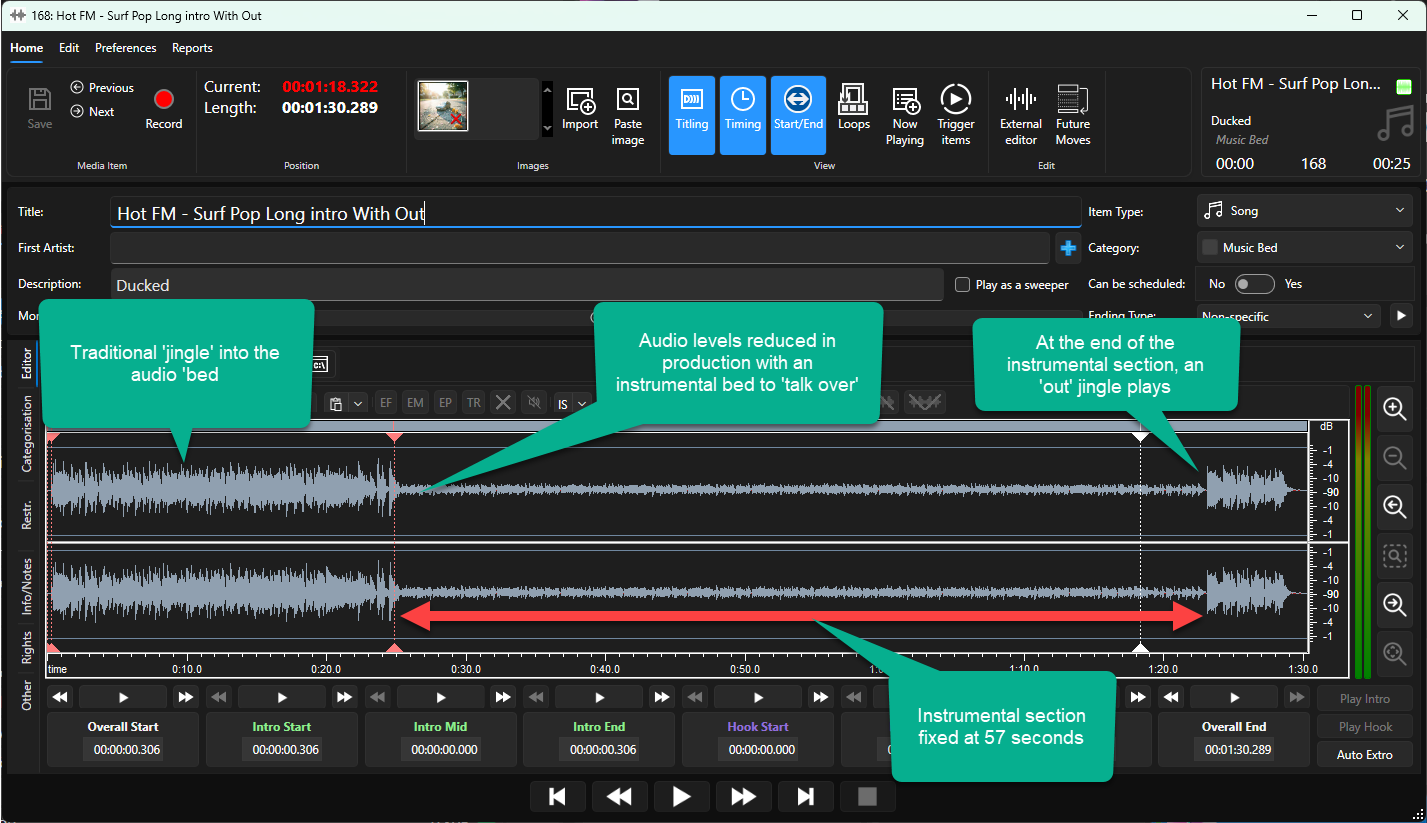
Upload a new jingle to your studio system? It appears in the cloud. Record a voice track via Myriad Anywhere? It syncs back to your local database. Update your radio scheduler from home? The changes reflect in the studio instantly.
This synchronisation works both ways, which means you're never locked into one platform. Your team can work wherever makes sense, and everything stays in sync.
No manual file transfers. No version conflicts. No "which system has the latest copy?" confusion.
A Day in the Life: Hybrid Radio in Action
Let's make this concrete. Here's how a typical hybrid radio workflow might look:
06:00 – Breakfast Show (Live from the Studio)
Your breakfast presenter arrives at the radio studio. They're running the show live using Myriad Playout on local hardware. The internet could drop entirely and the show would continue without a hiccup. Full control, zero dependency.
10:00 – Mid-Morning (Automated from the Cloud)
The breakfast team heads home. The station switches to automated playout running on Myriad Cloud. Pre-scheduled music, imaging, and voice tracks play out seamlessly. No one needs to be in the building!
14:00 – Afternoon Voice Tracks (Contributed Remotely)
Your afternoon presenter is working from home today. They log into Myriad Anywhere via their laptop, record voice tracks for their show, and drop them straight into the schedule. The content syncs to both the cloud and the studio database.

18:00 – Drive Time (Live from a Remote Location)
Your drive presenter is covering a local event. Using a 4G connection and Myriad Anywhere, they present their show remotely, using a USB mic plugged into their laptop for live voice segues. Their colleague is in the studio co-presenting with real time conversations and either able to control the flow of the show.
22:00 – Overnight (Fully Automated)
The station runs unattended overnight via Myriad Cloud. Scheduled content plays out automatically. If the cloud experiences any issues, the local Myriad Playout system can pick up the stream at a moments notice.
This isn't theoretical. Stations are running exactly this kind of hybrid workflow right now.
Reliability: The Failover Factor
Let's talk about the elephant in the room: what happens when things go wrong?
With a studio-only setup, a power cut or hardware failure can take you off air. With a cloud-only setup, an internet outage does the same.
Hybrid radio solves both problems.
If your studio goes offline, Myriad Cloud keeps broadcasting. If your internet drops, Myriad Playout continues locally. The two systems act as backups for each other, giving you redundancy that neither approach offers alone.
For stations where uptime is non-negotiable: commercial broadcasters, emergency services, or anyone with compliance obligations: this failover capability is worth its weight in gold.

Who Benefits Most from Hybrid Radio?
Hybrid setups make sense for a wide range of broadcasters:
- Station groups looking to centralise operations while maintaining local studios
- Growing stations that want cloud flexibility without abandoning existing radio broadcasting equipment
- Remote-first teams who need contribution tools that work from anywhere
- Stations with compliance requirements that demand redundancy and failover
- Anyone planning how to start a radio station with future scalability in mind
If you're currently running a studio-only setup and wondering how to add remote capabilities: or you're fully cloud-based and want more control: hybrid radio meets you where you are.
See Hybrid Radio in Action
Words only go so far. If you want to see how Myriad Playout, Myriad Cloud, and Myriad Anywhere work together in practice, we've put together a short video walkthrough.
Watch the hybrid radio video here
And if you're ready to explore what a hybrid setup could look like for your station, head over to our Hybrid Radio page for more details: or just drop us a message. We're always happy to talk through the options.